Consent Choice Patterns
Consent Banner Choices
A plain-language choices banner shows two clear buttons and says no cookies are written.
Program
Consent and preference prompts should use short, direct language and clear actions. This lesson is a static preference panel only.
consent_banner_choices.html
Visuals: captured from real browser rendering
<section class="consent-banner" aria-labelledby="consent-title">
  <h2 id="consent-title">Site choices</h2>
  <p>Choose how this lesson remembers preferences. Necessary features stay on.</p>
  <div class="actions">
    <button type="button">Use necessary only</button>
    <button type="button">Customize choices</button>
  </div>
  <p class="note">No cookies are written in this lesson.</p>
</section>
<style>
  .consent-banner { display: grid; gap: 10px; max-width: 34rem; border: 1px solid #94a3b8; padding: 12px; }
  .actions { display: flex; gap: 8px; flex-wrap: wrap; }
  .note { margin: 0; color: #475569; }
</style>
Label the choices panel.
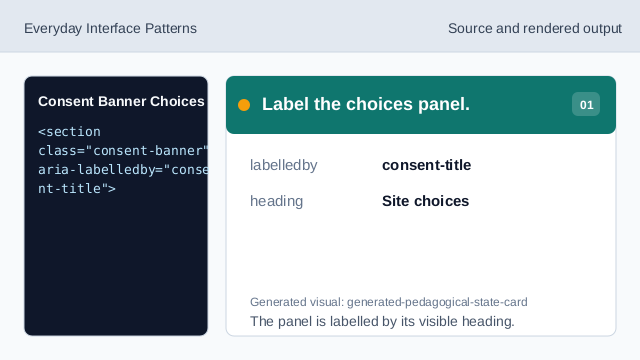
The panel is labelled by its visible heading. Write short preference copy.
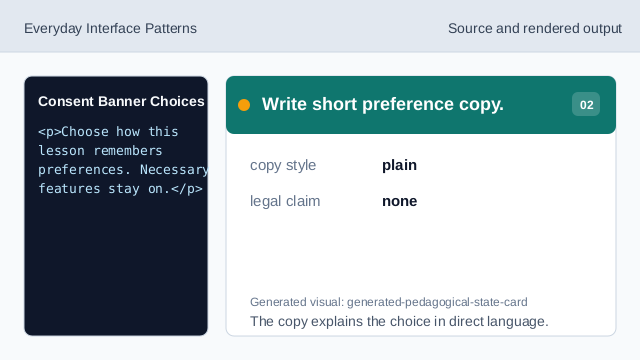
The copy explains the choice in direct language. Show the necessary-only action.
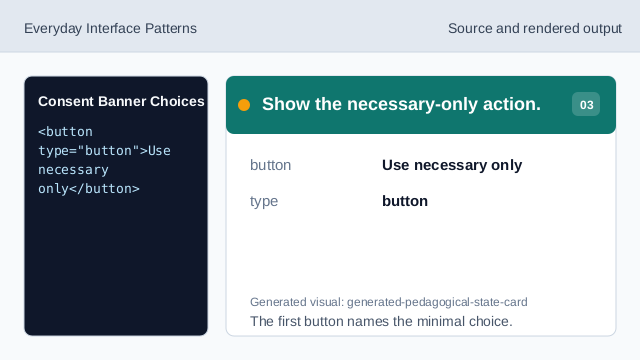
The first button names the minimal choice. Show the customize action.
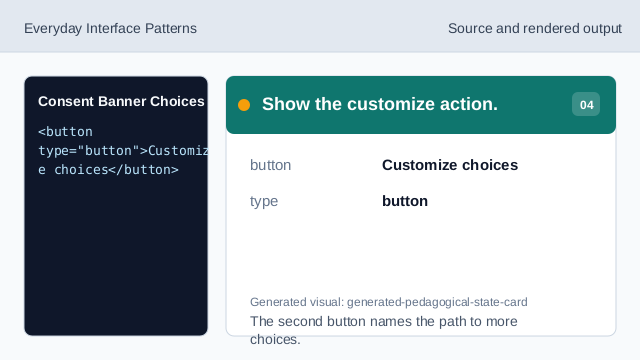
The second button names the path to more choices. State what does not happen.
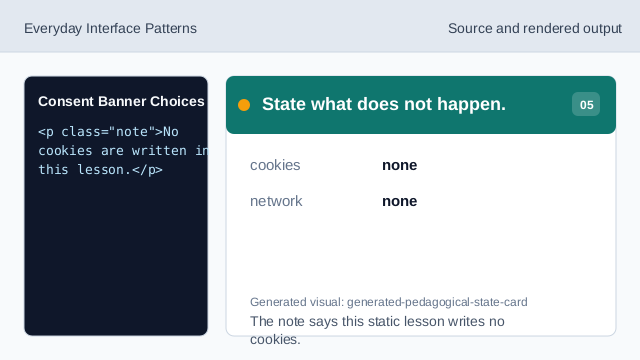
The note says this static lesson writes no cookies. Check the consent banner.
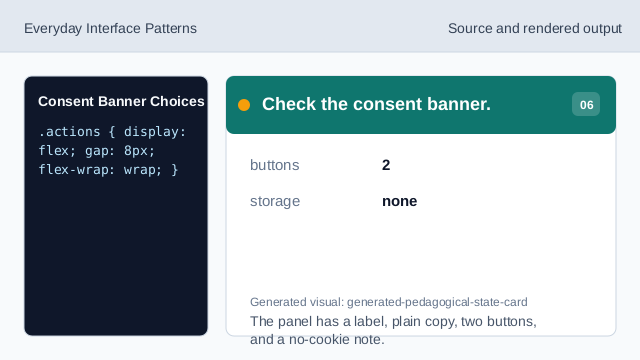
The panel has a label, plain copy, two buttons, and a no-cookie note.
plain language
Short copy should explain the choice without legal claims.
clear buttons
Buttons should name the available actions.
no cookies
The lesson should not imply cookies were written.