Language and Direction Patterns
RTL Logical Spacing
A small action row uses dir="rtl" and logical CSS properties so spacing follows direction.
Program
Logical properties follow writing direction. In a right-to-left row, inline spacing should come from inline rules instead of left or right guesses.
rtl_logical_spacing.html
Visuals: captured from real browser rendering
<div class="action-row" dir="rtl">
  <button>Save</button>
  <button class="secondary">Cancel</button>
</div>
<style>
  .action-row { display: flex; padding-inline: 12px; border: 1px solid #94a3b8; }
  .secondary { margin-inline-start: 8px; }
</style>
Create the action row.
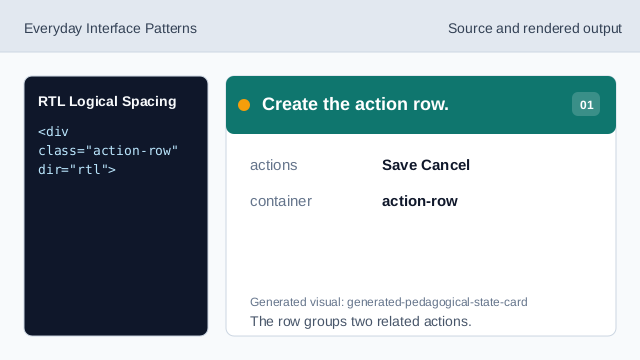
The row groups two related actions. Set right-to-left direction.
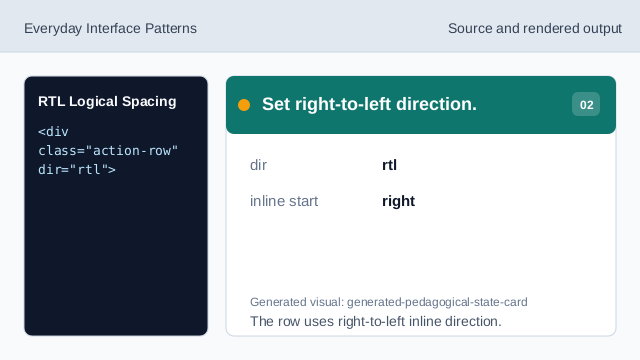
The row uses right-to-left inline direction. Use logical padding.
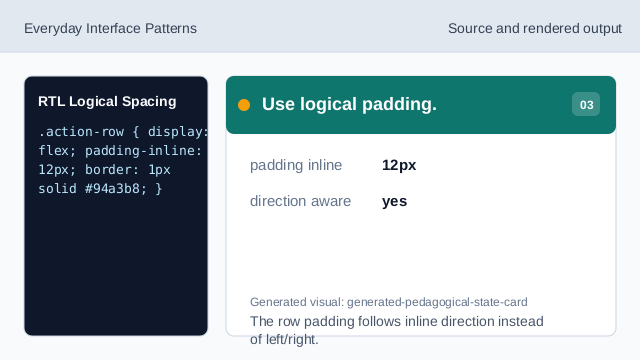
The row padding follows inline direction instead of left/right. Space the secondary action.
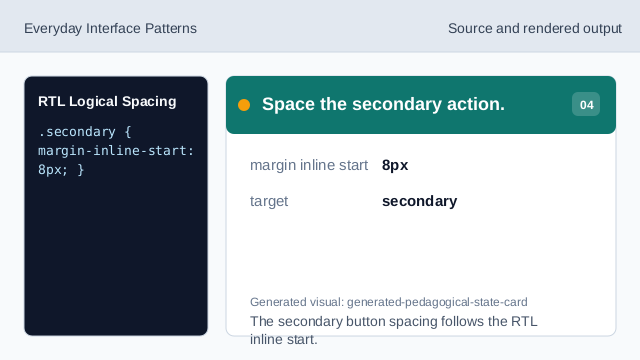
The secondary button spacing follows the RTL inline start. Render right-to-left layout.
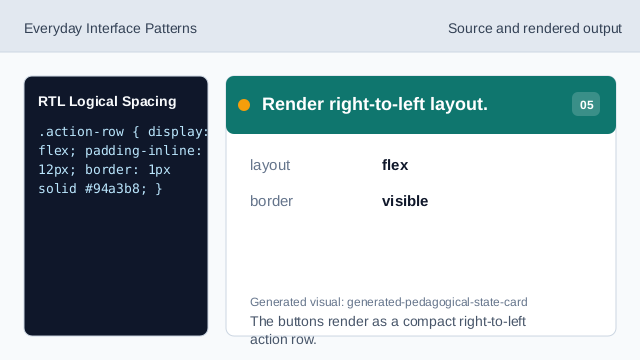
The buttons render as a compact right-to-left action row. Check direction-aware spacing.
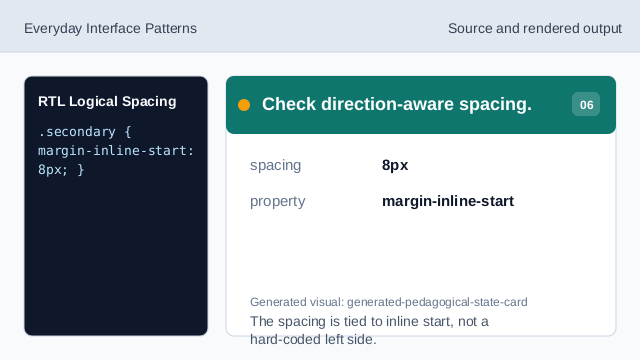
The spacing is tied to inline start, not a hard-coded left side.
dir rtl
dir="rtl" sets right-to-left direction for the row.
logical padding
padding-inline applies to the inline start and end sides.
logical margin
margin-inline-start follows the current writing direction.