Language and Direction Patterns
Language Span Label
A sentence contains a short Spanish phrase marked with lang="es" so the browser has the right language boundary.
Program
When a short phrase changes language inside a sentence, mark that phrase. The visible text stays simple, and the browser gets the right language boundary.
language_span_label.html
Visuals: captured from real browser rendering
<p>Order status: <span lang="es">en camino</span>.</p>
<style>
  [lang="es"] { font-style: italic; }
</style>
Create the sentence.
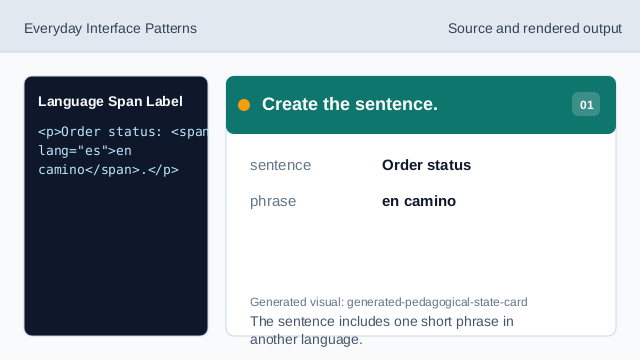
The sentence includes one short phrase in another language. Mark the Spanish phrase.
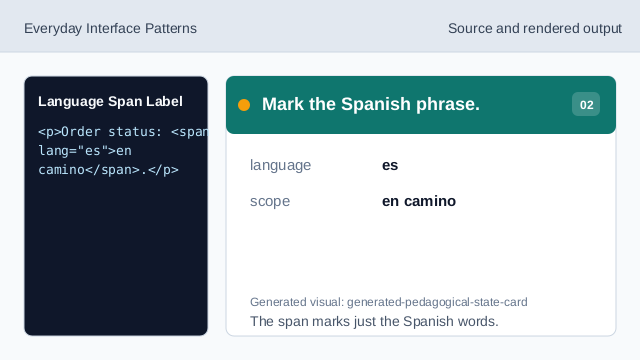
The span marks just the Spanish words. Create the language boundary.
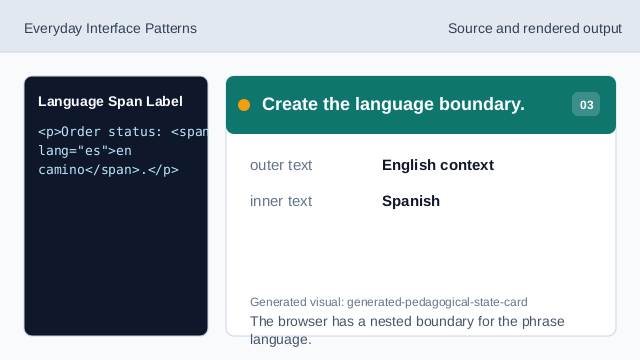
The browser has a nested boundary for the phrase language. Render phrase context.
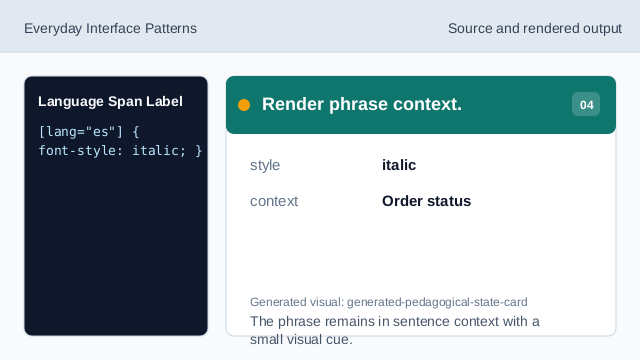
The phrase remains in sentence context with a small visual cue. Check the phrase scope.
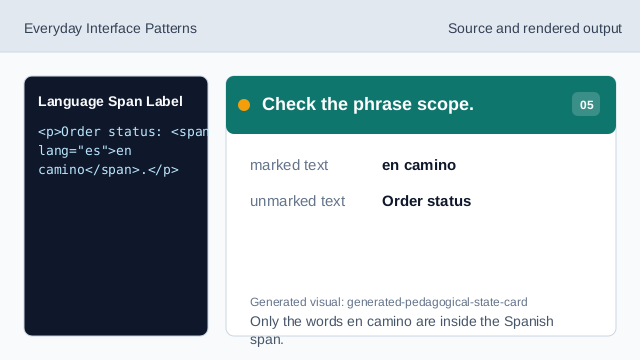
Only the words en camino are inside the Spanish span.
lang attribute
lang marks the language of an element.
phrase boundary
A nested span can mark only the words that change language.
visible context
The surrounding sentence remains readable while the phrase keeps its language.