Connectivity State Patterns
Queued Retry Panel
A queued retry panel shows a pinned count of 2, a Retry button, and status text saying no request is sent.
Program
Retry panels should show what is waiting and what a person can do next. This lesson keeps the queue count fixed and sends no request.
queued_retry_panel.html
Visuals: captured from real browser rendering
<section class="retry-panel" data-queued-count="2">
  <h2>2 changes queued</h2>
  <p role="status">Two save attempts are waiting in this static example.</p>
  <button type="button" aria-describedby="retry-note">Retry now</button>
  <p id="retry-note">No request is sent in this lesson.</p>
</section>
<style>
  .retry-panel { display: grid; gap: 10px; max-width: 30rem; border: 1px solid #64748b; padding: 12px; }
  .retry-panel button { justify-self: start; padding: 8px 12px; }
  #retry-note { margin: 0; color: #475569; }
</style>
Pin the queued count.
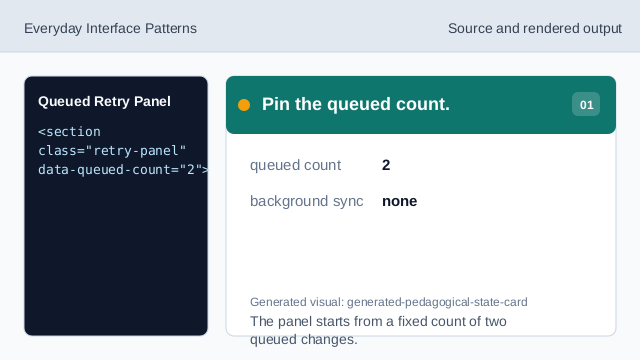
The panel starts from a fixed count of two queued changes. Show the queue heading.
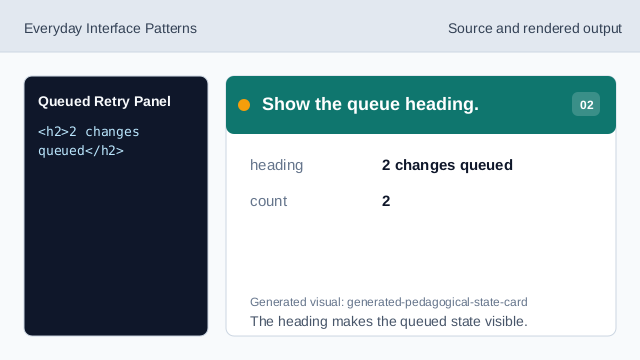
The heading makes the queued state visible. Explain what is waiting.
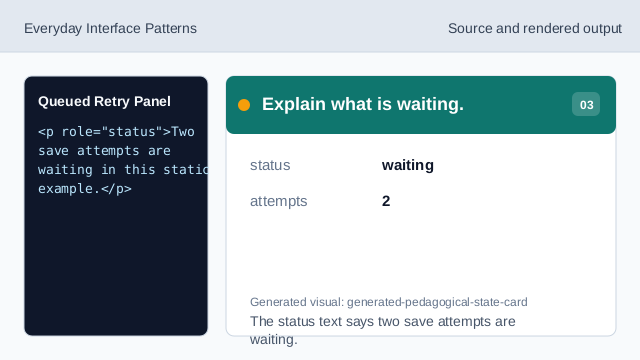
The status text says two save attempts are waiting. Add the retry affordance.
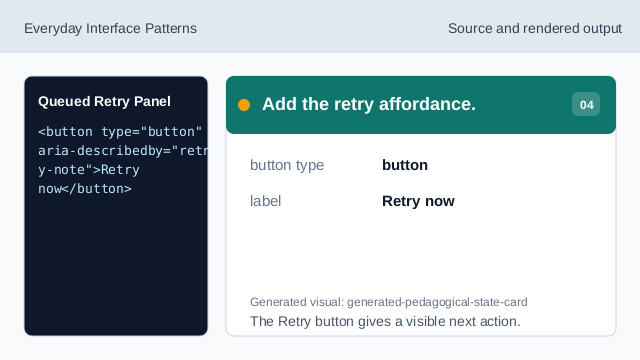
The Retry button gives a visible next action. State what does not happen.
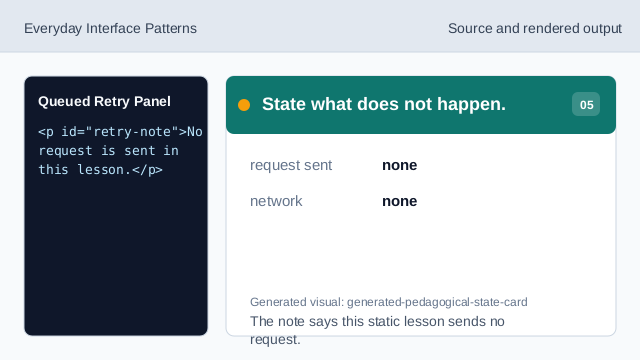
The note says this static lesson sends no request. Check the queued retry panel.
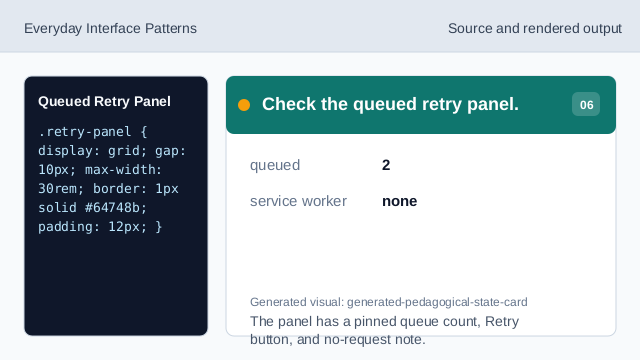
The panel has a pinned queue count, Retry button, and no-request note.
queued count
A pinned count can show how many actions are waiting.
retry affordance
A button gives people a visible next action.
no request
The lesson should not imply a retry request was sent.