Connectivity State Patterns
Offline Status Banner
A visible offline banner uses a pinned offline state and says no network probe runs in the lesson.
Program
Offline UI should be visible, calm, and honest. This lesson uses a fixed offline state rather than checking the real network.
offline_status_banner.html
Visuals: captured from real browser rendering
<section class="offline-banner" data-connection-state="offline" role="status">
  <strong>Offline</strong>
  <span>Changes may wait until connection returns.</span>
  <p>No network probe runs in this lesson.</p>
</section>
<style>
  .offline-banner { display: grid; gap: 6px; max-width: 32rem; border: 1px solid #b45309; padding: 12px; background: #fff7ed; }
  .offline-banner strong { color: #92400e; }
  .offline-banner p { margin: 0; color: #475569; }
</style>
Pin the offline state.
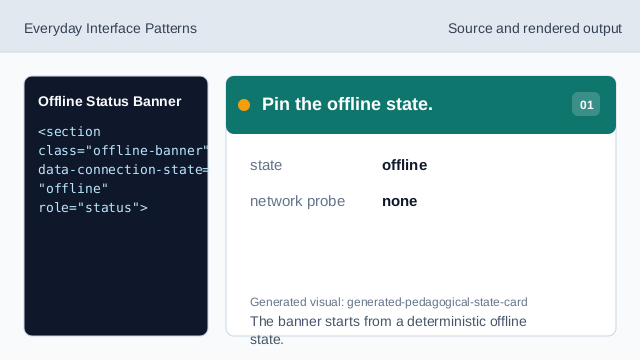
The banner starts from a deterministic offline state. Make the banner a status region.
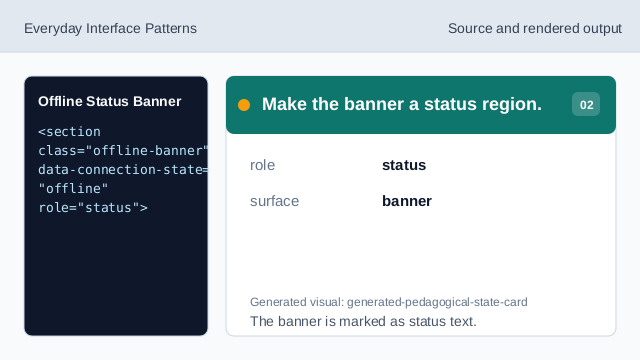
The banner is marked as status text. Show the offline label.
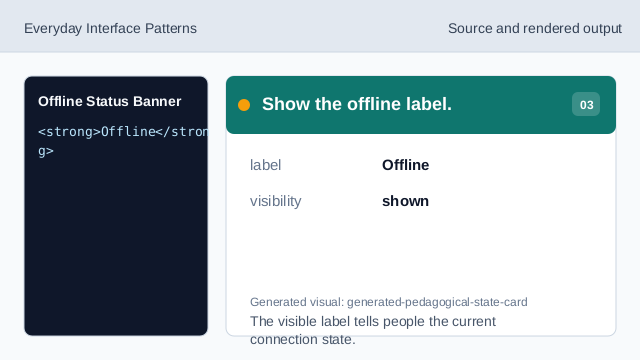
The visible label tells people the current connection state. Explain the consequence.
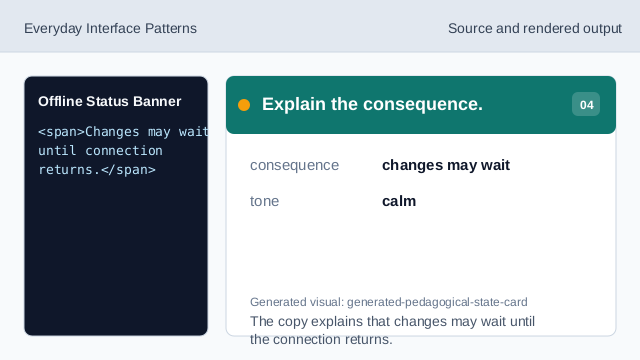
The copy explains that changes may wait until the connection returns. State what does not run.
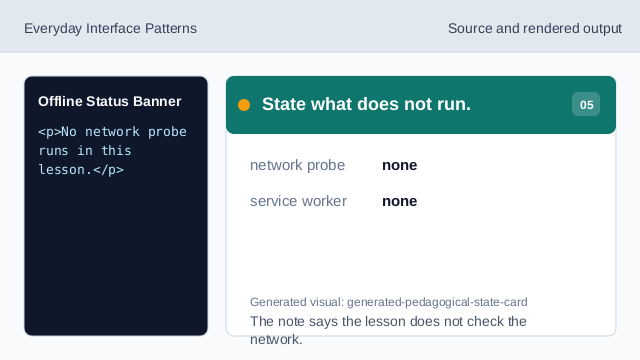
The note says the lesson does not check the network. Check the offline banner.
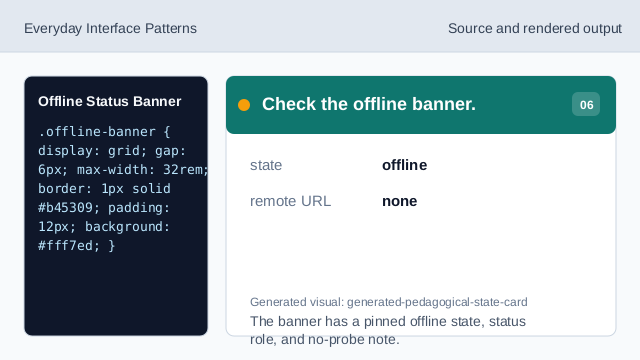
The banner has a pinned offline state, status role, and no-probe note.
offline state
A data attribute can pin the displayed connection state for the lesson.
status region
role="status" marks the banner as status text.
no probe
The lesson should not imply it checked the real network.