Project Creation Patterns
Visibility Summary
A static project creation summary shows Team only visibility with Starter Board template for Northstar Studio, with no permission service or save.
Program
Project creation summaries should show visibility and template choices as review data without enforcing or saving permissions.
project_visibility_summary.html
Visuals: captured from real browser rendering
<section class="visibility-summary" aria-labelledby="visibility-title">
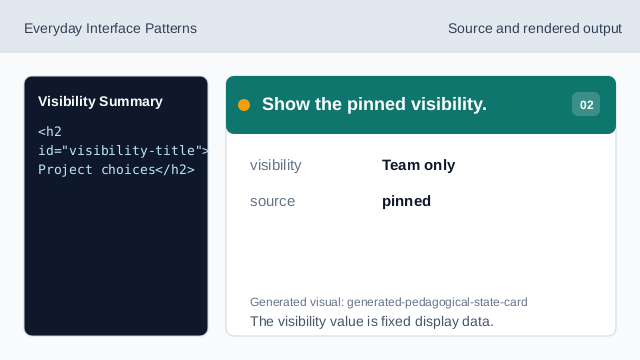
  <h2 id="visibility-title">Project choices</h2>
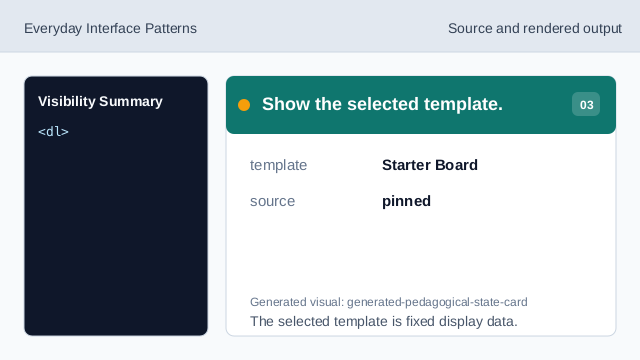
  <dl>
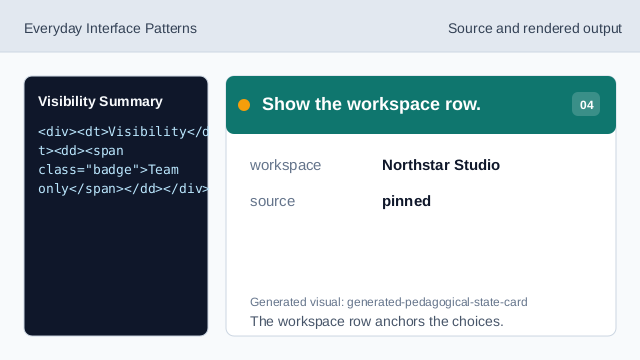
    <div><dt>Visibility</dt><dd><span class="badge">Team only</span></dd></div>
    <div><dt>Template</dt><dd>Starter Board</dd></div>
    <div><dt>Workspace</dt><dd>Northstar Studio</dd></div>
  </dl>
  <p class="status">Team members can view this project.</p>
  <p class="note">Static visibility summary only; no permission enforcement, workspace service, storage, or backend save runs.</p>
</section>
<style>
  .visibility-summary { display: grid; gap: 10px; max-width: 38rem; border: 1px solid #64748b; padding: 12px; }
  .visibility-summary dl { display: grid; gap: 8px; margin: 0; }
  .visibility-summary dl div { display: grid; grid-template-columns: 8rem 1fr; gap: 8px; }
  .badge { border-radius: 999px; background: #dbeafe; padding: 2px 8px; }
  .status { border: 1px solid #60a5fa; background: #eff6ff; padding: 8px; }
  .visibility-summary dd, .visibility-summary p, .note { margin: 0; }
  .note { color: #475569; }
</style>
Label the project choices summary.
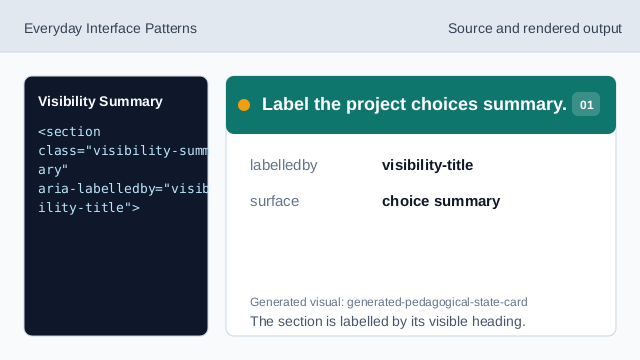
The section is labelled by its visible heading. Show the pinned visibility.
The visibility value is fixed display data. Show the selected template.
The selected template is fixed display data. Show the workspace row.
The workspace row anchors the choices. Show the user-facing readback.
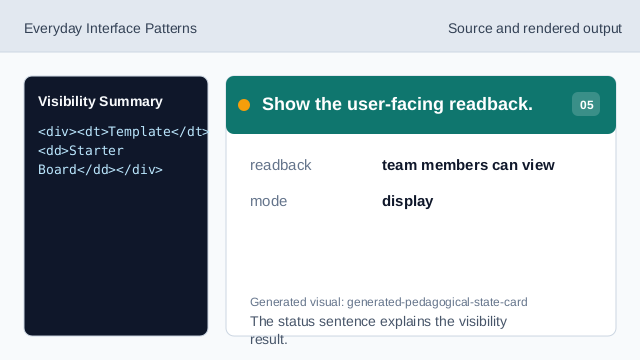
The status sentence explains the visibility result. Check visibility honesty.
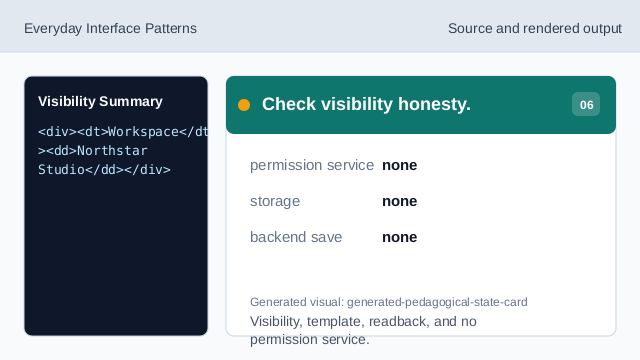
Visibility, template, readback, and no permission service.
visibility badge
Team only is visible as pinned review data.
template choice
Starter Board is the selected template shown in the summary.
no enforcement
The lesson should not imply permission enforcement, storage, workspace services, or backend saves.