Project Creation Patterns
Project Ready
A static confirmation card shows Project ready for Northstar Launch in Northstar Studio, with no redirect, route change, generated ID, or backend creation.
Program
Created-confirmation screens should make the success state readable without claiming a backend create, route change, or generated ID.
project_created_confirmation.html
Visuals: captured from real browser rendering
<section class="project-ready" aria-labelledby="ready-title">
  <h2 id="ready-title">Project ready</h2>
  <div class="status" role="status">Project ready</div>
  <p><strong>Project</strong> Northstar Launch</p>
  <p><strong>Workspace</strong> Northstar Studio</p>
  <p><strong>Template</strong> Starter Board</p>
  <button type="button">View project</button>
  <p class="note">Static confirmation only; no project creation API, redirect, route change, generated ID, or backend service runs.</p>
</section>
<style>
  .project-ready { display: grid; gap: 10px; max-width: 38rem; border: 1px solid #15803d; padding: 12px; background: #f0fdf4; }
  .status { border: 1px solid #16a34a; background: #dcfce7; padding: 8px; font-weight: 700; }
  .project-ready p, .note { margin: 0; }
  .project-ready button { justify-self: start; padding: 8px 12px; }
  .note { color: #475569; }
</style>
Label the confirmation card.
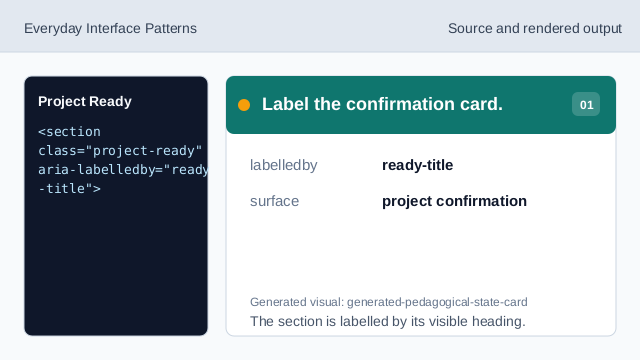
The section is labelled by its visible heading. Expose the confirmation result.
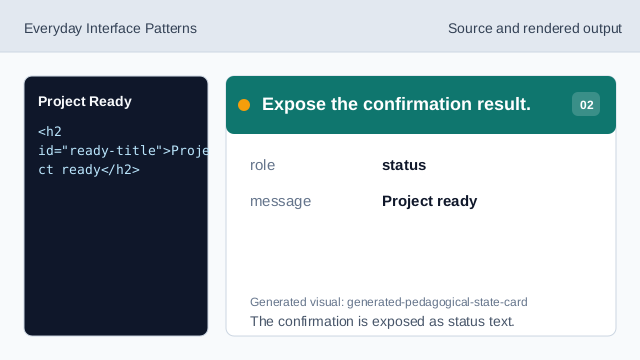
The confirmation is exposed as status text. Show the created project name.
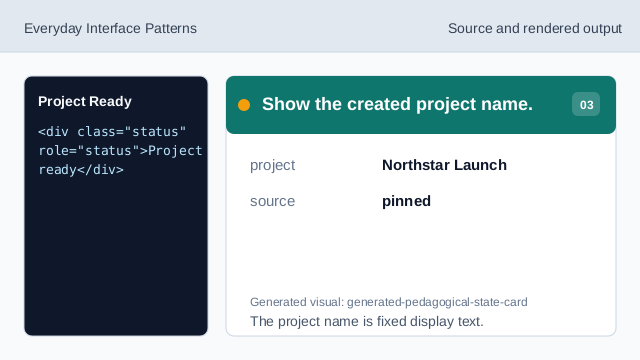
The project name is fixed display text. Show the workspace name.
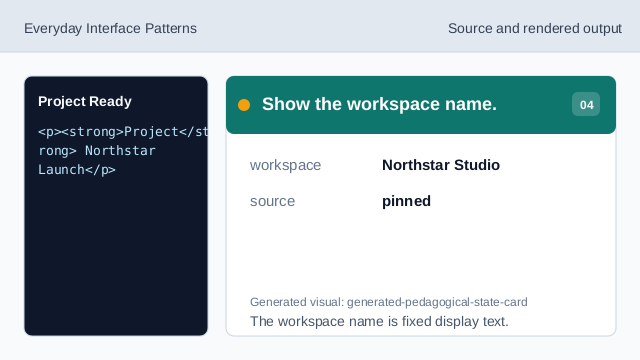
The workspace name is fixed display text. Show the selected template.
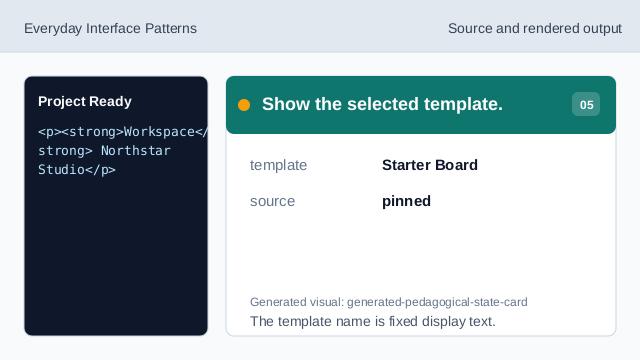
The template name is fixed display text. Show the view affordance.
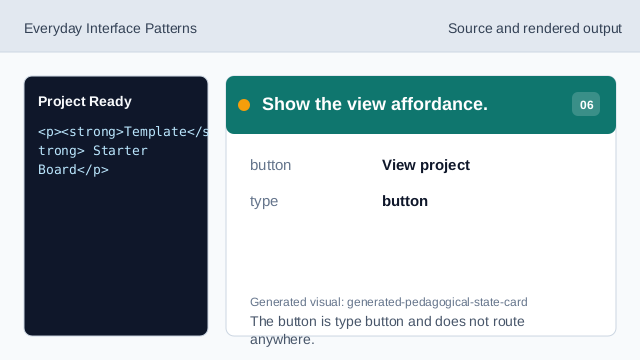
The button is type button and does not route anywhere. Check confirmation honesty.
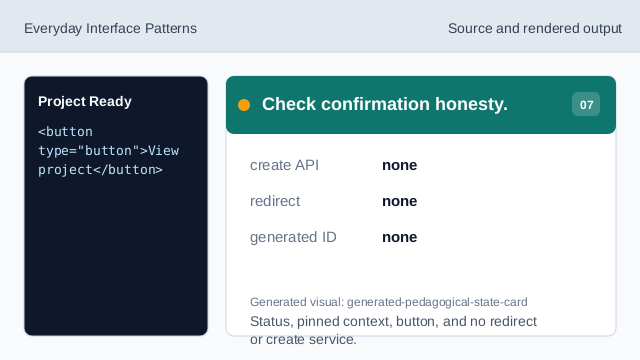
Status, pinned context, button, and no redirect or create service.
confirmation status
Project ready is visible and exposed as status text.
pinned project context
Project, workspace, and template values are fixed data.
no redirect
The lesson should not imply a creation API, generated ID, redirect, route change, or backend service.