Profile Summary Patterns
Profile Checklist
A static profile checklist shows 2 of 3 complete with visible progress text and no storage update.
Program
Completion summaries should show the count and the checklist items. This lesson uses a fixed 2 of 3 state.
profile_completion_checklist.html
Visuals: captured from real browser rendering
<section class="profile-checklist" aria-labelledby="completion-title">
  <h2 id="completion-title">Profile completion</h2>
  <p role="status">2 of 3 complete.</p>
  <ul>
    <li><span aria-hidden="true">✓</span> Name added</li>
    <li><span aria-hidden="true">✓</span> Email added</li>
    <li><span aria-hidden="true">□</span> Phone needs review</li>
  </ul>
  <p class="note">Static checklist only; no backend or storage update runs.</p>
</section>
<style>
  .profile-checklist { display: grid; gap: 10px; max-width: 32rem; border: 1px solid #94a3b8; padding: 12px; }
  .profile-checklist ul { display: grid; gap: 6px; margin: 0; padding-left: 1.2rem; }
  .note { margin: 0; color: #475569; }
</style>
Label the profile checklist.
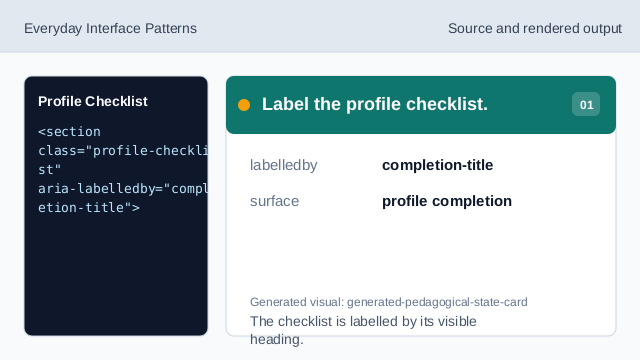
The checklist is labelled by its visible heading. Show the pinned progress count.
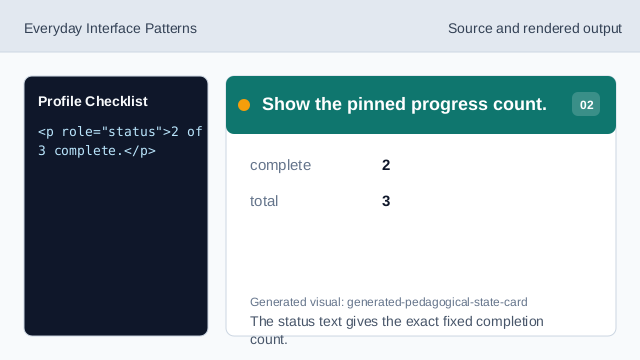
The status text gives the exact fixed completion count. Show a completed item.
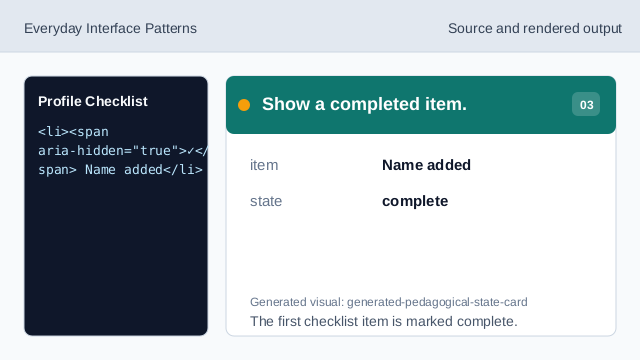
The first checklist item is marked complete. Show the second completed item.
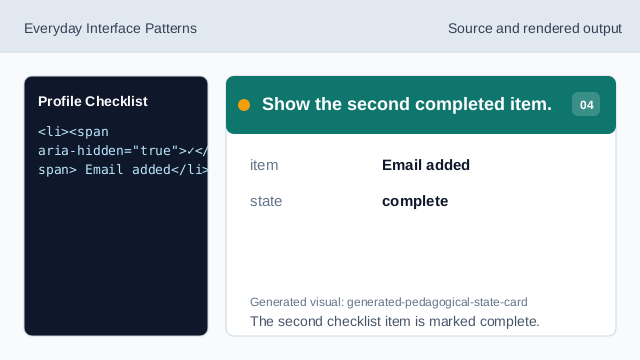
The second checklist item is marked complete. Show the incomplete item.
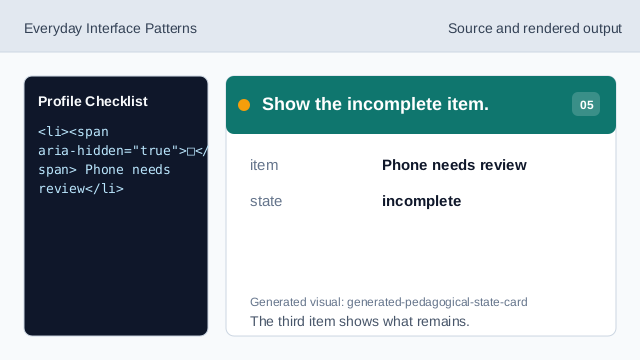
The third item shows what remains. Check the profile checklist.
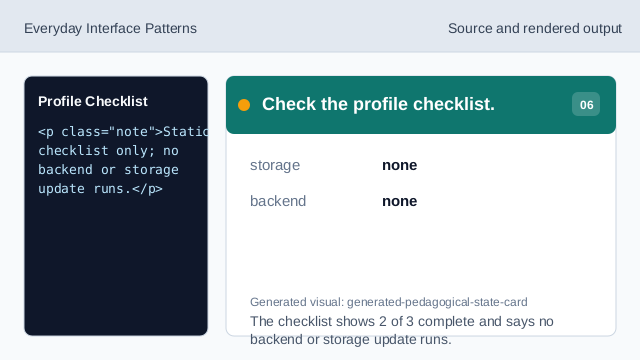
The checklist shows 2 of 3 complete and says no backend or storage update runs.
visible progress
The count should be visible before the item list.
static checklist
The completed and incomplete items are fixed lesson data.
no storage update
The lesson should not imply profile progress was saved.