Profile Summary Patterns
Avatar Initials
An initials avatar shows MP for pinned user Mina Patel with a full-name label and no image fetch.
Program
A profile summary can use text initials when no image is needed. This lesson uses pinned name data and does not fetch a profile image.
avatar_initials_label.html
Visuals: captured from real browser rendering
<section class="profile-card" aria-labelledby="profile-name">
  <div class="avatar" role="img" aria-label="Mina Patel profile avatar">MP</div>
  <div>
    <h2 id="profile-name">Mina Patel</h2>
    <p class="note">Initials avatar only; no profile image is fetched.</p>
  </div>
</section>
<style>
  .profile-card { display: flex; gap: 12px; align-items: center; max-width: 32rem; border: 1px solid #94a3b8; padding: 12px; }
  .avatar { display: grid; place-items: center; width: 3rem; height: 3rem; border-radius: 50%; background: #0f766e; color: white; font-weight: 700; }
  .note { margin: 0; color: #475569; }
</style>
Label the profile card.
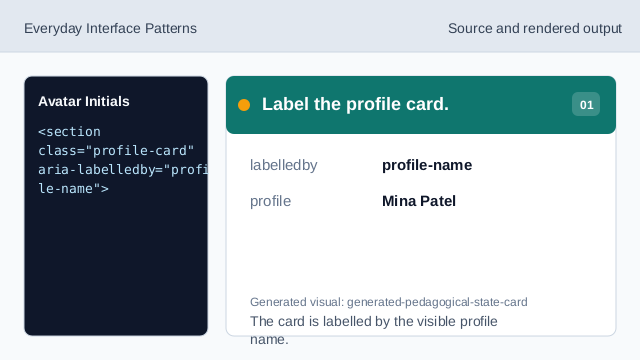
The card is labelled by the visible profile name. Represent the initials as an image-like avatar.
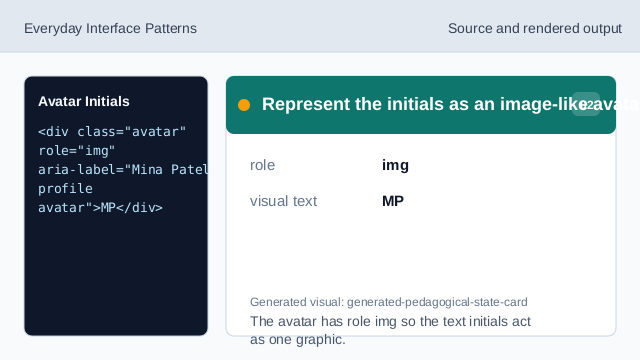
The avatar has role img so the text initials act as one graphic. Give the avatar a full-name label.
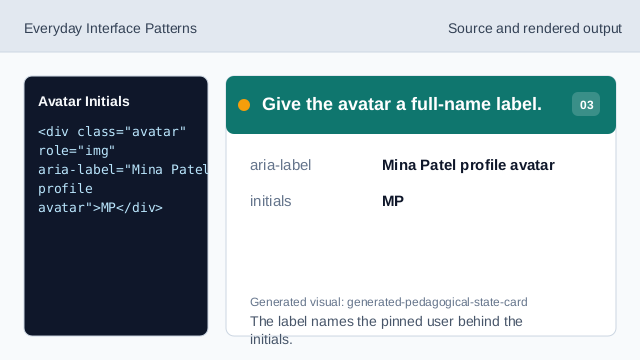
The label names the pinned user behind the initials. Show the pinned full name.
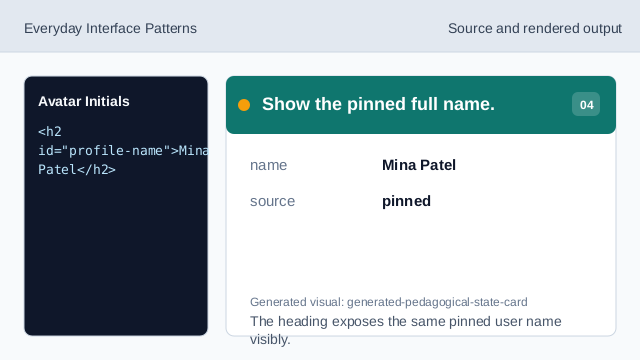
The heading exposes the same pinned user name visibly. State what does not load.
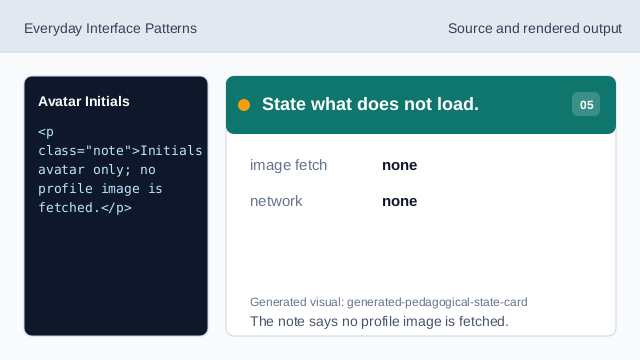
The note says no profile image is fetched. Check the initials avatar.
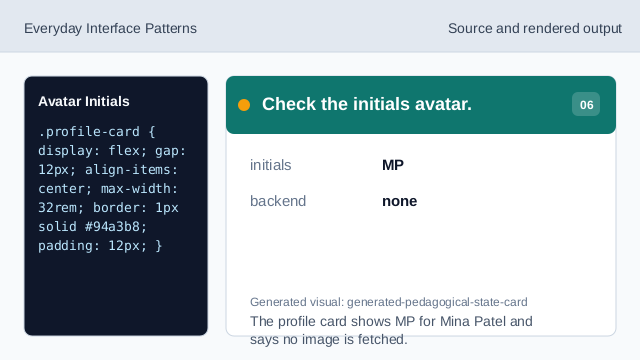
The profile card shows MP for Mina Patel and says no image is fetched.
initials avatar
Text initials can stand in for a profile image.
accessible label
The avatar label should include the full person name.
no image fetch
The lesson should not imply a remote image loaded.