Permission Request Patterns
Denied Fallback
A blocked reminder state shows fallback options and says no permission was requested by the lesson.
Program
When permission is blocked, the interface should explain the state and offer a fallback path that still works.
permission_denied_fallback.html
Visuals: captured from real browser rendering
<section class="permission-denied" data-permission-state="denied">
  <h2>Notifications blocked</h2>
  <p role="status">Reminder notifications are blocked for this example.</p>
  <ul>
    <li>Email reminder is available.</li>
    <li>Manual check: open the Tasks page.</li>
  </ul>
  <p class="note">No permission was requested by this lesson.</p>
</section>
<style>
  .permission-denied { display: grid; gap: 10px; max-width: 30rem; border: 1px solid #b91c1c; padding: 12px; }
  .permission-denied ul { margin: 0; padding-left: 1.25rem; }
  .note { margin: 0; color: #475569; }
</style>
Pin the denied state.
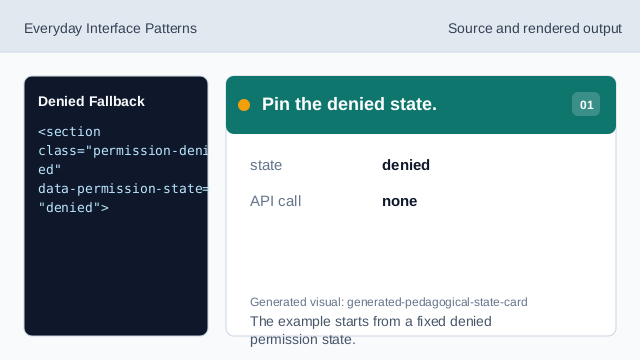
The example starts from a fixed denied permission state. Announce the blocked state.
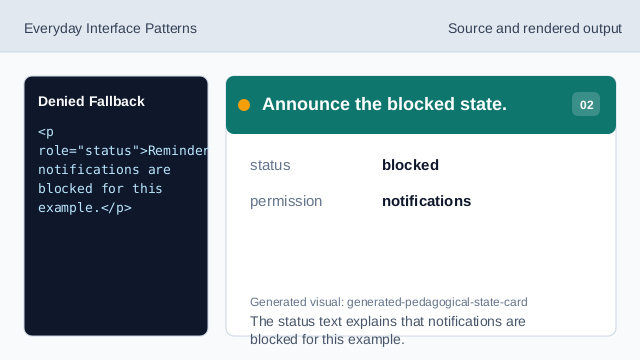
The status text explains that notifications are blocked for this example. Offer an email reminder fallback.
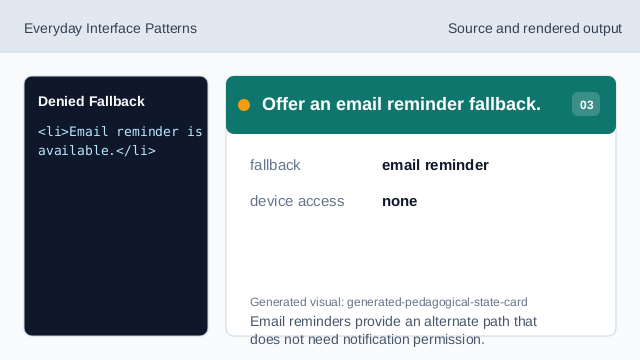
Email reminders provide an alternate path that does not need notification permission. Offer a manual check fallback.
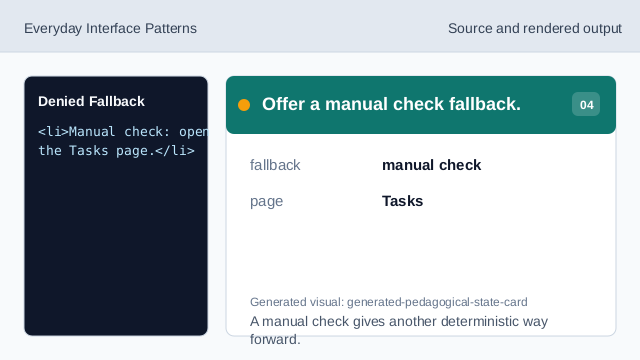
A manual check gives another deterministic way forward. State what did not happen.
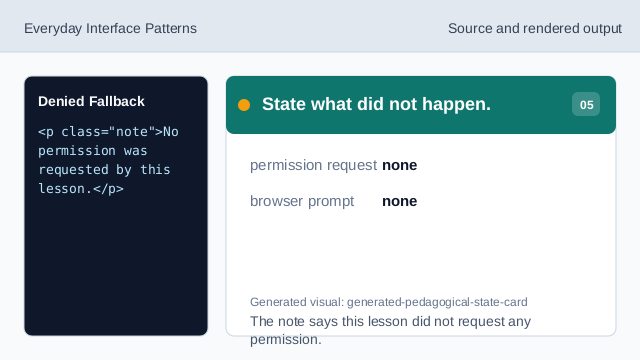
The note says this lesson did not request any permission. Check the denied recovery UI.
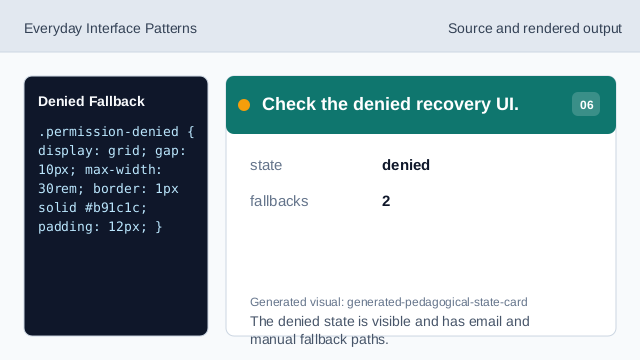
The denied state is visible and has email and manual fallback paths.
denied state
The UI can show that permission is blocked or denied.
fallback path
Offer another way forward when permission is unavailable.
no request
The lesson should say it did not request permission.