Permission Request Patterns
Allowed Status
An allowed/ready state shows status and simple controls without implying messages are sent or devices are accessed.
Program
After permission is allowed, the UI should still be honest about what is ready and what actions are available. This lesson sends nothing.
permission_allowed_status.html
Visuals: captured from real browser rendering
<section class="permission-ready" data-permission-state="allowed">
  <h2>Reminders ready</h2>
  <p role="status">Notifications are allowed in this static example.</p>
  <div class="controls" aria-label="Reminder controls">
    <button type="button">Send test reminder</button>
    <button type="button">Turn off reminder</button>
  </div>
  <p class="note">No messages are sent and no device API is accessed.</p>
</section>
<style>
  .permission-ready { display: grid; gap: 10px; max-width: 30rem; border: 1px solid #0f766e; padding: 12px; }
  .controls { display: flex; gap: 8px; flex-wrap: wrap; }
  .note { margin: 0; color: #475569; }
</style>
Pin the allowed state.
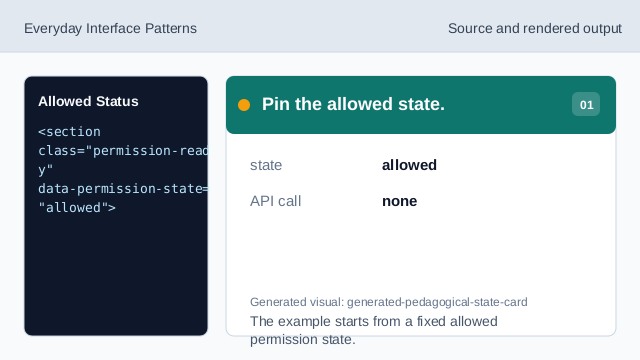
The example starts from a fixed allowed permission state. Show the ready status.
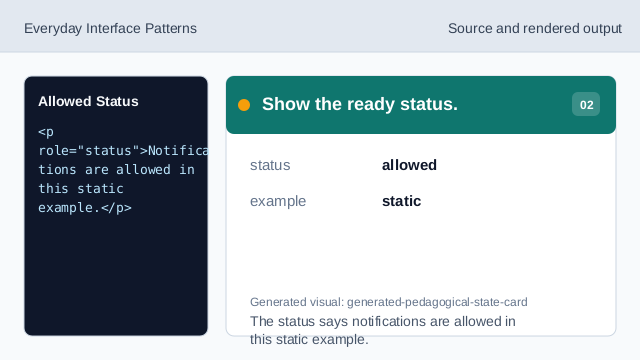
The status says notifications are allowed in this static example. Name the controls group.
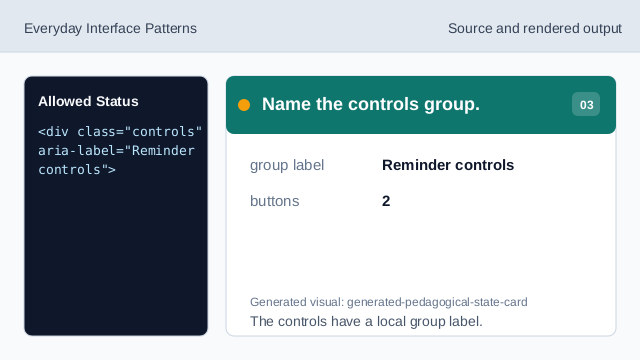
The controls have a local group label. Show the test reminder control.
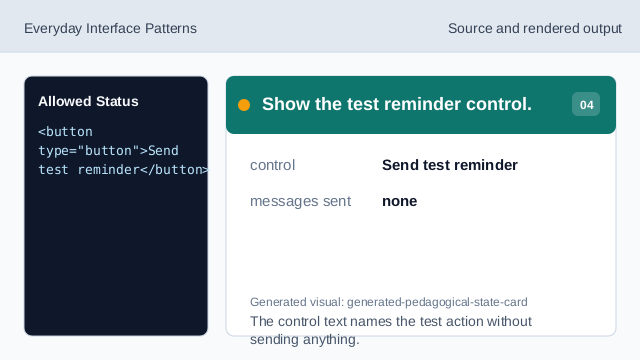
The control text names the test action without sending anything. State what does not happen.
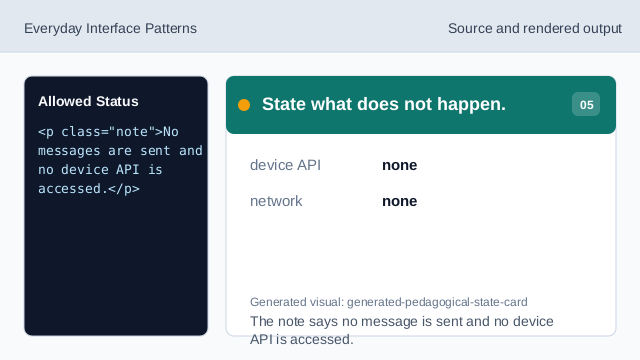
The note says no message is sent and no device API is accessed. Check the allowed permission UI.
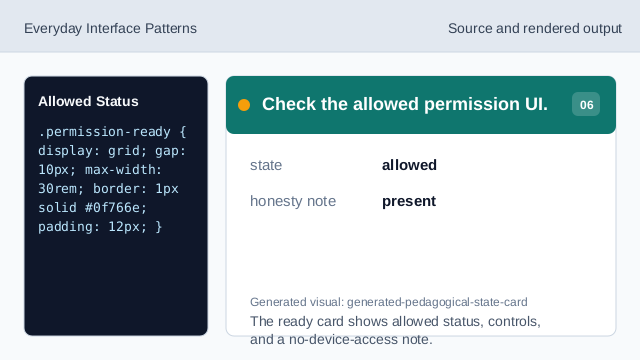
The ready card shows allowed status, controls, and a no-device-access note.
allowed state
The UI can show permission is ready or allowed.
simple controls
Visible controls should say what action they represent.
no device access
Static examples should not imply real messages or device access.