Billing Display Patterns
Payment Summary
A static saved payment method summary shows a masked card label, expiration text, a Change button, and no processor or card entry.
Program
Billing screens should show enough payment context without exposing sensitive card data. This lesson uses masked static display data only.
payment_method_summary.html
Visuals: captured from real browser rendering
<section class="payment-summary" aria-labelledby="payment-title">
  <h2 id="payment-title">Payment method</h2>
  <p class="method" aria-label="Saved payment method">Visa ending in 4242</p>
  <p>Expires 08/2028</p>
  <button type="button">Change</button>
  <p class="note">Static billing display only; no payment processor or card entry runs.</p>
</section>
<style>
  .payment-summary { display: grid; gap: 10px; max-width: 34rem; border: 1px solid #64748b; padding: 12px; }
  .method { font-weight: 700; letter-spacing: 0; }
  .payment-summary button { justify-self: start; padding: 8px 12px; }
  .payment-summary p, .note { margin: 0; }
  .note { color: #475569; }
</style>
Label the payment summary.
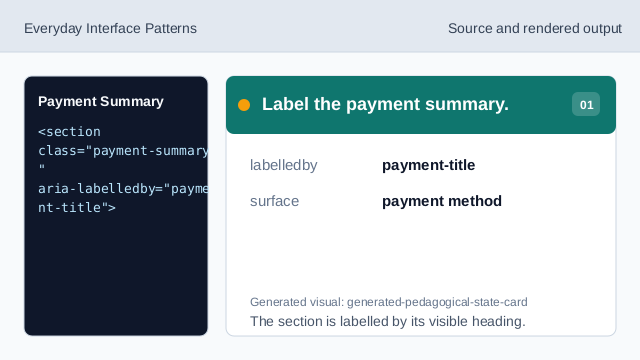
The section is labelled by its visible heading. Name the billing surface.
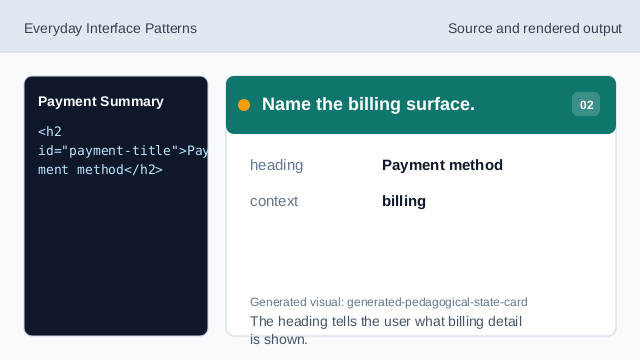
The heading tells the user what billing detail is shown. Show a masked saved method.
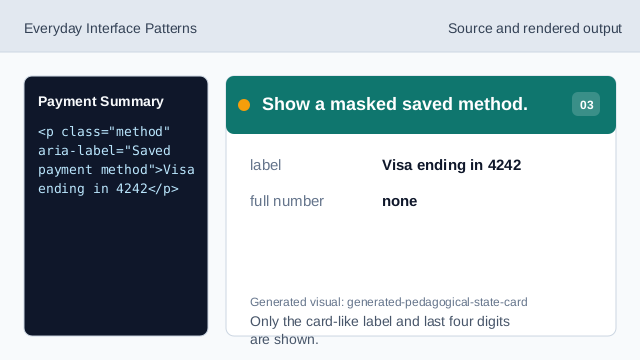
Only the card-like label and last four digits are shown. Show the expiration text.
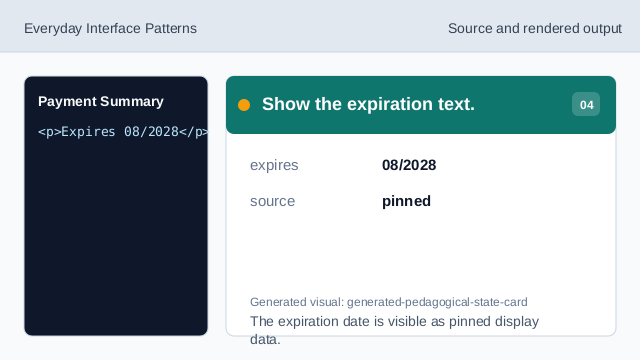
The expiration date is visible as pinned display data. Show the change affordance.
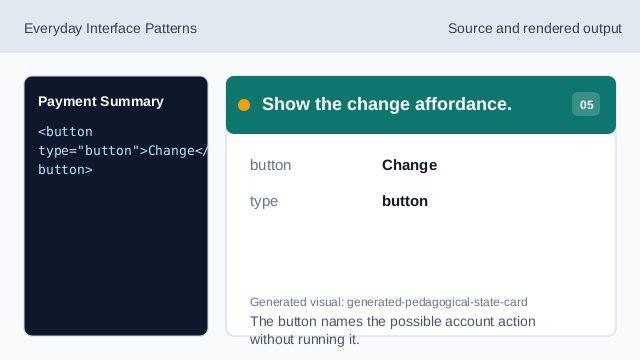
The button names the possible account action without running it. Check the payment summary.
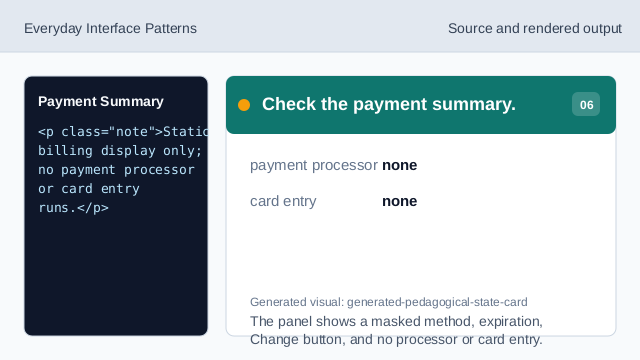
The panel shows a masked method, expiration, Change button, and no processor or card entry.
masked label
The saved method uses only a card-like label and last four digits.
expiration text
The expiration date is visible as static account context.
no card entry
The lesson should not imply a real processor or card collection flow.