Billing Display Patterns
Invoice Status List
A static invoice list shows three pinned invoice rows with paid and due badges, dates, amounts, and a View invoice button.
Program
Invoice lists should make status, date, and amount scannable without pretending to download files. This lesson uses pinned invoice rows only.
invoice_status_list.html
Visuals: captured from real browser rendering
<section class="invoice-list" aria-labelledby="invoice-title">
  <h2 id="invoice-title">Invoices</h2>
  <ul>
    <li><span>INV-1001</span><span class="paid">Paid</span><time datetime="2026-06-15">Jun 15, 2026</time><strong>$32.40</strong><button type="button">View invoice</button></li>
    <li><span>INV-1002</span><span class="paid">Paid</span><time datetime="2026-07-15">Jul 15, 2026</time><strong>$32.40</strong><button type="button">View invoice</button></li>
    <li><span>INV-1003</span><span class="due">Due</span><time datetime="2026-08-15">Aug 15, 2026</time><strong>$32.40</strong><button type="button">View invoice</button></li>
  </ul>
  <p class="note">Static invoice list only; no invoice download or backend request runs.</p>
</section>
<style>
  .invoice-list { display: grid; gap: 10px; max-width: 42rem; border: 1px solid #64748b; padding: 12px; }
  .invoice-list ul { display: grid; gap: 8px; margin: 0; padding: 0; list-style: none; }
  .invoice-list li { display: grid; grid-template-columns: 1fr auto auto auto auto; gap: 8px; align-items: center; }
  .paid, .due { border-radius: 999px; padding: 2px 8px; font-size: 0.9em; }
  .paid { background: #dcfce7; }
  .due { background: #fef3c7; }
  .invoice-list button { padding: 6px 10px; }
  .note { margin: 0; color: #475569; }
</style>
Label the invoice list.
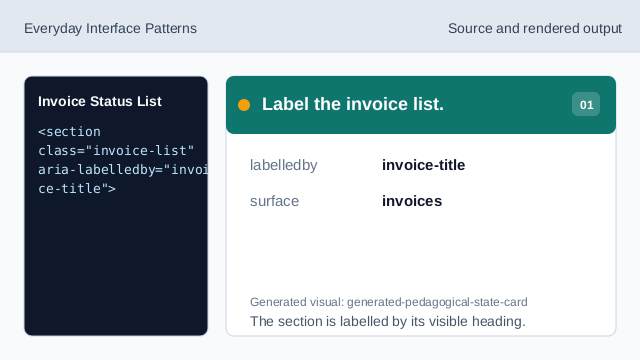
The section is labelled by its visible heading. Use a list for invoice rows.
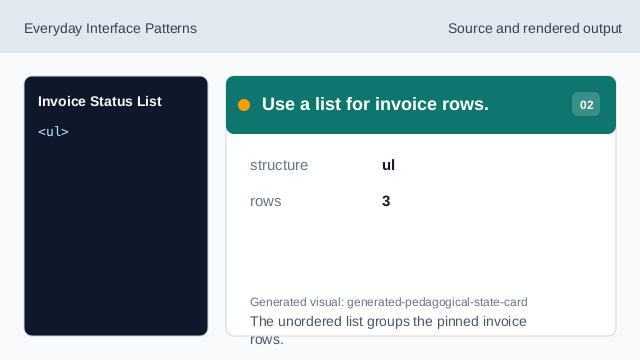
The unordered list groups the pinned invoice rows. Show the first paid invoice.
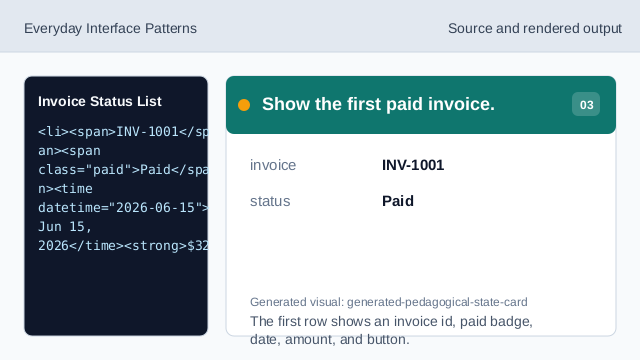
The first row shows an invoice id, paid badge, date, amount, and button. Show the second paid invoice.
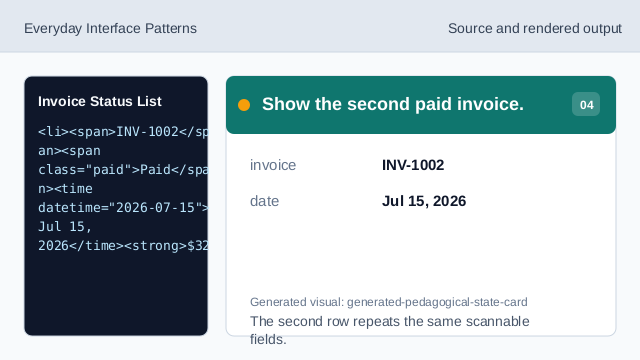
The second row repeats the same scannable fields. Show the due invoice.
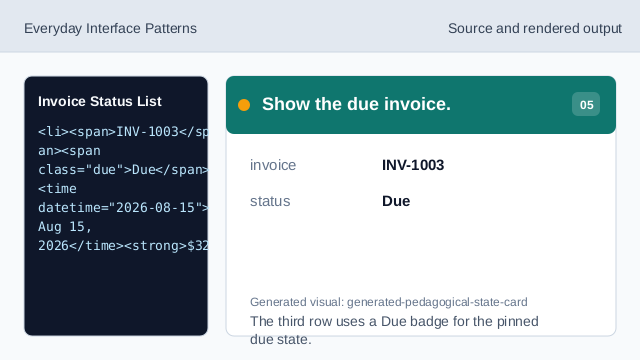
The third row uses a Due badge for the pinned due state. Check the invoice status list.
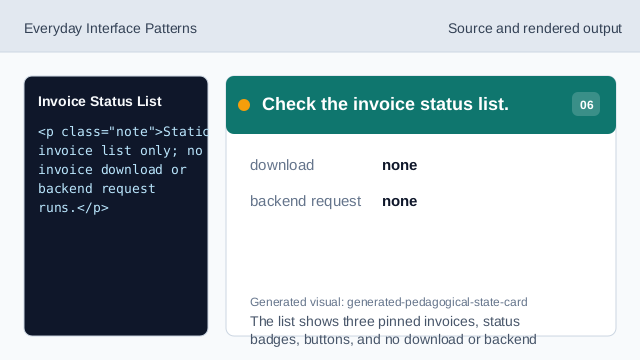
The list shows three pinned invoices, status badges, buttons, and no download or backend request.
pinned rows
The list uses exact invoice ids, dates, and amounts.
status badges
Paid and Due badges make invoice state visible.
no download
The lesson should not imply a real invoice download or backend request.