Notification Interface Patterns
Preference List
A static notification preference list shows checked email and app digest rows, a Save button, and no saved preference or subscription service.
Program
Preference lists should make selected channels clear before anything is saved. This lesson uses pinned checked states only.
notification_preference_list.html
Visuals: captured from real browser rendering
<section class="notification-preferences" aria-labelledby="preferences-title">
  <h2 id="preferences-title">Notification preferences</h2>
  <ul>
    <li><label><input type="checkbox" checked> Email digest</label><span>Daily summary</span></li>
    <li><label><input type="checkbox" checked> App digest</label><span>Weekly summary</span></li>
  </ul>
  <button type="button">Save preferences</button>
  <p class="note">Static preference list only; no saved preference or subscription service runs.</p>
</section>
<style>
  .notification-preferences { display: grid; gap: 10px; max-width: 38rem; border: 1px solid #64748b; padding: 12px; }
  .notification-preferences ul { display: grid; gap: 8px; margin: 0; padding: 0; list-style: none; }
  .notification-preferences li { display: grid; gap: 4px; border: 1px solid #cbd5e1; padding: 10px; }
  .notification-preferences button { justify-self: start; padding: 8px 12px; }
  .notification-preferences p, .note { margin: 0; }
  .note { color: #475569; }
</style>
Label the preference list.
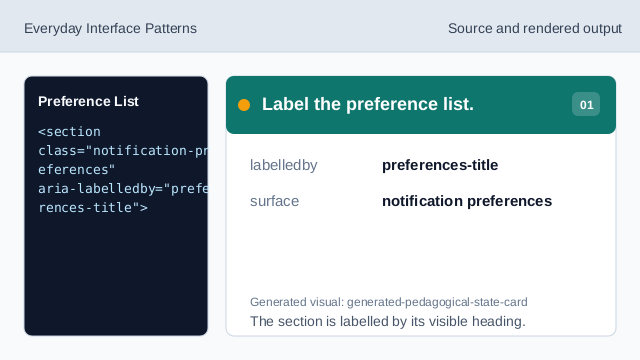
The section is labelled by its visible heading. Use a list for preference rows.
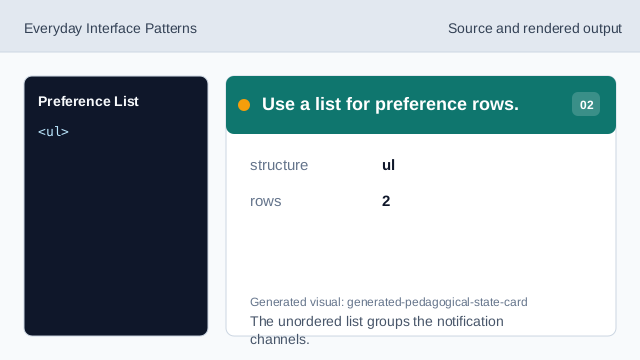
The unordered list groups the notification channels. Show the email digest row.
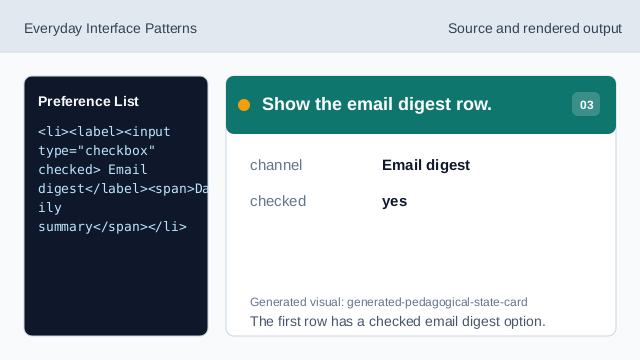
The first row has a checked email digest option. Show the app digest row.
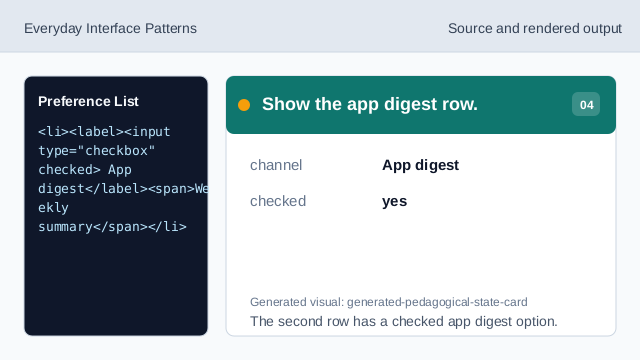
The second row has a checked app digest option. Show the save affordance.
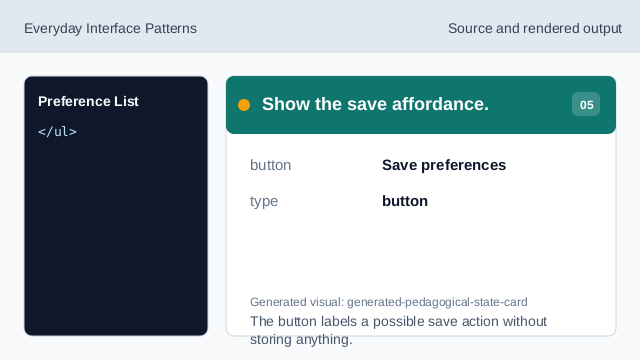
The button labels a possible save action without storing anything. Check preference list.
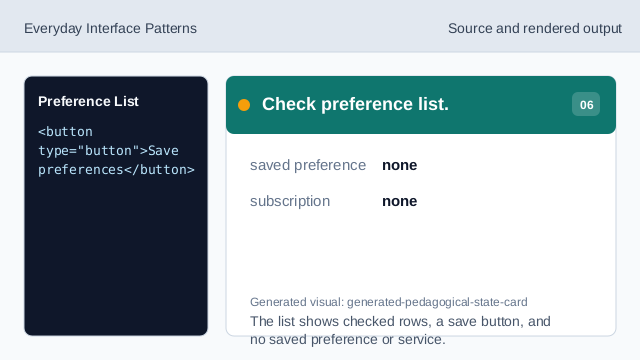
The list shows checked rows, a save button, and no saved preference or service.
checked choices
The checkboxes show pinned selected notification channels.
digest notes
Each row includes deterministic summary timing text.
no save
The lesson should not imply saving preferences or creating a subscription.