Notification Interface Patterns
Permission Status
A static notification permission card shows Not enabled, explanatory text, an Enable notifications button, and no browser prompt or notification APIs.
Program
Notification UI should explain the current state before asking for permission. This lesson shows a pinned permission status only.
notification_permission_status.html
Visuals: captured from real browser rendering
<section class="notification-permission" aria-labelledby="permission-title">
  <h2 id="permission-title">Notification permission</h2>
  <p><strong>Status</strong> <span class="badge">Not enabled</span></p>
  <p>You can still read updates inside the app without enabling browser notifications.</p>
  <button type="button">Enable notifications</button>
  <p class="note">Static permission state only; no browser permission prompt or Push/Notification API runs.</p>
</section>
<style>
  .notification-permission { display: grid; gap: 10px; max-width: 38rem; border: 1px solid #64748b; padding: 12px; }
  .notification-permission p, .note { margin: 0; }
  .notification-permission button { justify-self: start; padding: 8px 12px; }
  .badge { border-radius: 999px; background: #e2e8f0; padding: 2px 8px; }
  .note { color: #475569; }
</style>
Label the permission card.
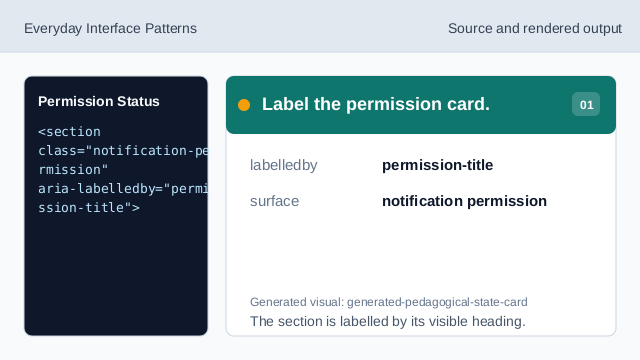
The section is labelled by its visible heading. Name the permission surface.
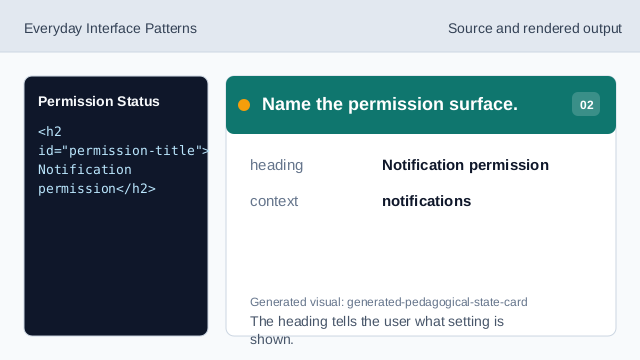
The heading tells the user what setting is shown. Show the current status.
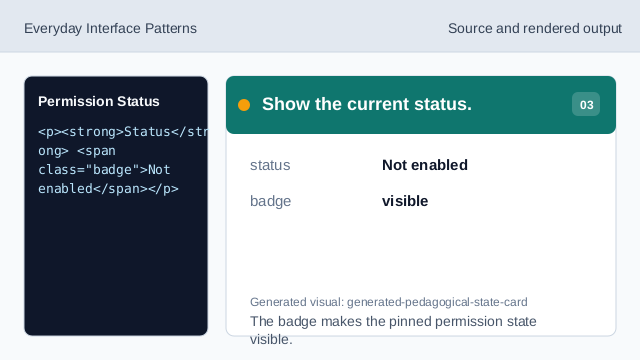
The badge makes the pinned permission state visible. Explain the no-permission path.
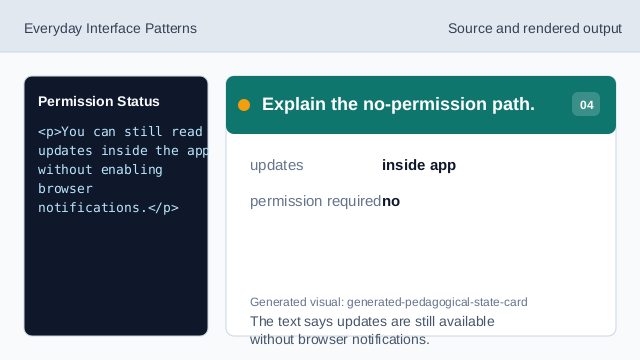
The text says updates are still available without browser notifications. Show the enable affordance.
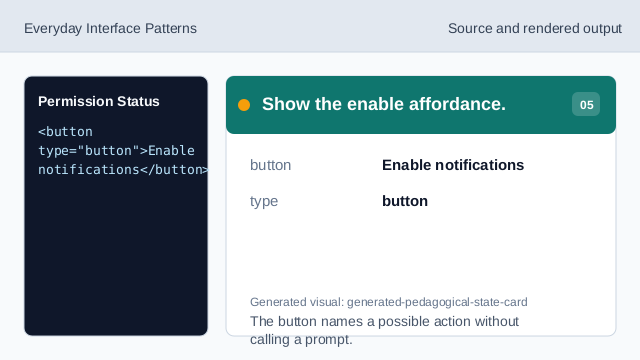
The button names a possible action without calling a prompt. Check permission status.
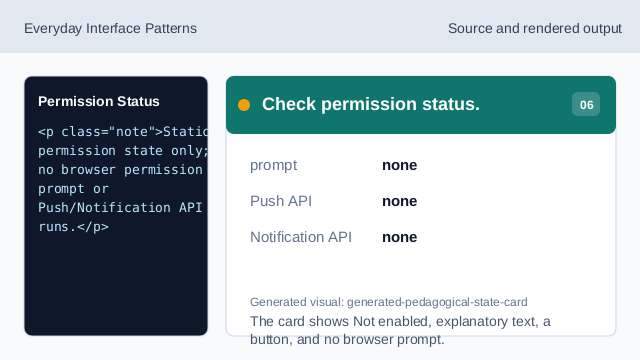
The card shows Not enabled, explanatory text, a button, and no browser prompt.
permission status
The card shows the current notification state as visible text.
explanatory text
The explanation says updates remain available without browser notifications.
no prompt
The lesson should not imply a browser permission prompt or notification APIs.