Link Purpose Patterns
New Tab Notice
A local help link opens in a new tab with target="_blank", rel="noopener", and visible text that says what will happen.
Program
When a link opens a new tab, say so in the visible text and include rel="noopener" with target="_blank". This example uses a local /help path.
new_tab_notice.html
Visuals: captured from real browser rendering
<p>
  <a href="/help" target="_blank" rel="noopener">Help guide (opens in a new tab)</a>
</p>
<style>
  a[target="_blank"] { font-weight: 700; }
</style>
Use a local help link.
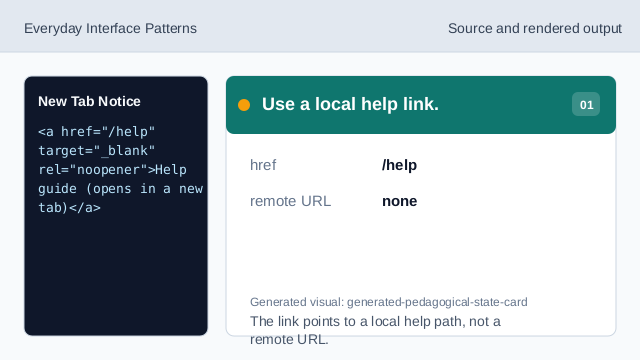
The link points to a local help path, not a remote URL. Open the link in a new tab.
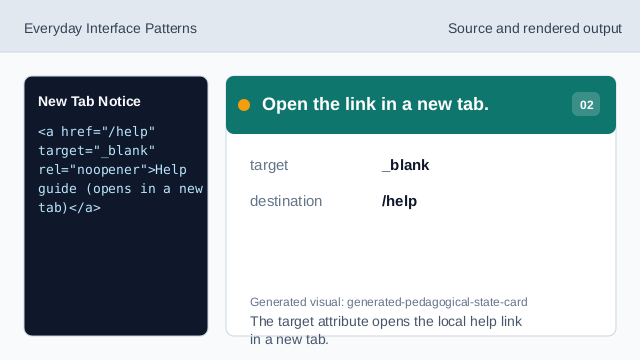
The target attribute opens the local help link in a new tab. Add the safety attribute.
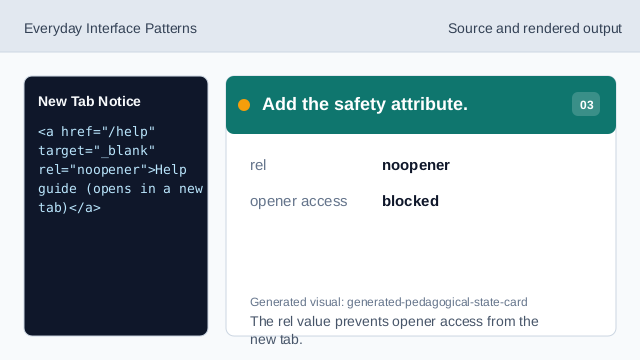
The rel value prevents opener access from the new tab. Say the new-tab behavior.
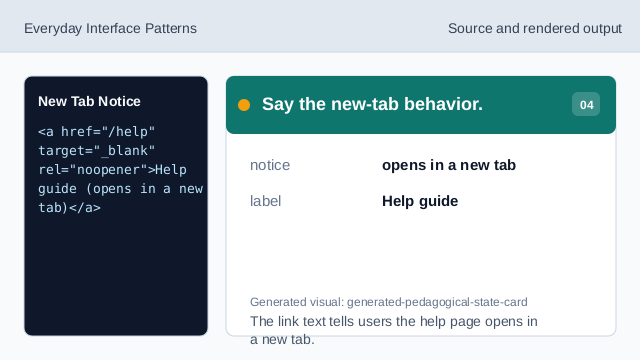
The link text tells users the help page opens in a new tab. Render the new-tab link.
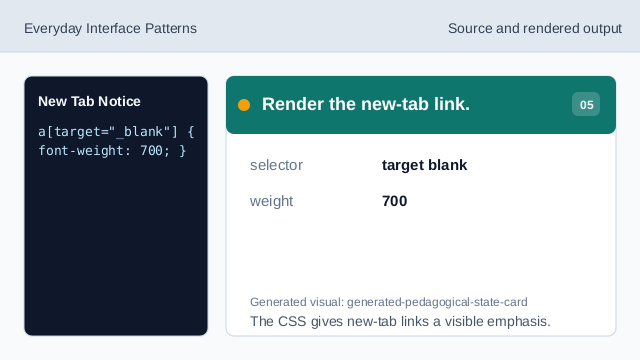
The CSS gives new-tab links a visible emphasis. Check destination and notice.
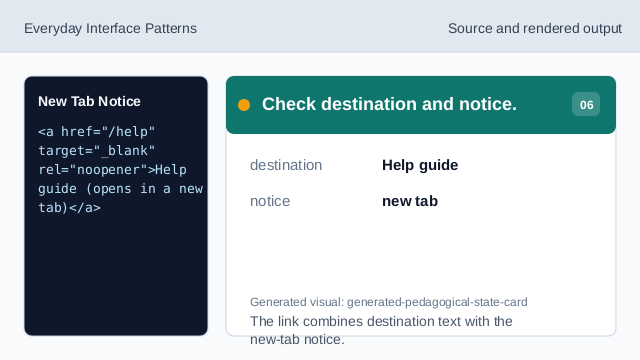
The link combines destination text with the new-tab notice.
new tab notice
Visible text should warn when a link opens a new tab.
target blank
target="_blank" opens the link in a new browsing context.
noopener
rel="noopener" prevents the new page from controlling the opener.