Link Purpose Patterns
Descriptive Link Text
A small list uses link text that names the destination instead of vague text.
Program
Links are easier to understand when the link text says where they go. A short list can make each destination clear without relying on surrounding text.
descriptive_link_text.html
Visuals: captured from real browser rendering
<ul class="resource-links">
  <li><a href="/account">Account settings</a></li>
  <li><a href="/billing">Billing history</a></li>
  <li><a href="/support">Support contact form</a></li>
</ul>
<style>
  .resource-links { display: grid; gap: 8px; }
  .resource-links a { text-decoration-thickness: 2px; }
</style>
Create the link list.
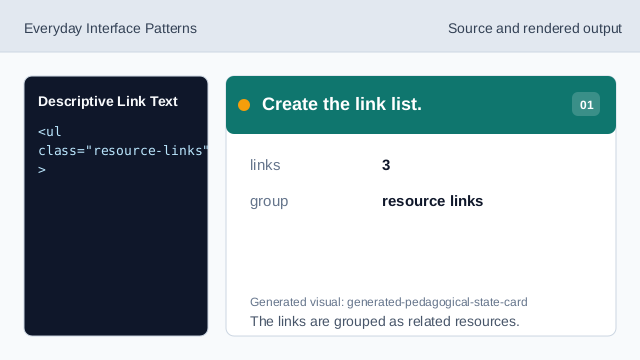
The links are grouped as related resources. Set the account destination.
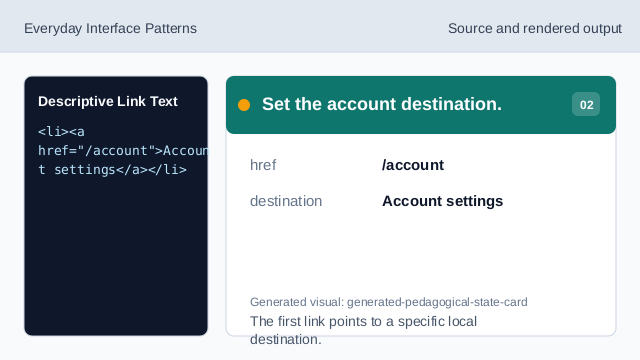
The first link points to a specific local destination. Name the destination in text.
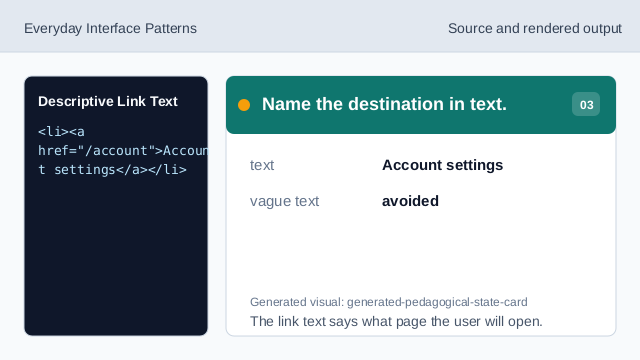
The link text says what page the user will open. Render the link list.
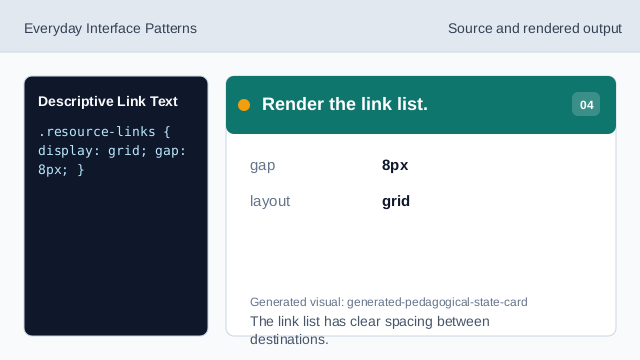
The link list has clear spacing between destinations. Keep links visibly link-like.
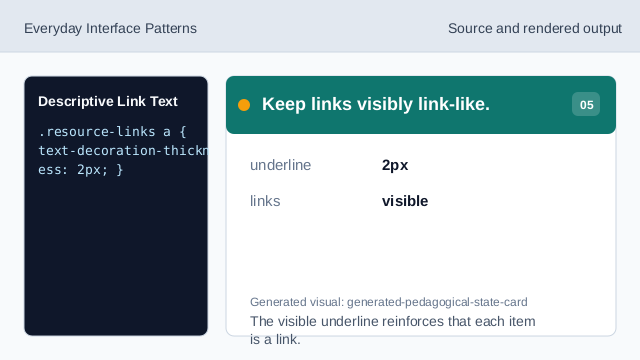
The visible underline reinforces that each item is a link. Check each link purpose.
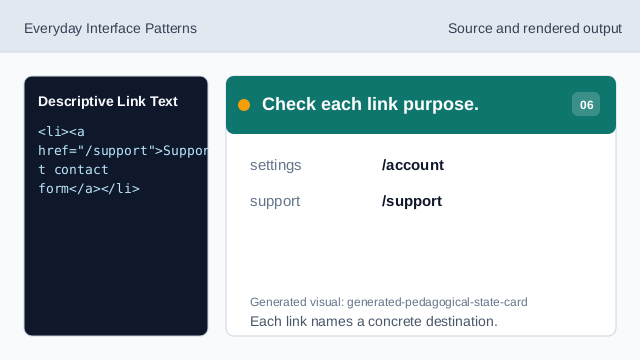
Each link names a concrete destination.
link text
The visible link text should name the destination or action.
href destination
The href stores the link target.
link list
A list can group related destination links.