Copy and Share Patterns
Manual Copy Fallback
A labelled readonly field gives people a selectable value and helper text for manual copy.
Program
When automatic copy is unavailable or uncertain, a manual fallback can expose the value in a labelled readonly field with short instructions.
manual_copy_fallback.html
Visuals: captured from real browser rendering
<div class="manual-copy">
  <label for="share-path">Share path</label>
  <input id="share-path" readonly value="/tracks/web/everyday-interface-patterns" aria-describedby="copy-help">
  <p id="copy-help">Select the text and copy it with your keyboard or menu.</p>
</div>
<style>
  .manual-copy { display: grid; gap: 8px; max-width: 34rem; }
  .manual-copy input { font: inherit; padding: 10px; border: 1px solid #64748b; }
  .manual-copy p { margin: 0; color: #475569; }
</style>
Label the fallback field.
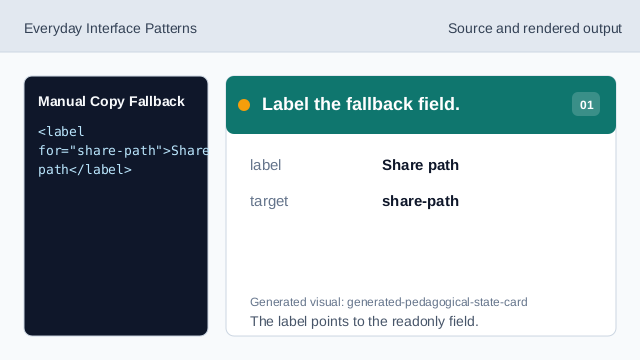
The label points to the readonly field. Keep the value selectable but stable.
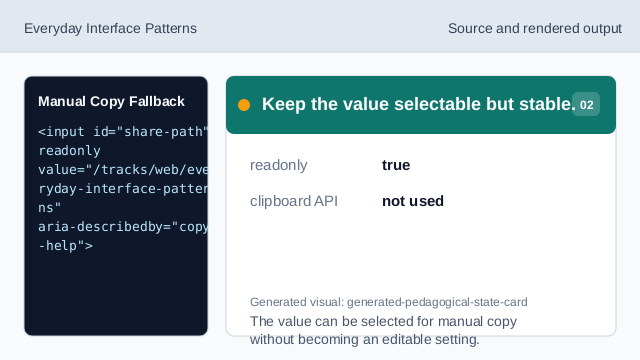
The value can be selected for manual copy without becoming an editable setting. Show the local value.
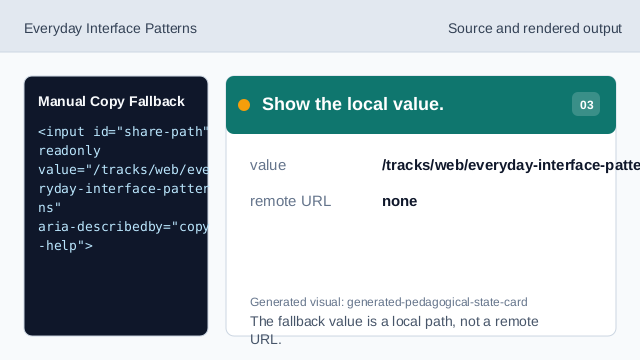
The fallback value is a local path, not a remote URL. Connect helper text.
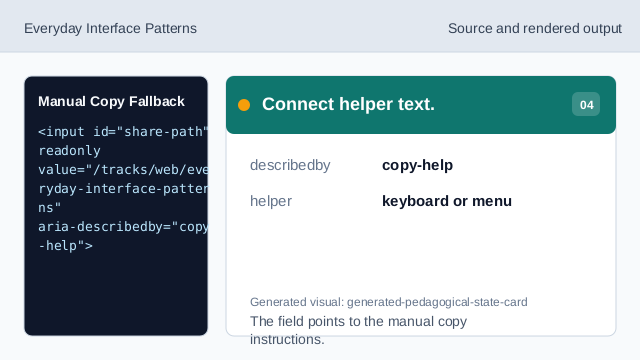
The field points to the manual copy instructions. Explain manual copy.
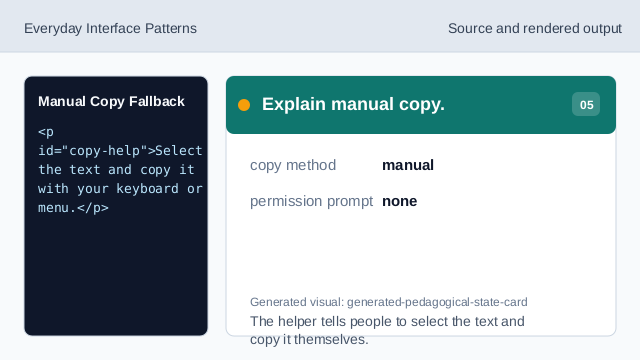
The helper tells people to select the text and copy it themselves. Check the rendered fallback.
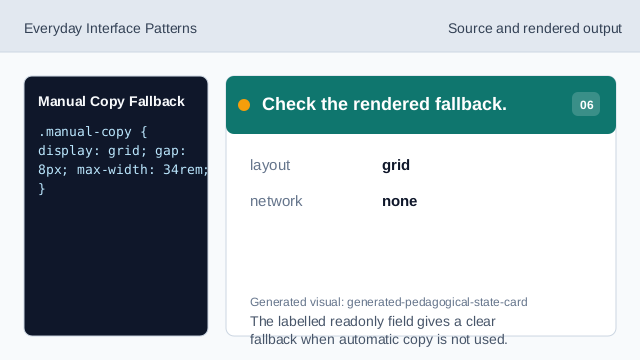
The labelled readonly field gives a clear fallback when automatic copy is not used.
readonly value
readonly keeps the value selectable without making it editable.
manual copy
Helper text tells people how to copy without relying on Clipboard API.
labelled field
The label gives the fallback value a clear purpose.