Copy and Share Patterns
Copy Button Status
A pinned invoice id, Copy button, and copied status teach UI feedback without claiming the OS clipboard changed.
Program
Copy controls should show clear feedback, but a UI status is not proof that the operating system clipboard changed. This lesson keeps the copied state static and honest.
copy_button_status.html
Visuals: captured from real browser rendering
<section class="copy-card" data-copy-state="copied">
  <h2>Invoice ID</h2>
  <p><code id="invoice-id">INV-2048</code></p>
  <button type="button" aria-describedby="copy-status">Copy invoice ID</button>
  <p id="copy-status" role="status">Copied INV-2048. UI feedback only; this lesson does not change the OS clipboard.</p>
</section>
<style>
  .copy-card { display: grid; gap: 10px; max-width: 28rem; border: 1px solid #94a3b8; padding: 12px; }
  .copy-card code { background: #f1f5f9; padding: 4px 6px; }
  .copy-card button { justify-self: start; padding: 8px 12px; }
</style>
Pin the copied UI state.
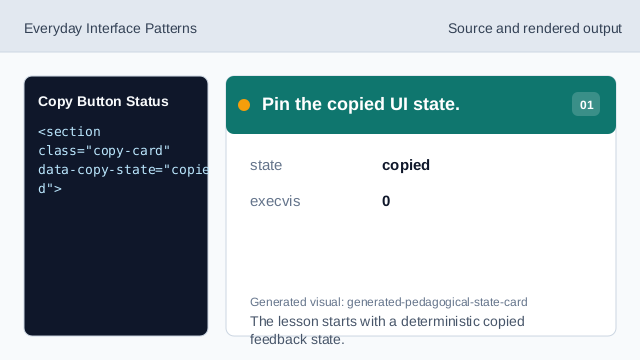
The lesson starts with a deterministic copied feedback state. Show the invoice id.
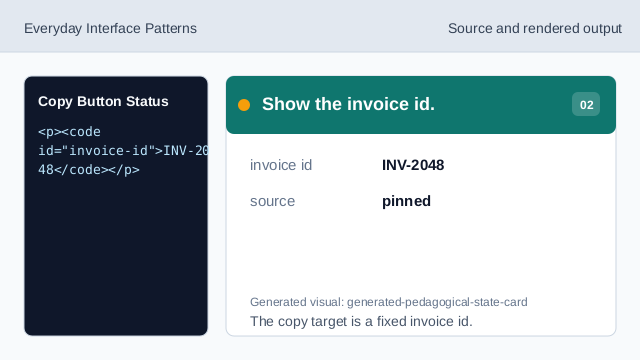
The copy target is a fixed invoice id. Add the copy affordance.
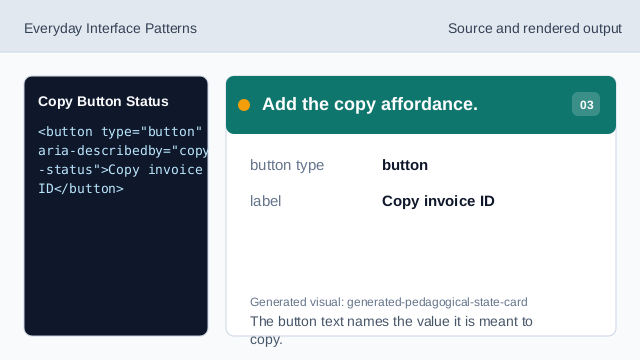
The button text names the value it is meant to copy. Connect button and status.
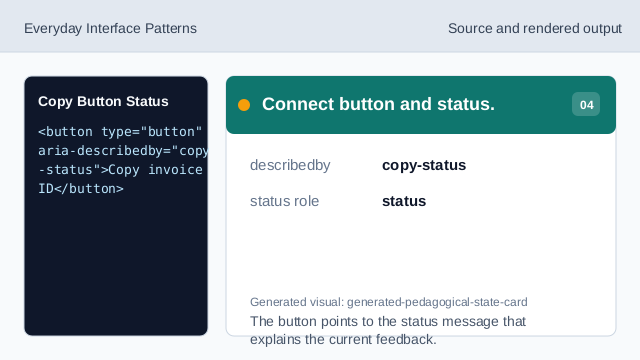
The button points to the status message that explains the current feedback. Say what the status proves.
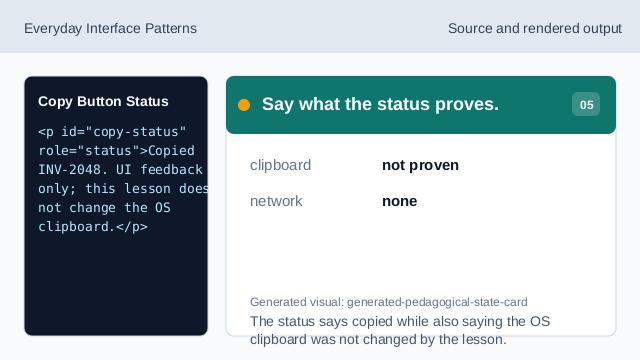
The status says copied while also saying the OS clipboard was not changed by the lesson. Check the rendered copy card.
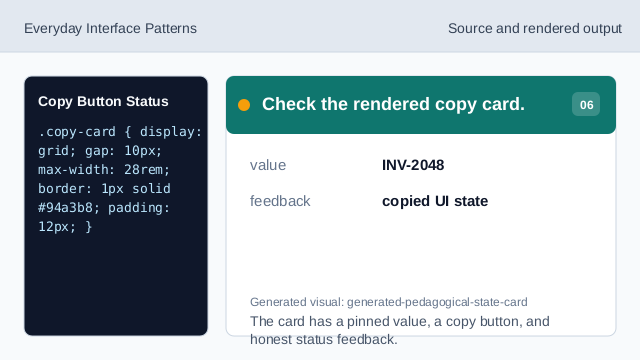
The card has a pinned value, a copy button, and honest status feedback.
pinned value
The invoice id is fixed lesson data.
copy button
A button can label the copy action for the visible value.
status feedback
A status message can report UI feedback without proving clipboard state.