Content Moderation Patterns
Hidden Notice
A static hidden-content notice says a comment is hidden, shows a reason and Show comment button, and no filter or backend decision.
Program
Hidden-content UI should say what happened and offer a visible review path. This lesson shows a pinned hidden-comment state only.
hidden_content_notice.html
Visuals: captured from real browser rendering
<section class="hidden-notice" aria-labelledby="hidden-title">
  <h2 id="hidden-title">Comment hidden</h2>
  <p role="status">This comment is hidden.</p>
  <p><strong>Reason</strong> Community report pending review.</p>
  <button type="button">Show comment</button>
  <p class="note">Static hidden-content notice only; no content filter or backend decision runs.</p>
</section>
<style>
  .hidden-notice { display: grid; gap: 10px; max-width: 36rem; border: 1px solid #b45309; background: #fffbeb; padding: 12px; }
  .hidden-notice button { justify-self: start; padding: 8px 12px; }
  .hidden-notice p, .note { margin: 0; }
  .note { color: #6b4e16; }
</style>
Label the hidden-content notice.
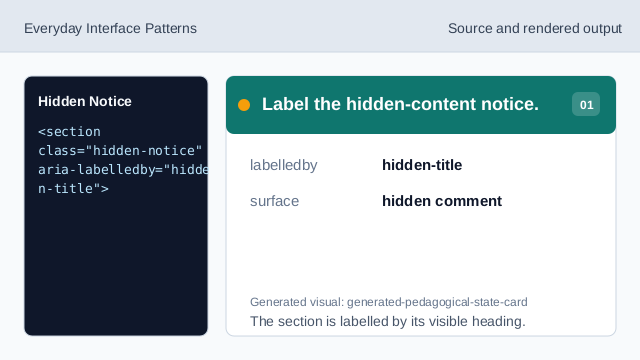
The section is labelled by its visible heading. Name the hidden content state.
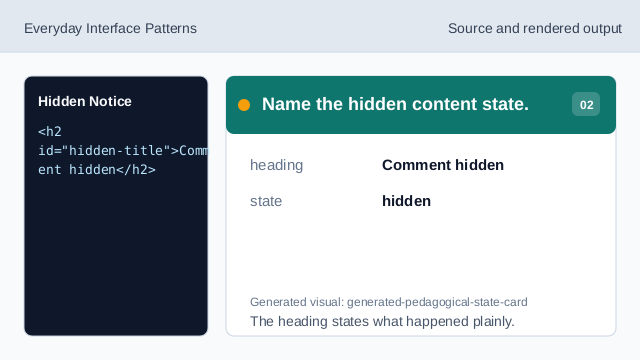
The heading states what happened plainly. Expose the hidden state as status.
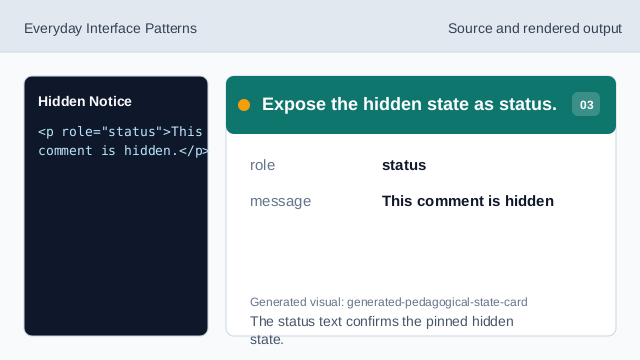
The status text confirms the pinned hidden state. Show the pinned reason text.
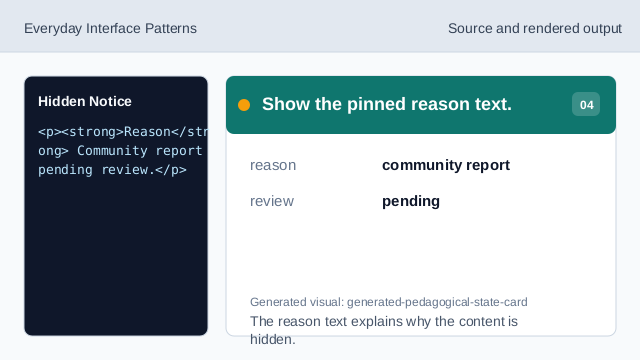
The reason text explains why the content is hidden. Show the reveal affordance.
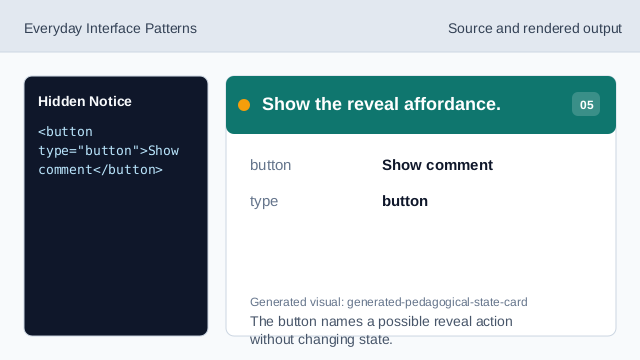
The button names a possible reveal action without changing state. Check the hidden content notice.
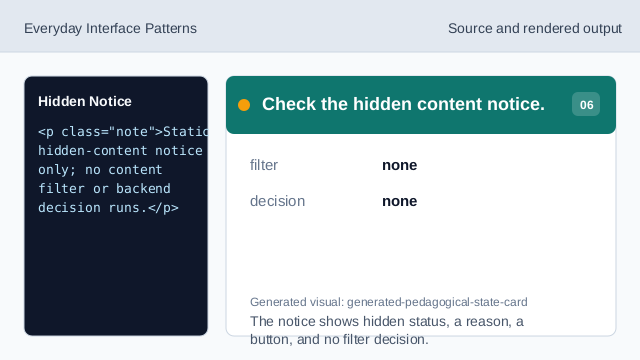
The notice shows hidden status, a reason, a button, and no filter decision.
hidden status
The notice states the hidden content state as status text.
reason text
The reason is visible and pinned, not generated by a filter.
show action
The Show comment button is visible without running a backend decision.