Content Moderation Patterns
Blocked Status
A static blocked-user card shows pinned initials and display name, a Blocked badge, Unblock button, and no account backend or block service.
Program
Blocked-user UI should make the current relationship state clear without pretending to update an account. This lesson uses pinned display data.
blocked_user_status.html
Visuals: captured from real browser rendering
<section class="blocked-user" aria-labelledby="blocked-title">
  <h2 id="blocked-title">Blocked user</h2>
  <p><span class="avatar" aria-hidden="true">TK</span> Taylor Kim</p>
  <p><strong>Status</strong> <span class="badge">Blocked</span></p>
  <button type="button">Unblock</button>
  <p class="note">Static blocked-user state only; no account backend or block service runs.</p>
</section>
<style>
  .blocked-user { display: grid; gap: 10px; max-width: 34rem; border: 1px solid #64748b; padding: 12px; }
  .blocked-user p, .note { margin: 0; }
  .blocked-user button { justify-self: start; padding: 8px 12px; }
  .avatar { display: inline-grid; place-items: center; width: 32px; height: 32px; border-radius: 50%; background: #e2e8f0; margin-right: 6px; font-weight: 700; }
  .badge { border-radius: 999px; background: #fee2e2; padding: 2px 8px; }
  .note { color: #475569; }
</style>
Label the blocked-user card.
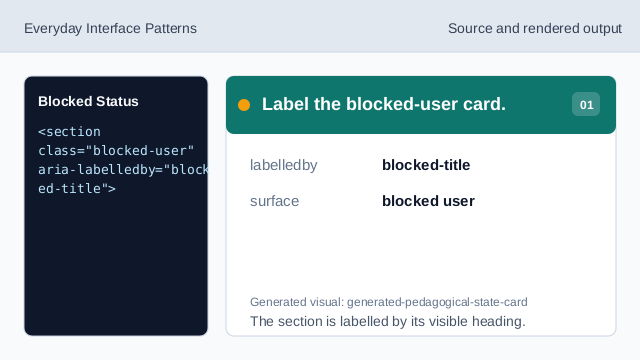
The section is labelled by its visible heading. Name the moderation state.
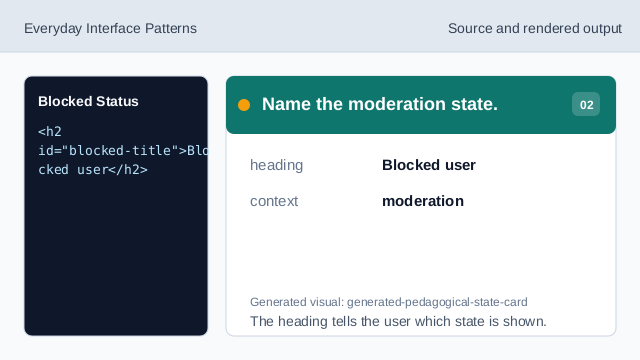
The heading tells the user which state is shown. Show pinned initials.
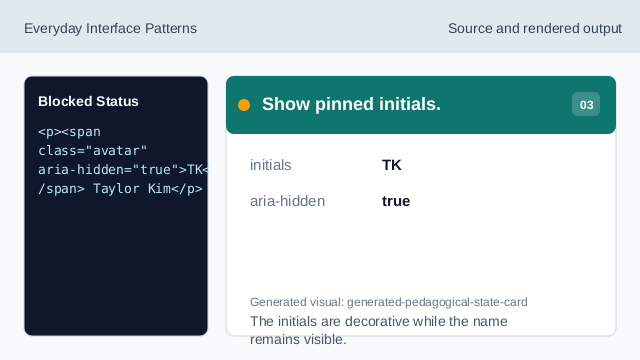
The initials are decorative while the name remains visible. Show the pinned display name.
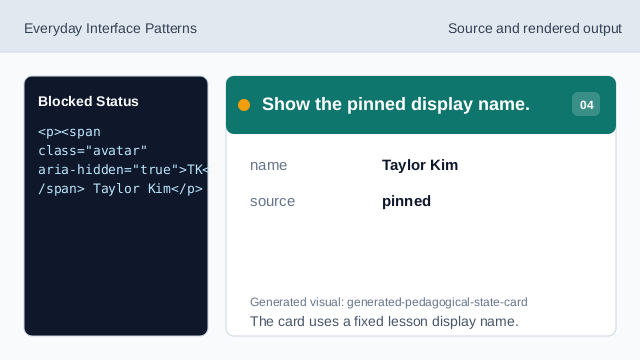
The card uses a fixed lesson display name. Show the blocked badge.
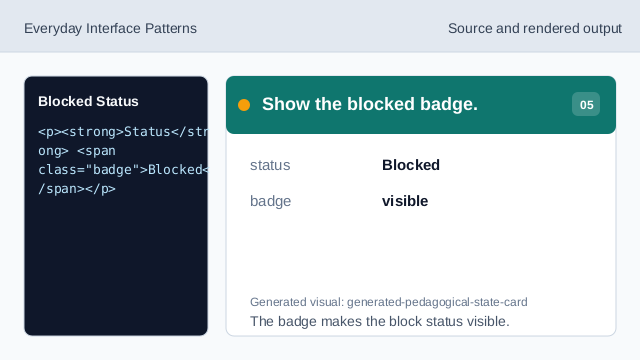
The badge makes the block status visible. Show the unblock affordance.
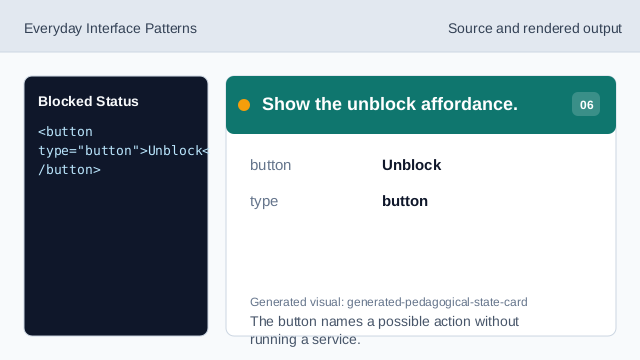
The button names a possible action without running a service. Check the blocked-user status.
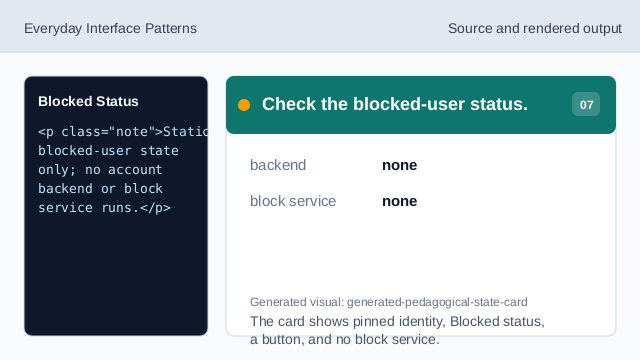
The card shows pinned identity, Blocked status, a button, and no block service.
pinned identity
The card uses a fixed display name and initials only.
blocked badge
The badge makes the current moderation state visible.
no block service
The lesson should not imply a real account backend or block service.