Keyboard and Focus Patterns
Focus Visible Button
A button gets a clear :focus-visible outline for keyboard focus without showing the same ring for pointer focus.
Program
Keyboard users need a visible focus cue. :focus-visible lets the button show a strong outline when focus came from the keyboard.
focus_visible_button.html
Visuals: captured from real browser rendering
<button class="save-button">Save changes</button>
<style>
  .save-button { border: 1px solid #64748b; padding: 10px 14px; }
  .save-button:focus:not(:focus-visible) { outline: none; }
  .save-button:focus-visible { outline: 3px solid #2563eb; outline-offset: 3px; }
</style>
Create the button.
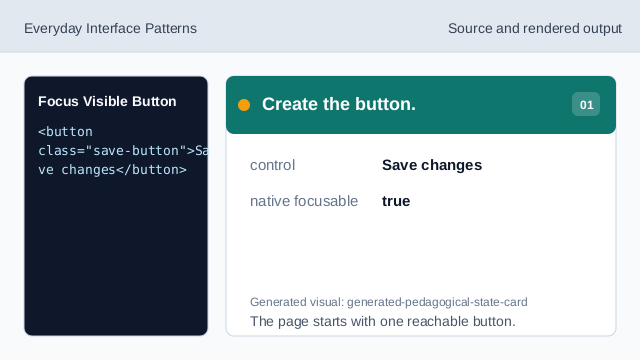
The page starts with one reachable button. Give the button a visible shape.
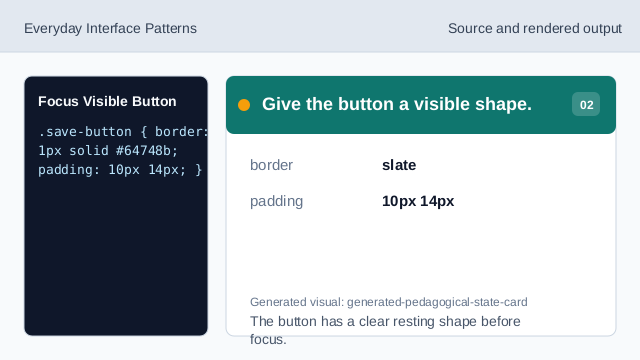
The button has a clear resting shape before focus. Separate pointer focus.
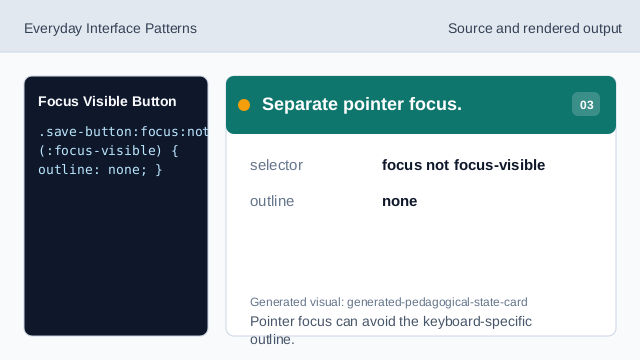
Pointer focus can avoid the keyboard-specific outline. Target keyboard focus.
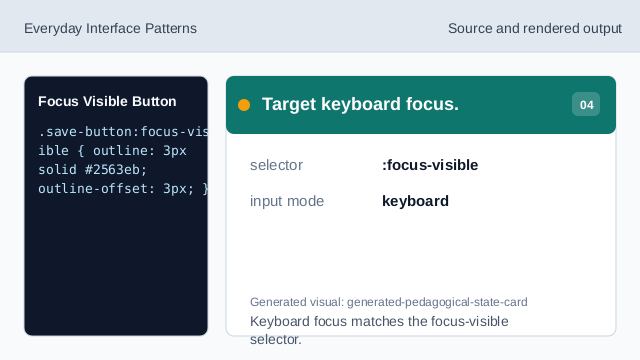
Keyboard focus matches the focus-visible selector. Render the focus outline.
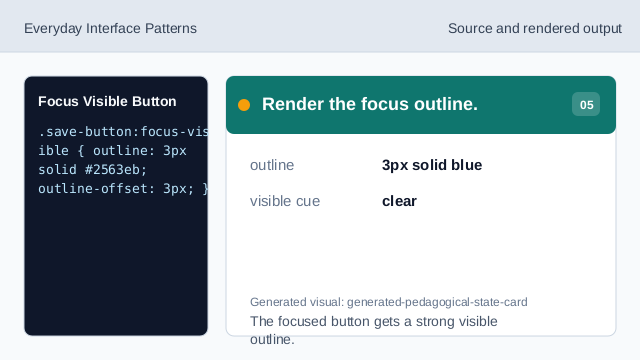
The focused button gets a strong visible outline. Check the outline offset.
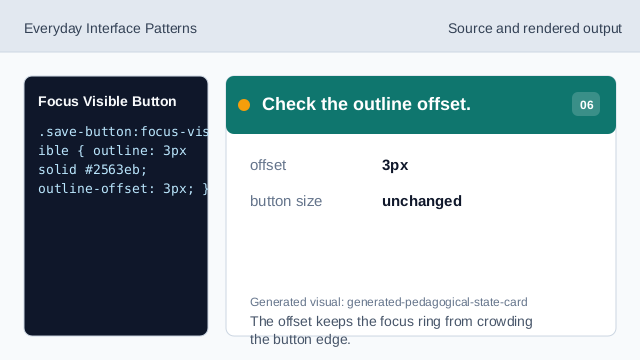
The offset keeps the focus ring from crowding the button edge.
focus-visible
:focus-visible targets focus that should have a visible keyboard cue.
outline
An outline makes focus visible without changing the button size.
outline offset
outline-offset moves the ring away from the button edge.