Keyboard and Focus Patterns
Escape Close Panel
A help panel opens from a button, closes on Escape, and returns focus to the opener.
Program
Small keyboard flows should have an exit path. Escape closes the panel, restores the button state, and returns focus to the opener.
escape_close_panel.html
Visuals: captured from real browser rendering
<button id="help-open" aria-expanded="false" aria-controls="help-panel">Help</button>
<section id="help-panel" hidden>
  <p>Press Escape to close this help panel.</p>
</section>
<p id="help-status" role="status">Help panel closed.</p>
<style>
  #help-panel:not([hidden]) { border: 1px solid #0f766e; padding: 12px; }
</style>
<script>
  const helpOpen = document.querySelector("#help-open");
  const helpPanel = document.querySelector("#help-panel");
  const helpStatus = document.querySelector("#help-status");
  helpOpen.addEventListener("click", () => {
    helpPanel.hidden = false;
    helpOpen.setAttribute("aria-expanded", "true");
    helpStatus.textContent = "Help panel open.";
  });
  document.addEventListener("keydown", event => {
    if (event.key !== "Escape" || helpPanel.hidden) return;
    helpPanel.hidden = true;
    helpOpen.setAttribute("aria-expanded", "false");
    helpOpen.focus();
    helpStatus.textContent = "Help panel closed.";
  });
</script>
Connect the opener to the panel.
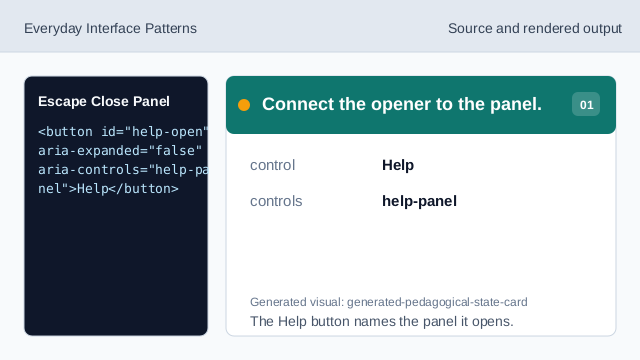
The Help button names the panel it opens. Open the help panel.
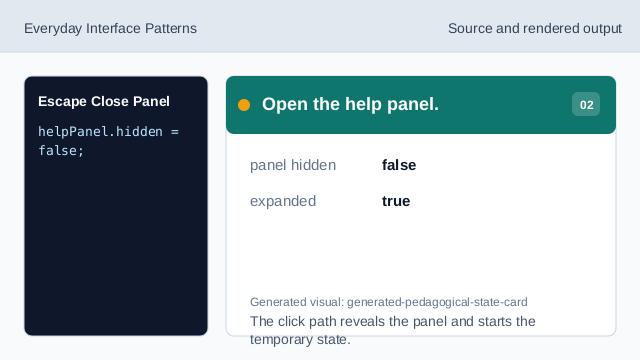
The click path reveals the panel and starts the temporary state. Listen for Escape.
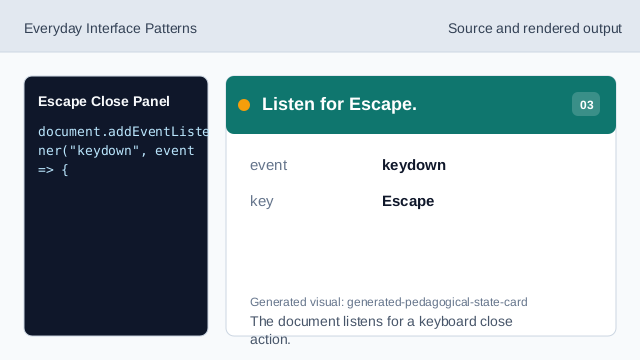
The document listens for a keyboard close action. Ignore other keys or closed state.
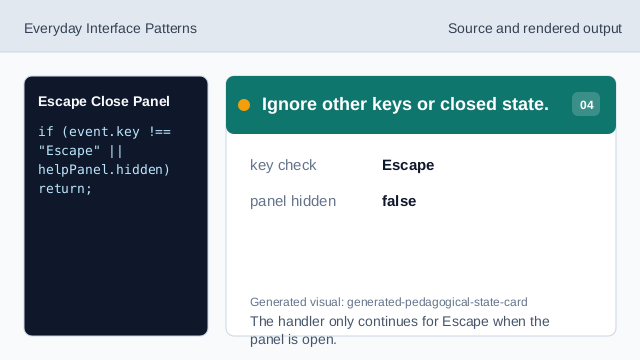
The handler only continues for Escape when the panel is open. Close the panel state.
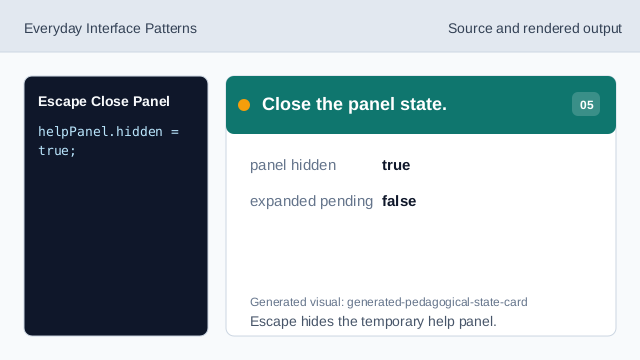
Escape hides the temporary help panel. Return focus to the opener.
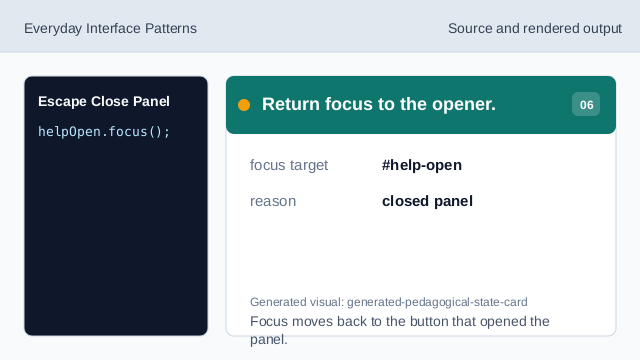
Focus moves back to the button that opened the panel. Confirm the closed status.
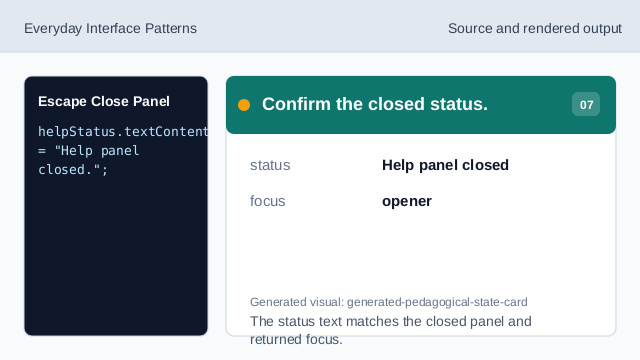
The status text matches the closed panel and returned focus.
aria-expanded
aria-expanded keeps the opener state aligned with the panel state.
Escape key
Escape gives keyboard users a predictable way to close temporary content.
focus return
Focus returns to the opener after the panel closes.