Data Visualization Patterns
Empty Chart State
An empty chart panel shows a readable no-data message, a next step, and a no-report-request note.
Program
Dashboards need an honest empty state when there is nothing to show. This lesson displays a static no-data panel.
empty_chart_state.html
Visuals: captured from real browser rendering
<section class="empty-chart" aria-labelledby="empty-title">
  <h2 id="empty-title">No chart data yet</h2>
  <div class="chart-placeholder" role="img" aria-label="Empty chart area"></div>
  <p>Try choosing a date range after data is available.</p>
  <button type="button">Choose date range</button>
  <p class="note">Static empty state only; no remote report or analytics request runs.</p>
</section>
<style>
  .empty-chart { display: grid; gap: 10px; max-width: 32rem; border: 1px solid #94a3b8; padding: 12px; }
  .chart-placeholder { min-height: 5rem; border: 1px dashed #94a3b8; background: repeating-linear-gradient(135deg, #f8fafc, #f8fafc 8px, #eef2f7 8px, #eef2f7 16px); }
  .empty-chart button { justify-self: start; padding: 8px 12px; }
  .empty-chart p, .note { margin: 0; }
  .note { color: #475569; }
</style>
Label the empty chart panel.
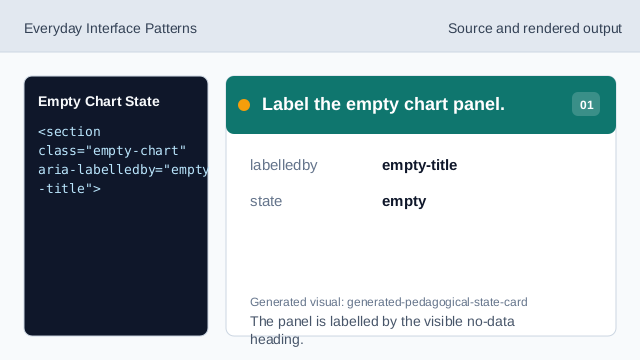
The panel is labelled by the visible no-data heading. Show the no-data message.
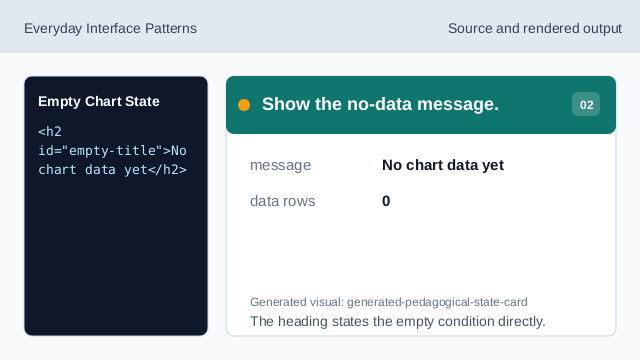
The heading states the empty condition directly. Label the visual placeholder.
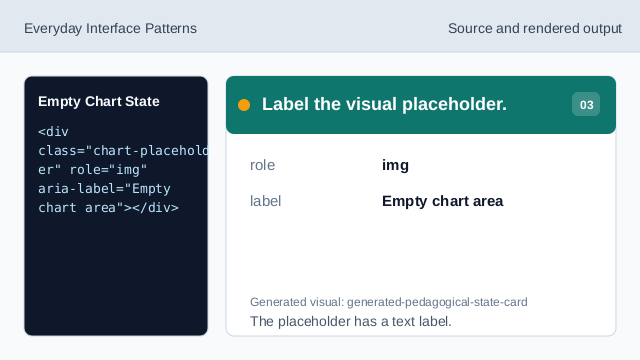
The placeholder has a text label. Suggest the next step.
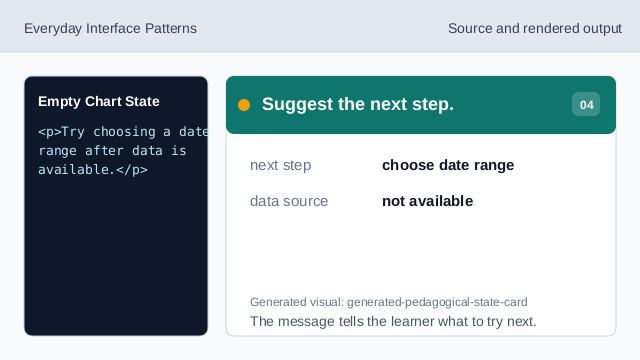
The message tells the learner what to try next. Show the next-step action.
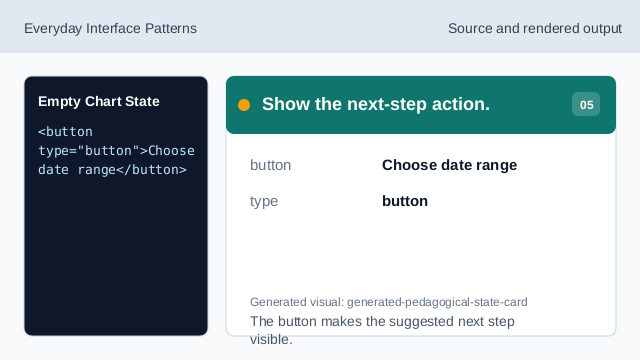
The button makes the suggested next step visible. Check the empty chart state.
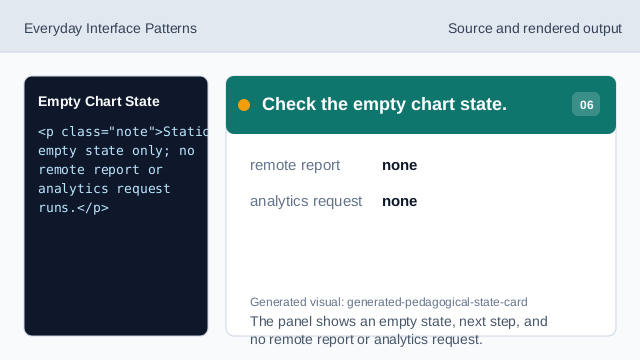
The panel shows an empty state, next step, and no remote report or analytics request.
empty state
A no-data panel should say what happened plainly.
next step
A visible action can suggest what to try next.
no remote request
The lesson should not imply a report or analytics request ran.