Table Reading Patterns
Empty Cell Explanation
A table uses an em dash for a missing value plus aria-label="No value" so the visual shorthand has a text meaning.
Program
A dash can be a compact visual missing-value marker. Add an aria-label when the symbol needs a clearer text meaning.
empty_cell_explanation.html
Visuals: captured from real browser rendering
<table class="missing-table">
  <caption>Release dates</caption>
  <tr><th scope="col">Version</th><th scope="col">Date</th></tr>
  <tr><th scope="row">1.0</th><td>July 1</td></tr>
  <tr><th scope="row">2.0</th><td aria-label="No value">—</td></tr>
</table>
<style>
  .missing-table td, .missing-table th { padding: 8px; border: 1px solid #cbd5e1; }
  .missing-table [aria-label="No value"] { color: #64748b; text-align: center; }
</style>
Create the release table.
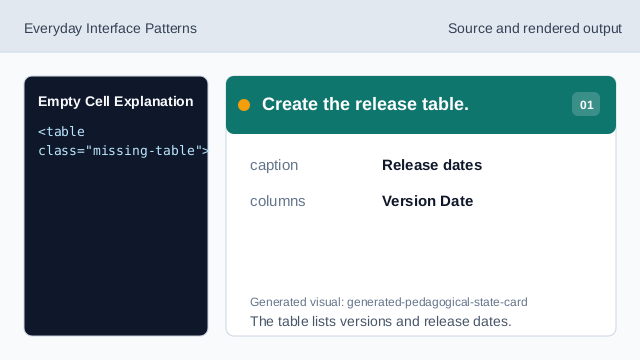
The table lists versions and release dates. Add the missing value symbol.
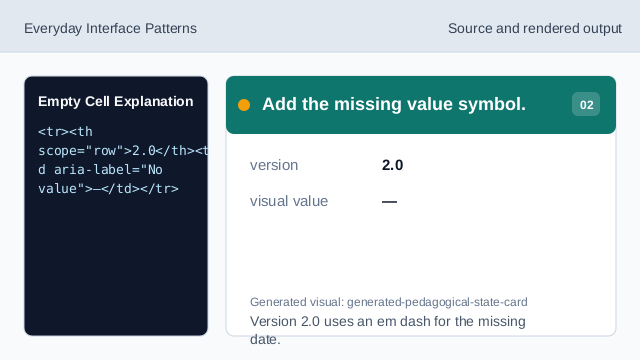
Version 2.0 uses an em dash for the missing date. Explain the missing value.
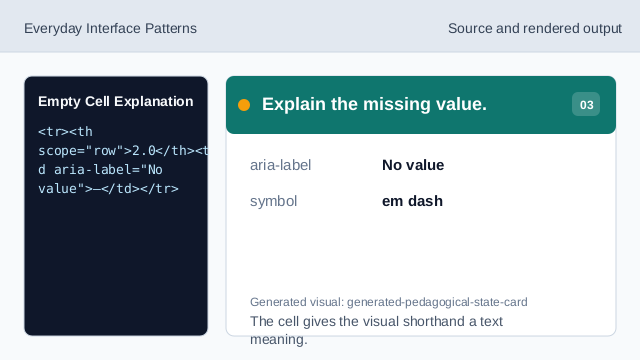
The cell gives the visual shorthand a text meaning. Render the empty-state cell.
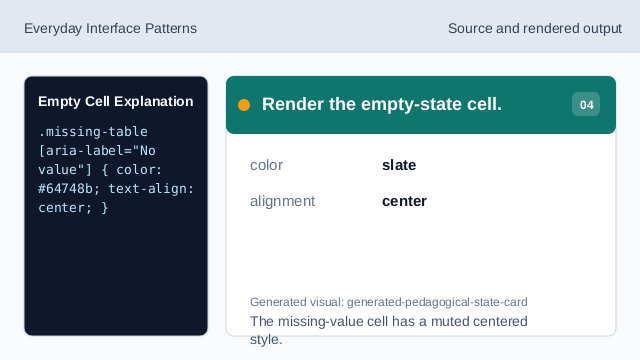
The missing-value cell has a muted centered style. Keep table headers scoped.
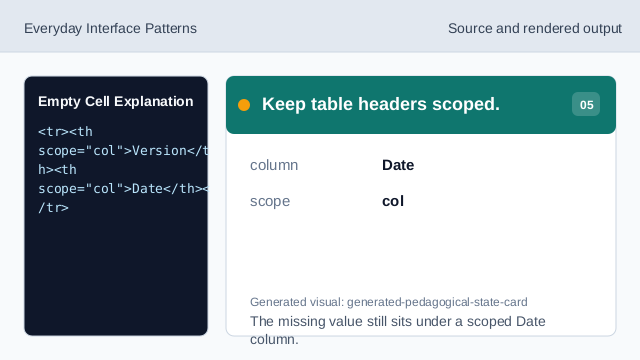
The missing value still sits under a scoped Date column. Check text meaning.
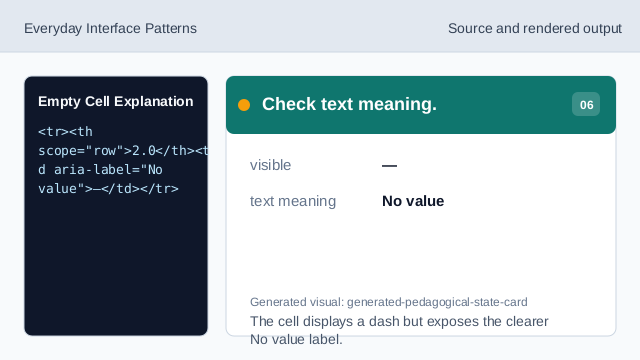
The cell displays a dash but exposes the clearer No value label.
missing value
A visual dash can show that a table value is missing.
aria-label
aria-label can give the symbol a clearer text meaning.
empty-state cell
Styling can make the missing-value cell visibly distinct.