Table Reading Patterns
Caption Scope Headers
A small table uses a caption plus scope="col" and scope="row" so headers and cells are clear.
Program
Tables are easier to read when the title, column headers, and row headers are explicit. The scope attributes make each header relationship clear.
caption_scope_headers.html
Visuals: captured from real browser rendering
<table class="reading-table">
  <caption>Project hours</caption>
  <thead><tr><th scope="col">Project</th><th scope="col">Hours</th></tr></thead>
  <tbody>
    <tr><th scope="row">Alpha</th><td>12</td></tr>
    <tr><th scope="row">Beta</th><td>8</td></tr>
  </tbody>
</table>
<style>
  .reading-table th, .reading-table td { border: 1px solid #94a3b8; padding: 8px; }
  caption { font-weight: 700; text-align: left; }
</style>
Create the table.
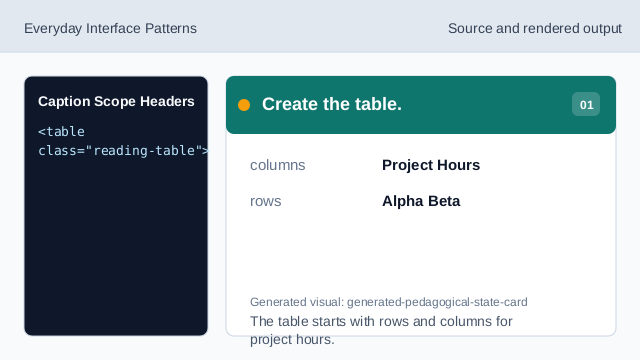
The table starts with rows and columns for project hours. Add the table caption.
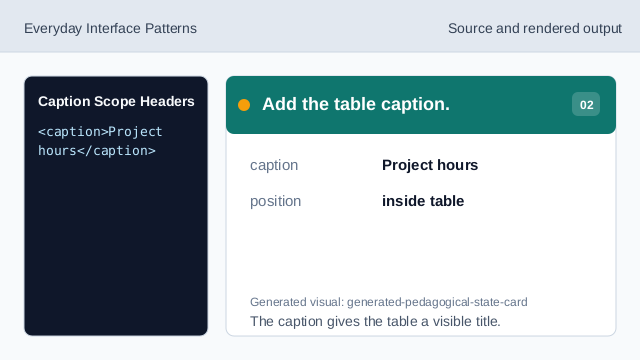
The caption gives the table a visible title. Mark column headers.
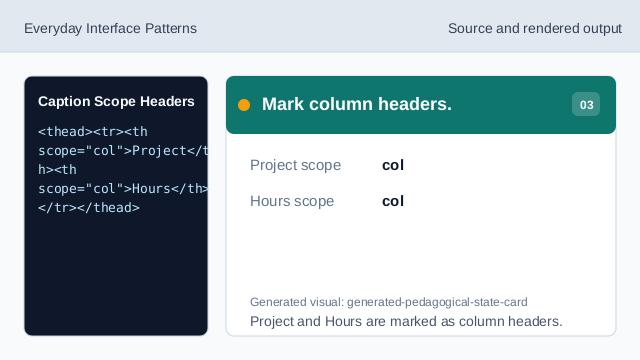
Project and Hours are marked as column headers. Mark the row header.
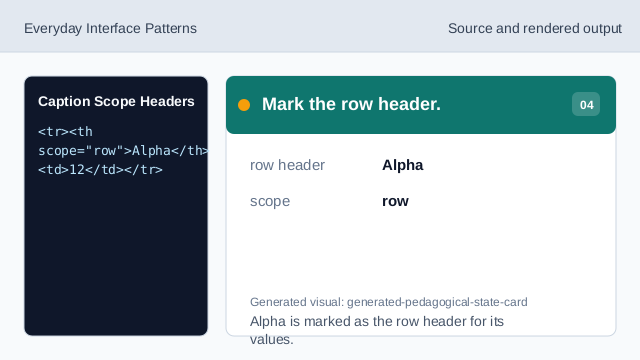
Alpha is marked as the row header for its values. Render the table structure.
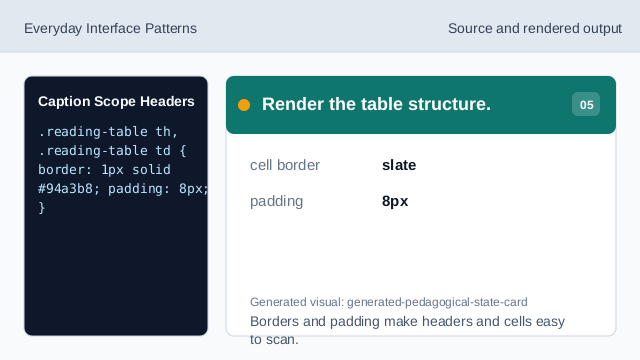
Borders and padding make headers and cells easy to scan. Check header relationships.
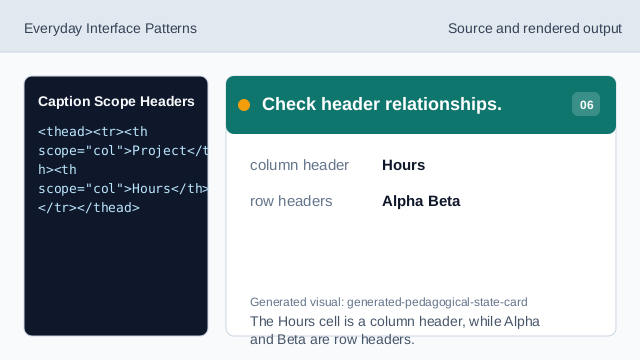
The Hours cell is a column header, while Alpha and Beta are row headers.
caption
caption gives the table a visible title.
column scope
scope="col" marks headers for a column.
row scope
scope="row" marks headers for a row.