Notification Preference Review Patterns
Digest Preview
A static digest preview shows Monday summary, 4 unread mentions, Email preview, and Ready to review.
Program
Digest previews should show a readback of what would be reviewed without sending email, queuing jobs, or starting a subscription workflow.
digest_preview_card.html
Visuals: captured from real browser rendering
<section class="digest-preview" aria-labelledby="digest-preview-title">
  <h2 id="digest-preview-title">Digest preview</h2>
  <dl>
    <div><dt>Digest</dt><dd>Monday summary</dd></div>
    <div><dt>Items</dt><dd>4 unread mentions</dd></div>
    <div><dt>Delivery</dt><dd>Email preview</dd></div>
    <div><dt>Status</dt><dd><span class="badge">Ready to review</span></dd></div>
  </dl>
  <p class="note">Static digest preview only; no email service, send job, queue, subscription, storage, network, route, timer, or API runs.</p>
</section>
<style>
  .digest-preview { display: grid; gap: 10px; max-width: 38rem; border: 1px solid #0f766e; padding: 12px; background: #f0fdfa; }
  .digest-preview dl { display: grid; gap: 8px; margin: 0; }
  .digest-preview dl div { display: grid; grid-template-columns: 7rem 1fr; gap: 8px; }
  .digest-preview dt { color: #475569; }
  .digest-preview dd, .note { margin: 0; }
  .badge { border-radius: 999px; background: #ccfbf1; padding: 2px 8px; }
  .note { color: #475569; }
</style>
Label the digest preview.
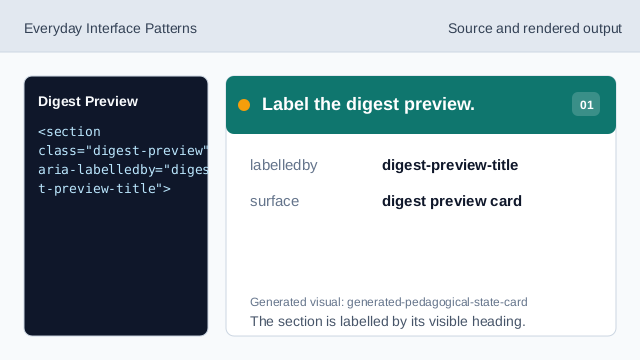
The section is labelled by its visible heading. Show the digest row.
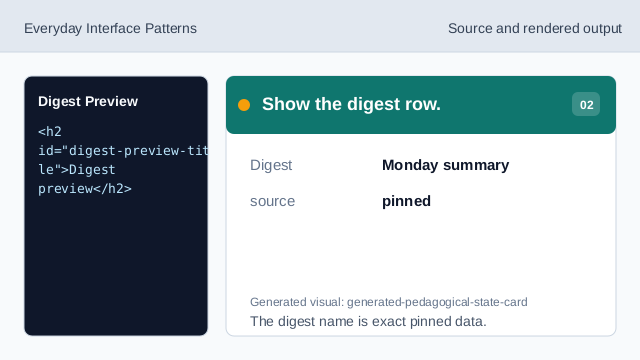
The digest name is exact pinned data. Show the item count.
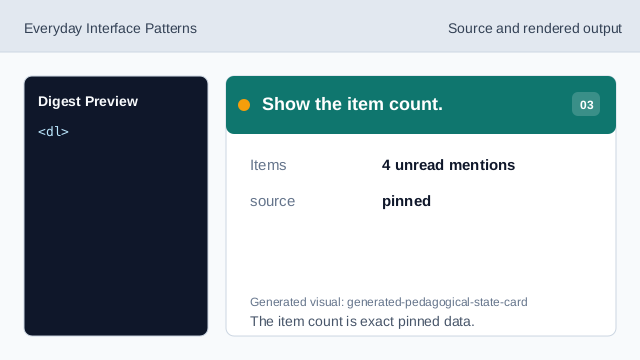
The item count is exact pinned data. Show the delivery row.
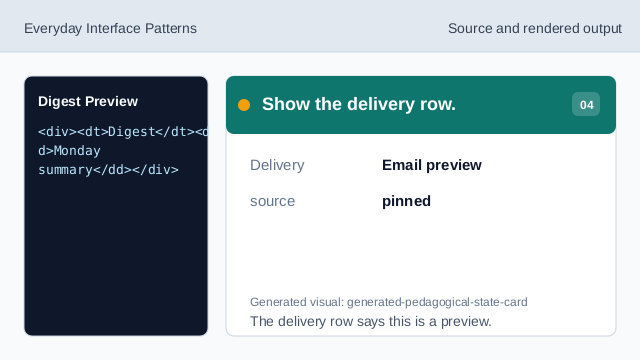
The delivery row says this is a preview. Show the review status.
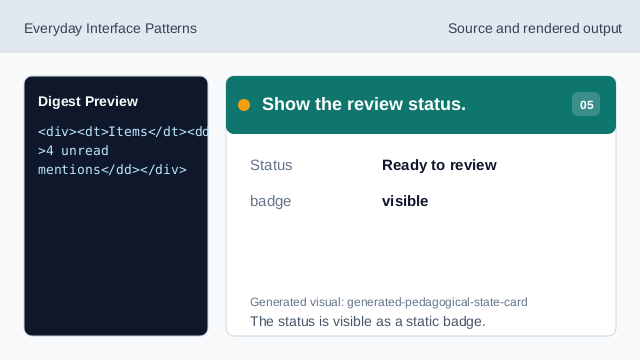
The status is visible as a static badge. Check digest preview honesty.
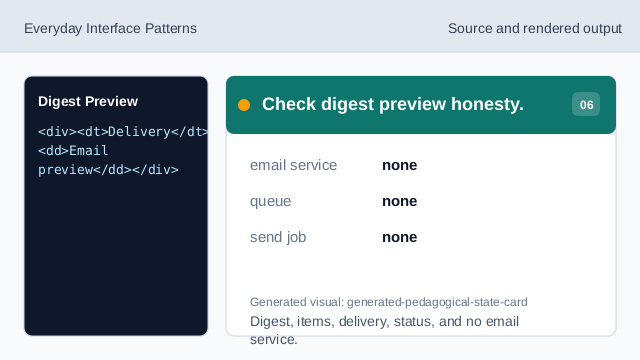
Digest, items, delivery, status, and no email service.
preview card
The section heading names the digest preview surface.
digest readback
Digest, items, delivery, and status are exact pinned data.
no email service
The lesson should not imply email sends, send jobs, queues, subscriptions, storage, network, routes, timers, or APIs.