Notification Preference Review Patterns
Channel Prefs
A static notification preference card shows Email Weekly digest, In-app Mentions only, Push Off, and Saved preference.
Program
Notification channel summaries should show each channel and saved state without contacting notification, push, storage, or send services.
channel_preference_summary.html
Visuals: captured from real browser rendering
<section class="channel-prefs" aria-labelledby="channel-prefs-title">
  <h2 id="channel-prefs-title">Channel preferences</h2>
  <dl>
    <div><dt>Email</dt><dd>Weekly digest</dd></div>
    <div><dt>In-app</dt><dd>Mentions only</dd></div>
    <div><dt>Push</dt><dd>Off</dd></div>
    <div><dt>Status</dt><dd><span class="badge">Saved preference</span></dd></div>
  </dl>
  <p class="note">Static preference review only; no notification service, push permission, subscription, storage, send job, API, routing, timer, or live preference save runs.</p>
</section>
<style>
  .channel-prefs { display: grid; gap: 10px; max-width: 38rem; border: 1px solid #64748b; padding: 12px; }
  .channel-prefs dl { display: grid; gap: 8px; margin: 0; }
  .channel-prefs dl div { display: grid; grid-template-columns: 7rem 1fr; gap: 8px; }
  .channel-prefs dt { color: #475569; }
  .channel-prefs dd, .note { margin: 0; }
  .badge { border-radius: 999px; background: #dcfce7; padding: 2px 8px; }
  .note { color: #475569; }
</style>
Label the preference card.
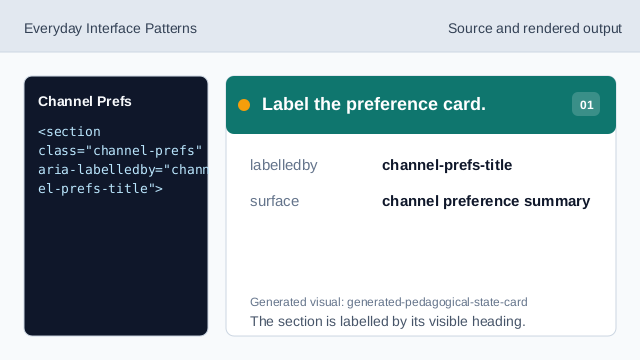
The section is labelled by its visible heading. Show the Email row.
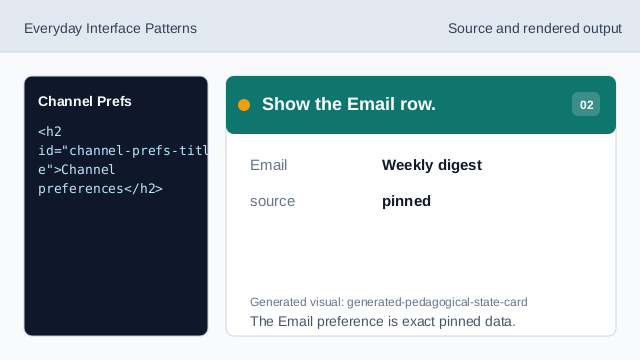
The Email preference is exact pinned data. Show the In-app row.
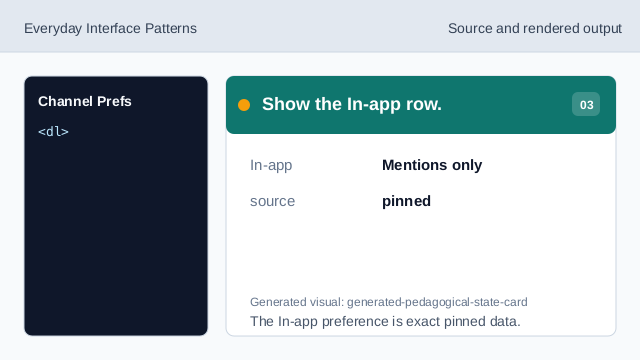
The In-app preference is exact pinned data. Show the Push row.
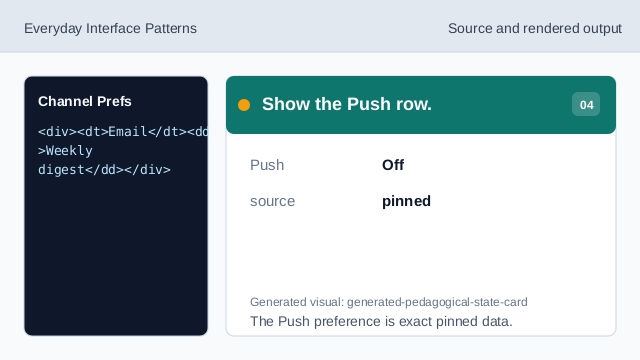
The Push preference is exact pinned data. Show the saved status.
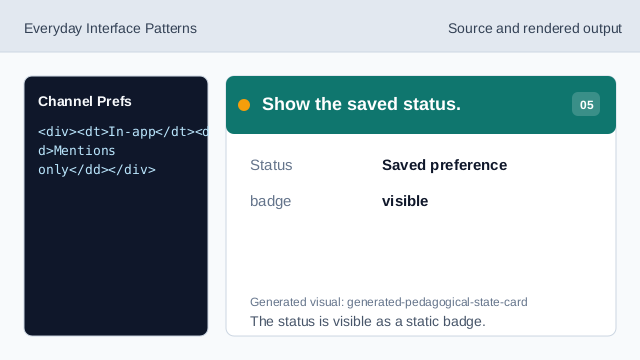
The status is visible as a static badge. Check channel preference honesty.
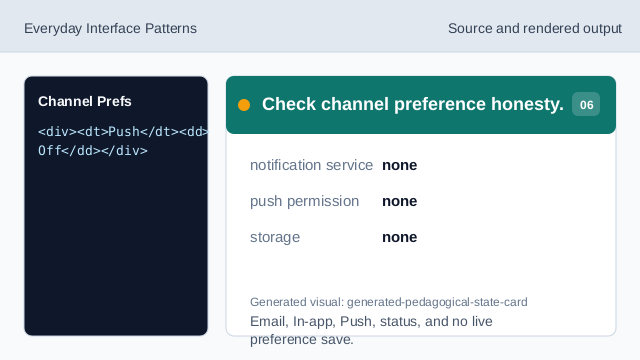
Email, In-app, Push, status, and no live preference save.
static markup
The section heading names the notification channel preference surface.
clear channel rows
Email, In-app, Push, and Status rows are exact pinned data.
no notification service
The lesson should not imply push permissions, subscriptions, send jobs, APIs, storage, routing, timers, or live preference saves.