Privacy Controls Patterns
Export Status
A static data export status card shows a pinned request id, queued status, date and time, a Prepare export button, and no download or backend export.
Program
Data export screens should show request status without pretending a file is prepared or downloaded. This lesson uses pinned export status text only.
data_export_status.html
Visuals: captured from real browser rendering
<section class="export-status" aria-labelledby="export-title">
  <h2 id="export-title">Data export</h2>
  <p><strong>Request</strong> EXP-2048</p>
  <p><strong>Status</strong> <span class="badge">Queued</span></p>
  <p><strong>Requested</strong> July 7, 2026 at 10:15</p>
  <button type="button">Prepare export</button>
  <p class="note">Static export status only; no download or backend export runs.</p>
</section>
<style>
  .export-status { display: grid; gap: 10px; max-width: 36rem; border: 1px solid #64748b; padding: 12px; }
  .export-status p, .note { margin: 0; }
  .export-status button { justify-self: start; padding: 8px 12px; }
  .badge { border-radius: 999px; background: #dbeafe; padding: 2px 8px; }
  .note { color: #475569; }
</style>
Label the export status card.
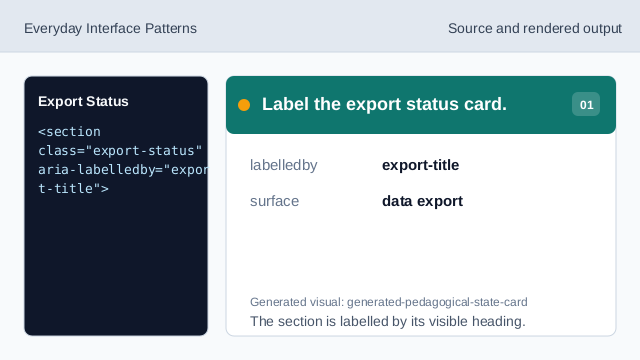
The section is labelled by its visible heading. Show the pinned request id.
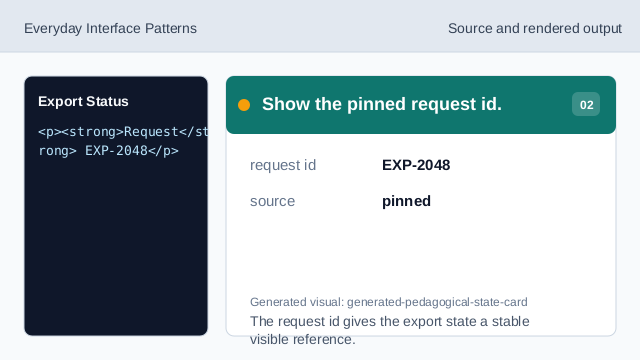
The request id gives the export state a stable visible reference. Show the queued status badge.
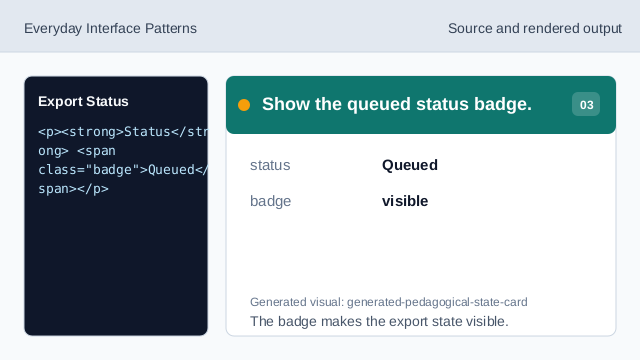
The badge makes the export state visible. Show the pinned request time.
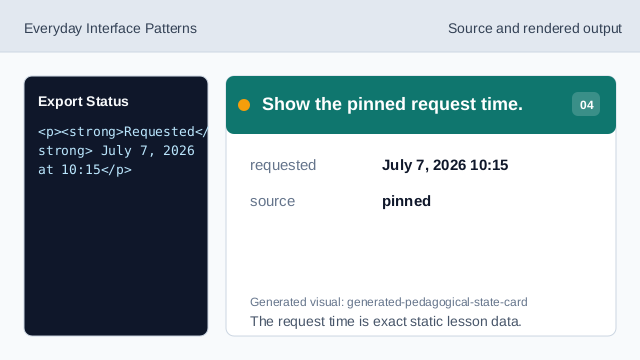
The request time is exact static lesson data. Show the export affordance.
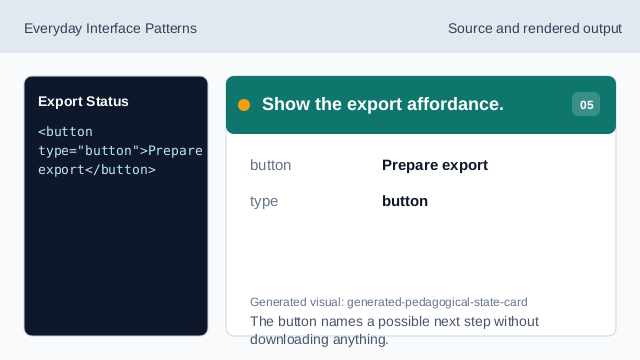
The button names a possible next step without downloading anything. Check the data export status.
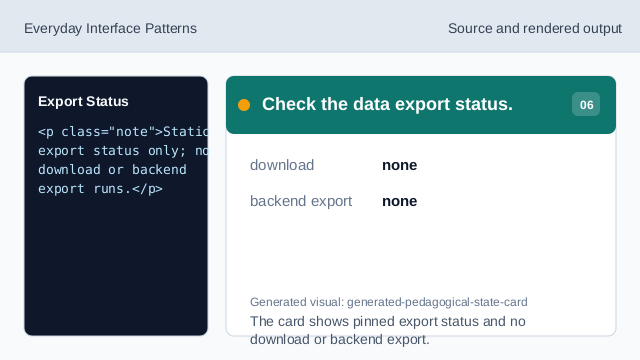
The card shows pinned export status and no download or backend export.
request id
The export card shows an exact pinned request id.
status badge
The Queued badge makes the current export state visible.
no download
The lesson should not imply a file download or backend export.