Address Entry Patterns
Address Review Card
A static review card shows the pinned address with an Edit button and no geocoding, submission, or account update.
Program
A review card should show the exact address being reviewed and a clear edit path. This lesson does not submit or verify the address.
address_review_card.html
Visuals: captured from real browser rendering
<section class="address-review" aria-labelledby="review-title">
  <h2 id="review-title">Review address</h2>
  <address>123 Web Lane<br>Chicago, IL 60607</address>
  <button type="button">Edit</button>
  <p class="note">No geocoding, submission, or account update runs in this lesson.</p>
</section>
<style>
  .address-review { display: grid; gap: 10px; max-width: 32rem; border: 1px solid #94a3b8; padding: 12px; }
  .address-review address { font-style: normal; line-height: 1.5; }
  .address-review button { justify-self: start; padding: 8px 12px; }
  .note { margin: 0; color: #475569; }
</style>
Label the address review card.
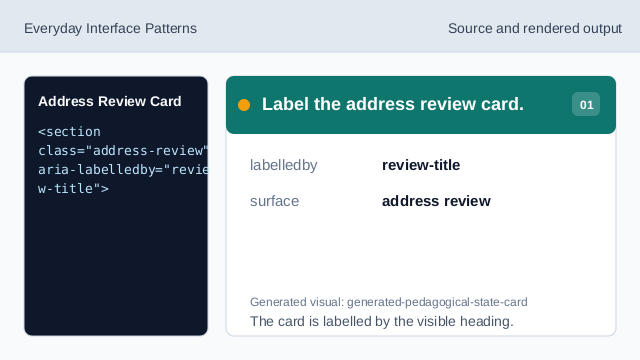
The card is labelled by the visible heading. Use address markup for the pinned address.
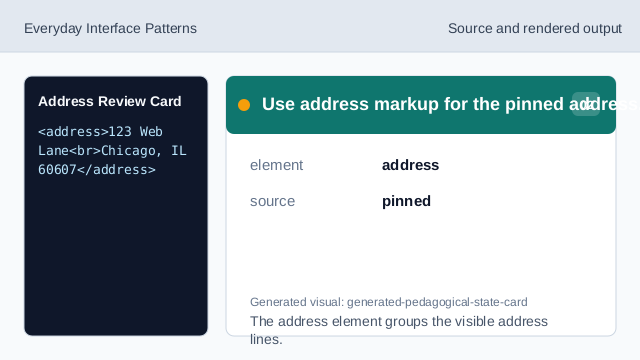
The address element groups the visible address lines. Show the pinned street line.
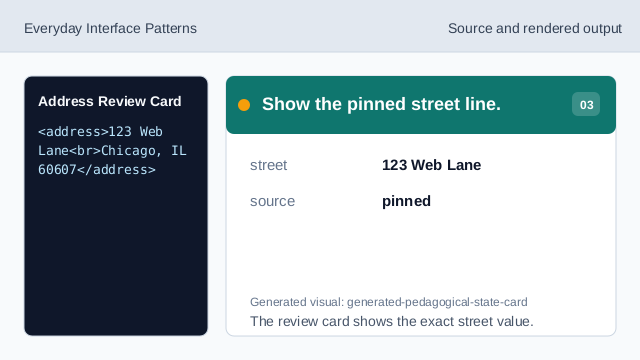
The review card shows the exact street value. Show the pinned city, state, and postal line.
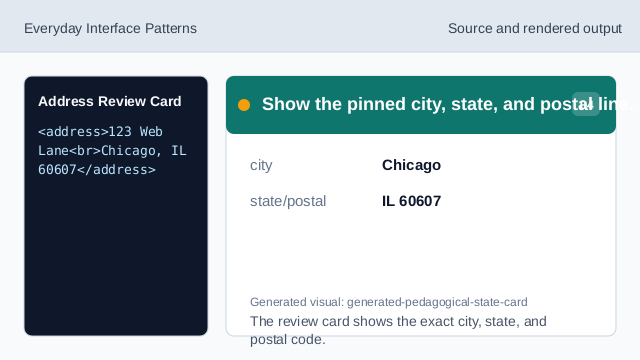
The review card shows the exact city, state, and postal code. Show the edit affordance.
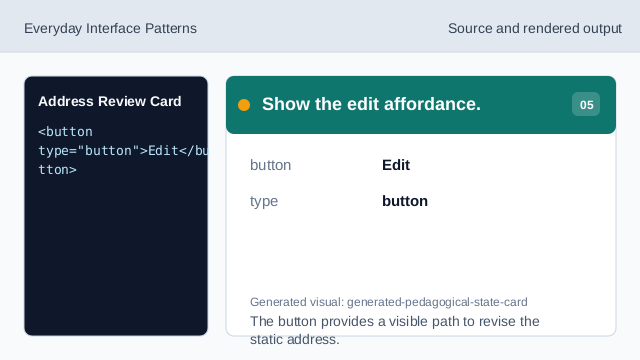
The button provides a visible path to revise the static address. Check the address review card.
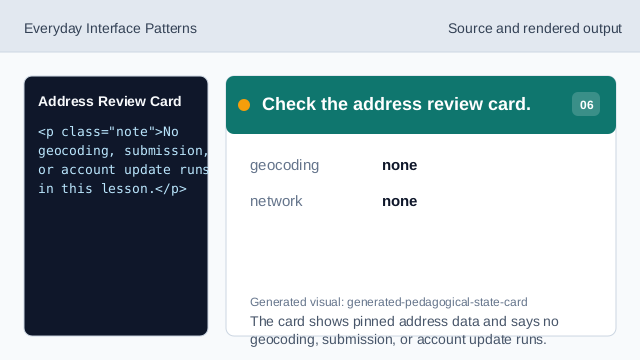
The card shows pinned address data and says no geocoding, submission, or account update runs.
review card
The card shows the address before any imagined next step.
edit affordance
A button gives a clear path to correct the static address.
no geocoding
The lesson should not imply the address was verified or submitted.