Address Entry Patterns
Address Field Group
A fieldset groups labelled address fields with pinned values and clear helper status text.
Program
Address forms are easier to scan when related fields share one visible group label. This lesson uses fixed address values and no live validation.
address_field_group.html
Visuals: captured from real browser rendering
<form class="address-form" aria-describedby="address-status">
  <fieldset>
    <legend>Mailing address</legend>
    <label>Street <input name="street" value="123 Web Lane"></label>
    <label>City <input name="city" value="Chicago"></label>
    <label>State <input name="state" value="IL"></label>
    <label>Postal code <input name="postal" value="60607"></label>
  </fieldset>
  <p id="address-status" role="status">Pinned address fields are ready for review.</p>
</form>
<style>
  .address-form { display: grid; gap: 10px; max-width: 34rem; border: 1px solid #94a3b8; padding: 12px; }
  .address-form fieldset { display: grid; gap: 8px; border: 1px solid #cbd5e1; }
  .address-form label { display: grid; gap: 4px; }
  #address-status { margin: 0; color: #334155; }
</style>
Connect the address form to status text.
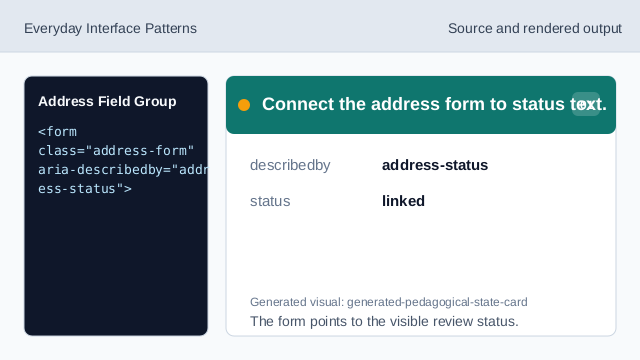
The form points to the visible review status. Group the address fields.
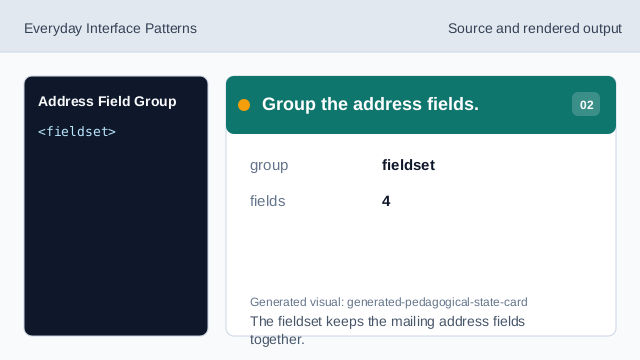
The fieldset keeps the mailing address fields together. Name the address group.
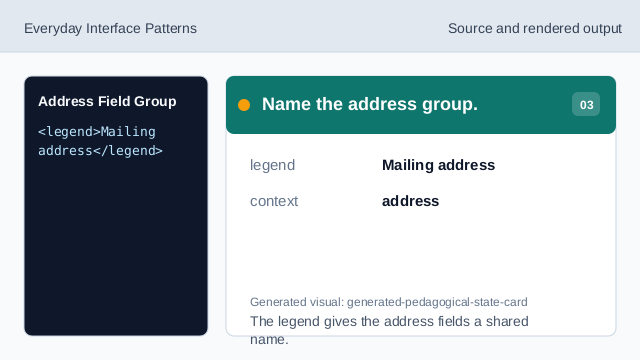
The legend gives the address fields a shared name. Pin the street value.
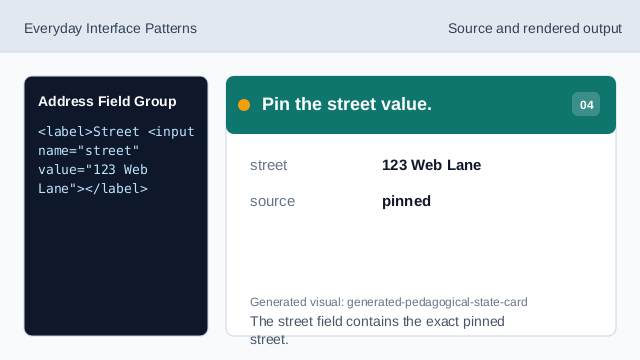
The street field contains the exact pinned street. Pin the city, state, and postal values.
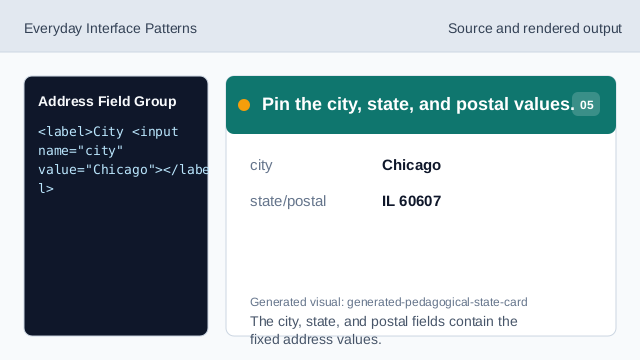
The city, state, and postal fields contain the fixed address values. Check the grouped address fields.
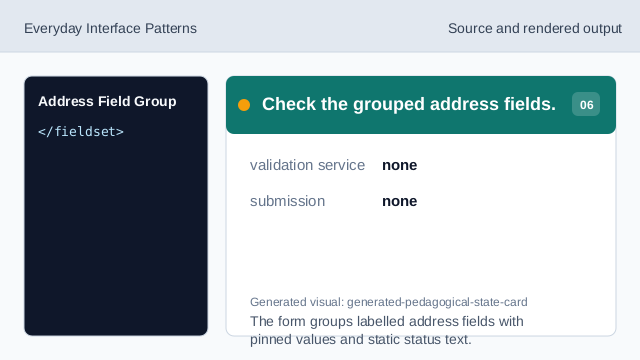
The form groups labelled address fields with pinned values and static status text.
fieldset legend
The legend names the address field group.
labelled fields
Each pinned value has a visible field label.
static status
The status text describes the fixed lesson state.