Cleanup and Export
Missing Value Normalize
CSV rows with empty status cells are normalized before rendering so the table has explicit values.
Program
Browser CSV tools should turn missing values into visible, searchable state instead of leaving unexplained blanks.
missing_value_normalize.html
Visuals: captured from real browser rendering
<table id="grid"></table>
<script>
  const rows = [["task", "status"], ["Build", ""], ["Review", "done"]];
  const normalized = rows.map(([task, status]) => [task, status || "unknown"]);
  grid.innerHTML = normalized.map(row => "<tr><td>" + row.join("</td><td>") + "</td></tr>").join("");
</script>
Load a row with an empty field.
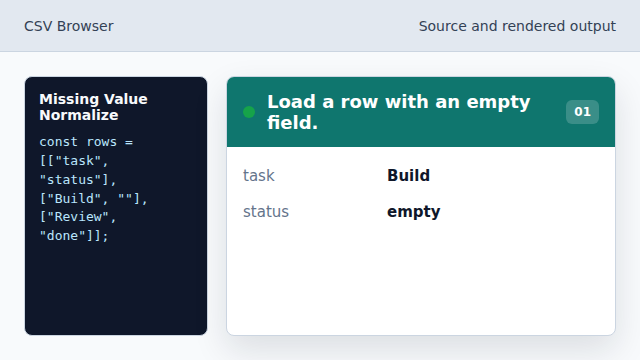
The Build row has no visible status yet. Normalize every row.
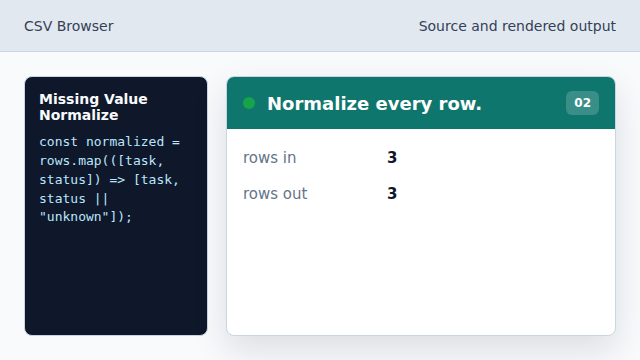
map creates a display-ready row set. Replace blanks with a fallback.
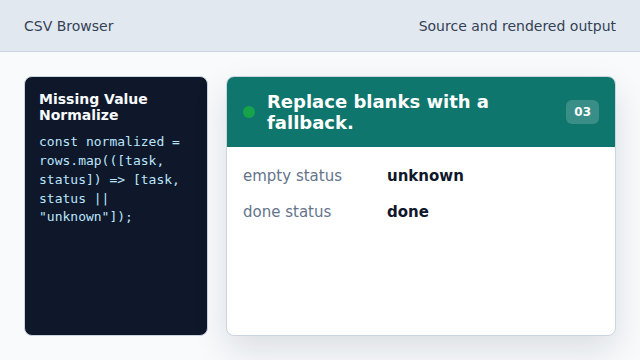
The fallback makes missing data visible. Render the normalized table.
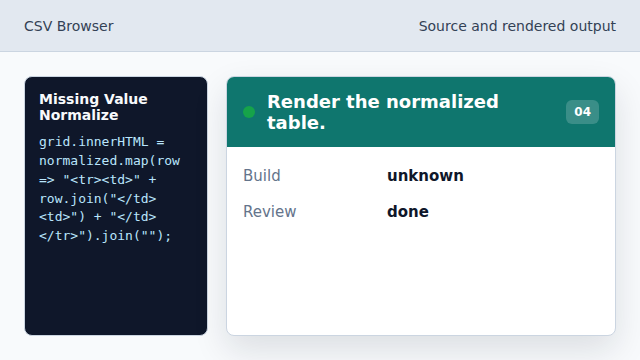
Every visible cell now has text.
normalization
Normalization rewrites inconsistent input into explicit values.
empty string
An empty string in CSV data often represents a missing field.