Cleanup and Export
Download CSV Blob
Filtered rows are joined into CSV text, wrapped in a Blob, and exposed through a download link.
Program
Blob and object URLs let browser apps offer generated files without a server round trip.
download_csv_blob.html
Visuals: captured from real browser rendering
<a id="download" download="open-tasks.csv">Download open tasks</a>
<script>
  const rows = [["task", "status"], ["Build", "open"], ["Review", "done"]];
  const openRows = rows.filter(row => row[1] !== "done");
  const csv = openRows.map(row => row.join(",")).join("\n");
  const blob = new Blob([csv], { type: "text/csv" });
  download.href = URL.createObjectURL(blob);
</script>
Name the generated file.
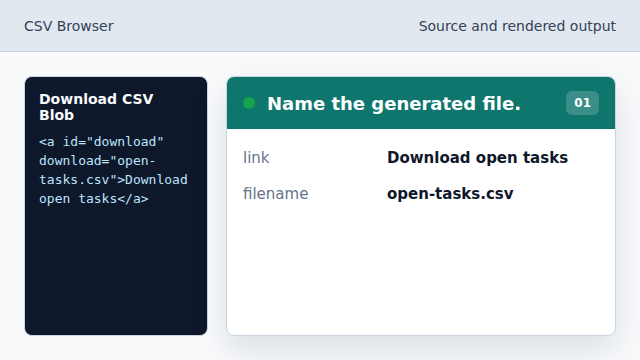
The download attribute tells the browser the saved filename. Keep only open rows.
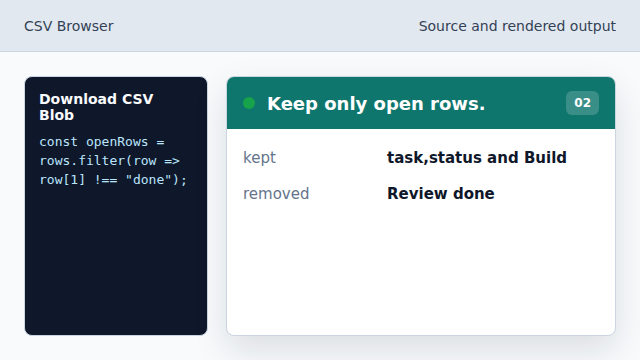
The export omits completed work. Serialize rows back to CSV text.
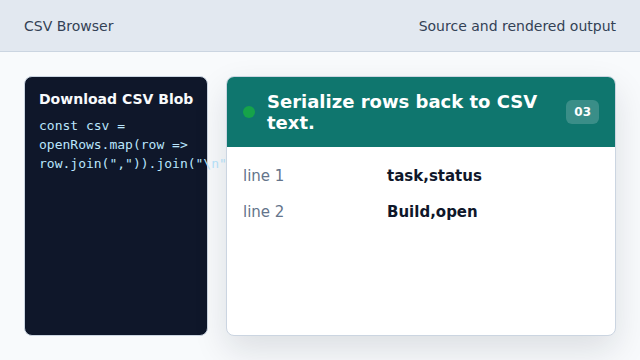
Rows become comma-separated text joined with newlines. Wrap text as a CSV Blob.
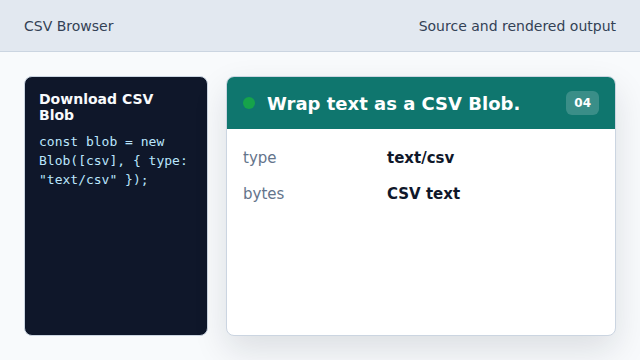
The Blob gives the generated text a file type. Create a download URL.
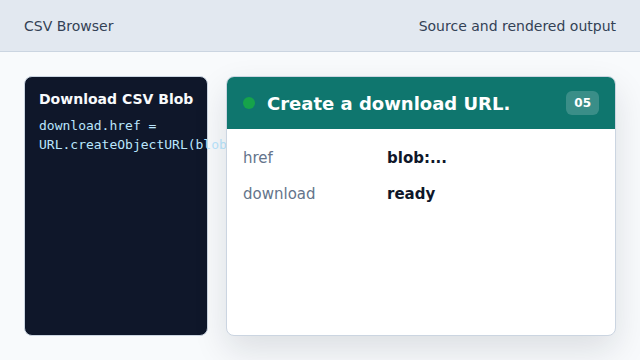
The link now points at the generated CSV file.
Blob
Blob represents generated file-like data in the browser.
object URL
URL.createObjectURL creates a temporary URL for a Blob.