Borders and Decorations
Outline vs Border
Two buttons start identical, gain a 2px border, the primary thickens its border and shifts the row, then the secondary gains an outline that emphasizes it without changing layout.
Program
border and outline both draw a line around an element. border affects box dimensions; outline floats above the box and never changes layout.
outline_vs_border.html
Visuals: captured from real browser rendering
<style>
.actions { display: flex; gap: 12px; padding: 24px; }
.btn { padding: 10px 18px; font: inherit; font-weight: 800; border: 2px solid #0f766e; border-radius: 8px; background: white; color: #0f766e; }
.primary { border-width: 6px; }
.focus { outline: 3px solid #0ea5e9; outline-offset: 2px; }
</style>

<section class="actions">
  <button class="btn primary">Save</button>
  <button class="btn focus">Cancel</button>
</section>
Lay the buttons out in a row.
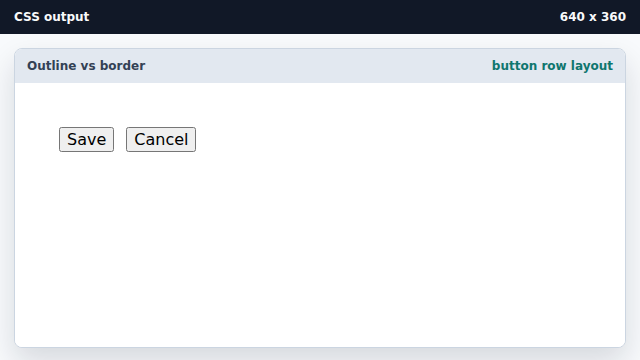
A flex row keeps the buttons aligned with a fixed gap. Give both buttons a 2px border.
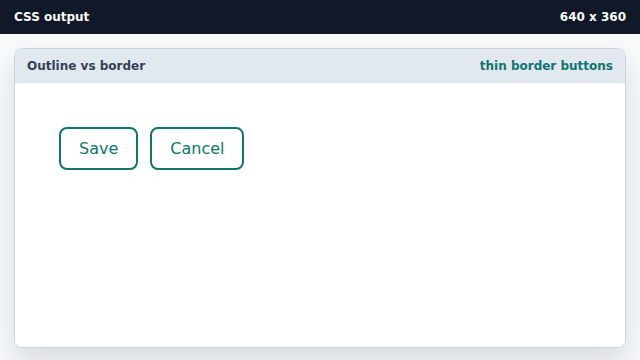
A 2px border sits inside the same outline space. Thicken the primary border.
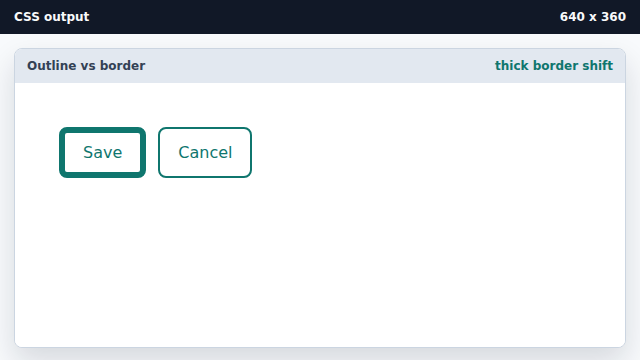
A thicker border increases the box size and pushes neighbors. Emphasize the cancel button with an outline.
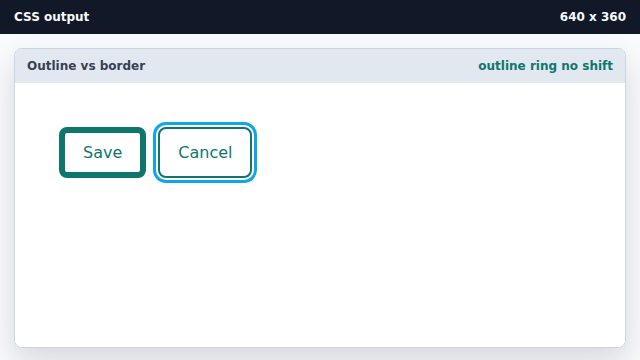
outline lives outside the border box and never changes layout.
border
border draws a line inside the element box and affects layout.
outline
outline draws a line outside the border box without changing layout.