Borders and Decorations
Border Radius Pill
A status tag starts as a plain block, gains a small corner radius, then a fully pill shaped radius, and finally a variant color so two tags read as related but distinct.
Program
border-radius rounds the corners of a box. A radius larger than the box height creates a fully rounded pill regardless of the actual dimensions.
border_radius_pill.html
Visuals: captured from real browser rendering
<style>
.tag-row { display: flex; gap: 12px; padding: 24px; }
.tag { display: inline-block; padding: 6px 14px; background: #e2e8f0; color: #0f172a; font-weight: 800; }
.tag { border-radius: 999px; }
.tag.review { background: #fde68a; color: #78350f; }
</style>

<section class="tag-row">
  <span class="tag">draft</span>
  <span class="tag review">review</span>
</section>
Lay the tags out in a row.
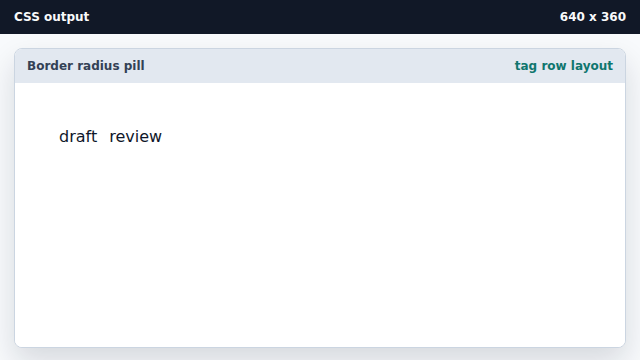
A flex row with a gap keeps the two tags side by side. Style the tag as a small block.
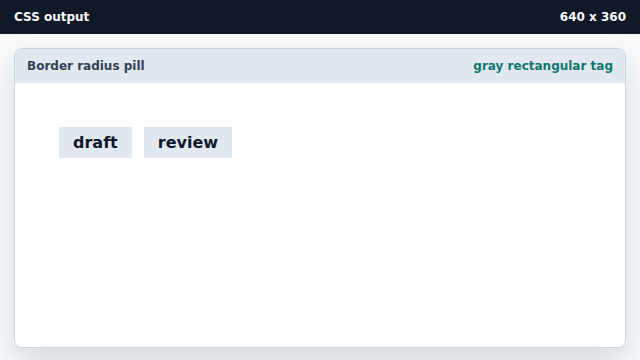
A base tag gets padding, a neutral background, and bold text. Round the corners into a pill.
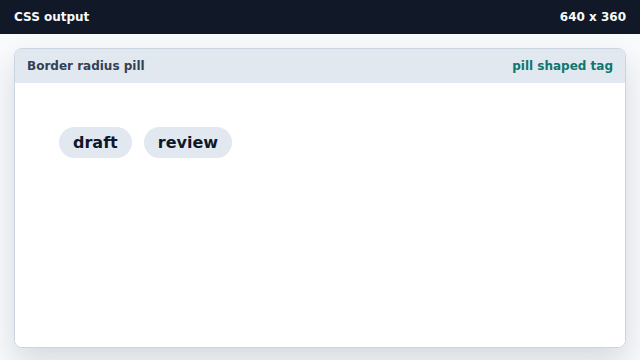
A radius larger than the box height makes the corners fully rounded. Color the review tag.
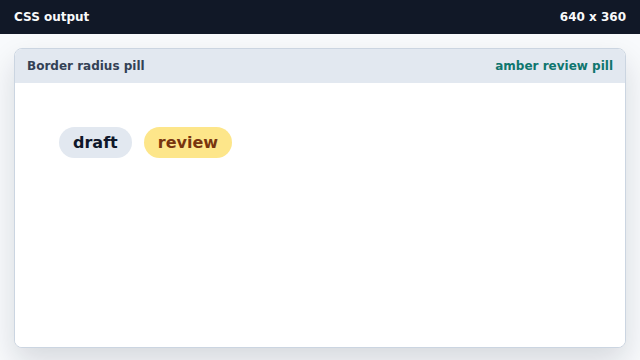
A more specific selector lets one tag carry a status color.
border-radius
border-radius rounds the corners of an element.
pill shape
A radius larger than half the height fully rounds both ends of a box.