Pixels and Image Data
Image Data Read
A sky-blue panel paints into the canvas, getImageData copies a sample region into a typed array, and a confirmation swatch redraws using the read RGB triple.
Program
getImageData reads the canvas back into a typed array. The bytes contain interleaved RGBA values for every pixel inside the requested rectangle.
image_data_read.html
Visuals: captured from real browser rendering
<canvas id="stage" width="360" height="210"></canvas>
<script>
  const ctx = stage.getContext("2d");
  ctx.fillStyle = "#0ea5e9";
  ctx.fillRect(40, 50, 280, 110);
  const pixels = ctx.getImageData(180, 100, 60, 30);
  const r = pixels.data[0];
  const g = pixels.data[1];
  const b = pixels.data[2];
  ctx.fillStyle = "rgb(" + r + "," + g + "," + b + ")";
  ctx.fillRect(40, 170, 80, 30);
</script>
Paint the sky-blue panel to read from.
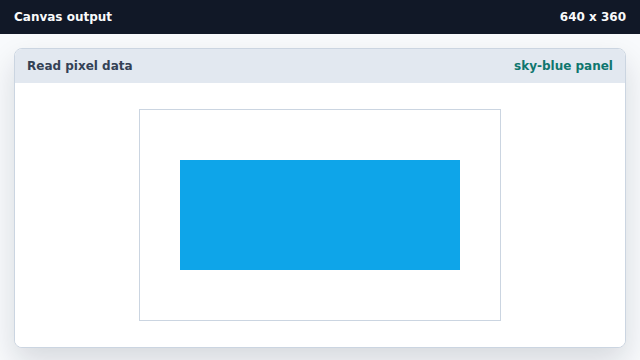
getImageData needs pixels to exist before it can read them. Copy a sample region into a typed array.
getImageData copies pixels back to a Uint8ClampedArray inside ImageData. Paint a swatch using the read RGB values.
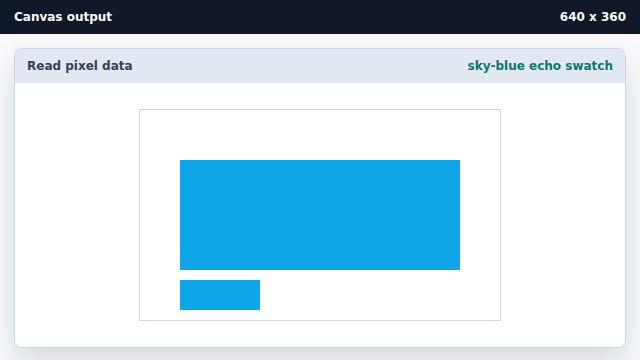
The echo confirms the pixel bytes round-tripped from canvas to JavaScript to canvas.
getImageData
getImageData copies a rectangle of canvas pixels back to JavaScript.
Uint8ClampedArray
Pixel data is stored as clamped bytes ordered red, green, blue, alpha.