State and Transforms
Gradient Fill
A linear gradient receives two color stops and then fills a banner rectangle.
Program
Canvas gradients are paint objects. You configure color stops, assign the gradient to fillStyle, and then draw with it.
gradient_fill.html
Visuals: captured from real browser rendering
<canvas id="stage" width="360" height="210"></canvas>
<script>
  const ctx = stage.getContext("2d");
  const gradient = ctx.createLinearGradient(30, 40, 310, 40);
  gradient.addColorStop(0, "#1d4ed8");
  gradient.addColorStop(1, "#14b8a6");
  ctx.fillStyle = gradient;
  ctx.fillRect(30, 50, 280, 100);
</script>
Create a horizontal gradient object.
The gradient is configuration until it is used as paint. Add the blue start color stop.
Color stops define how the gradient will interpolate. Add the teal end color stop.
The gradient now has both ends defined. Fill a rectangle with the gradient.
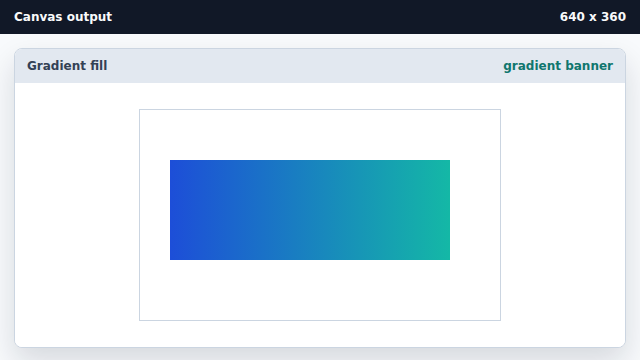
fillRect uses the gradient assigned to fillStyle.
gradient
A gradient is a paint object with color stops.
color stop
A color stop defines the color at one position in the gradient.