State and Transforms
Clear and Redraw
A scene paints a background, clears a region, and redraws a marker in a new position.
Program
Canvas does not remember shapes as objects. To change a scene, code clears pixels and draws the new state.
clear_redraw.html
Visuals: captured from real browser rendering
<canvas id="stage" width="360" height="210"></canvas>
<script>
  const ctx = stage.getContext("2d");
  ctx.fillStyle = "#e0f2fe";
  ctx.fillRect(0, 0, 360, 210);
  ctx.fillStyle = "#1d4ed8";
  ctx.fillRect(54, 82, 54, 54);
  ctx.clearRect(40, 70, 90, 80);
  ctx.fillRect(210, 82, 54, 54);
</script>
Paint the scene background.
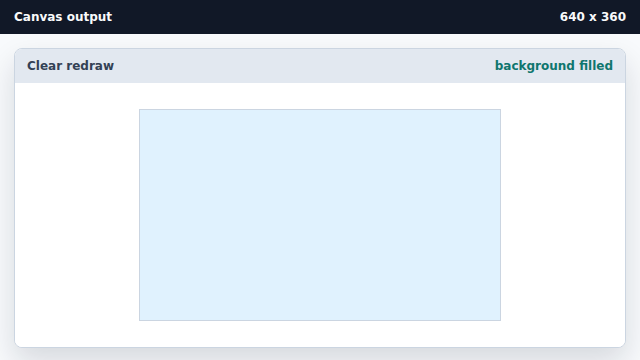
The first fillRect paints the whole scene. Draw the marker at the first position.
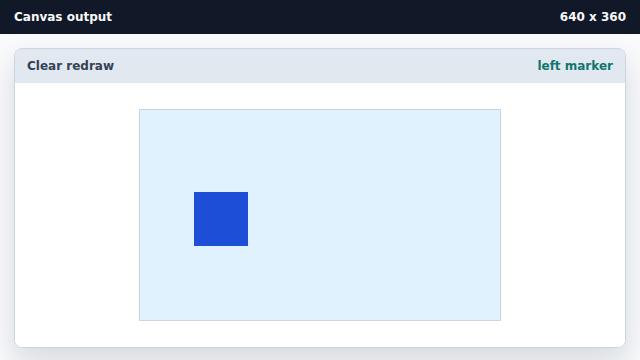
The marker is just pixels on top of the background. Clear the old marker area.
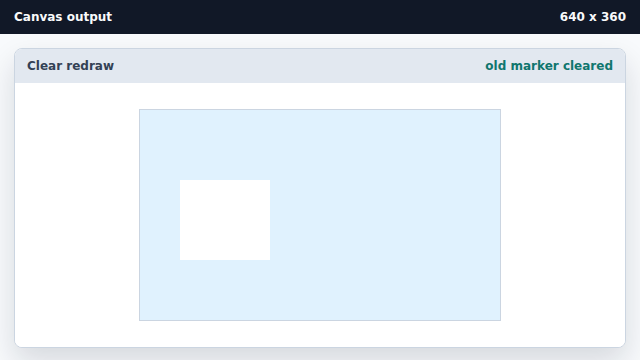
clearRect removes pixels from a rectangular region. Draw the marker at the new position.
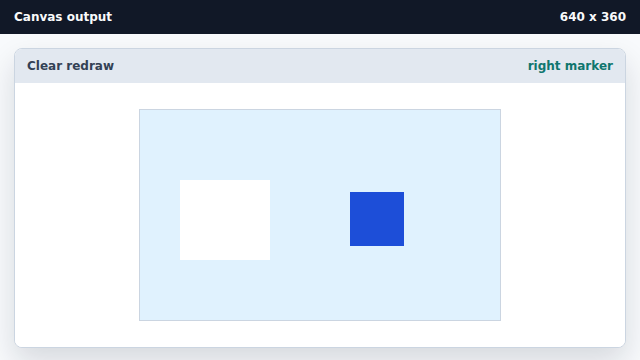
Redrawing creates the new scene state.
clearRect
clearRect clears pixels in a rectangle.
redraw
A canvas scene changes by clearing and drawing pixels again.