Csv Tables
CSV Status Table
Text Data Becomes Rows
A CSV string becomes an HTML table. The replay connects parsing steps to the browser-rendered header and rows.
Program
The source splits CSV text into arrays, then writes table headers and rows into the DOM. Watch how data becomes browser-rendered cells.
csv_status_table.js
Visuals: captured from real browser rendering
const csv = `name,role,status
Ada,admin,active
Lin,editor,paused
Mia,viewer,active`;

const lines = csv.trim().split('\n');
const headers = lines[0].split(',');
const rows = lines.slice(1).map((line) => line.split(','));

const table = document.querySelector('#team');
const headerRow = table.createTHead().insertRow();
headers.forEach((header) => {
  const th = document.createElement('th');
  th.textContent = header;
  headerRow.appendChild(th);
});

const tbody = table.createTBody();
rows.forEach((row) => {
  const tr = tbody.insertRow();
  row.forEach((value) => {
    const td = tr.insertCell();
    td.textContent = value;
  });
  tr.dataset.status = row[2];
});
Store the CSV text.
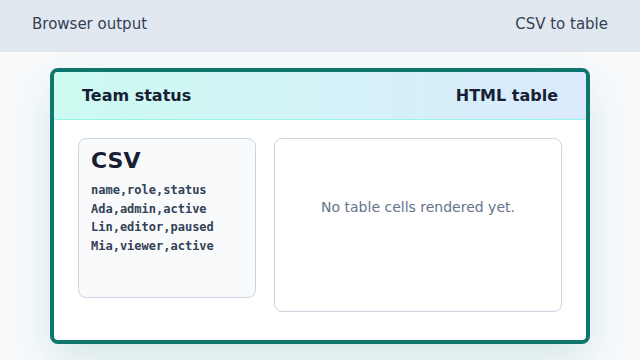
The CSV text exists, but no table cells have been rendered yet. Append header cells for name, role, and status.
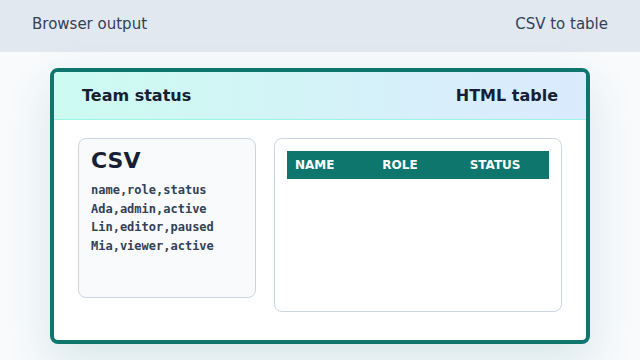
The header loop turns the first CSV line into table header cells. Render Ada as the first data row.
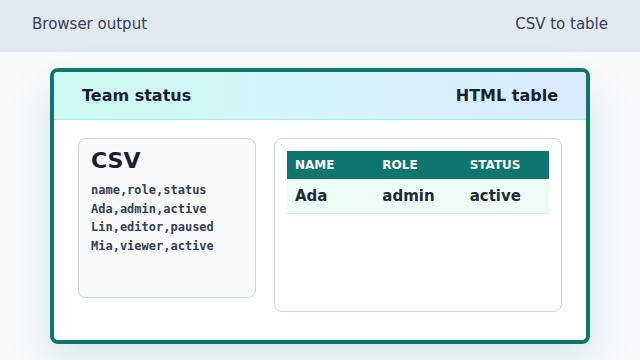
The first record becomes a highlighted active row. Render Lin as the second data row.
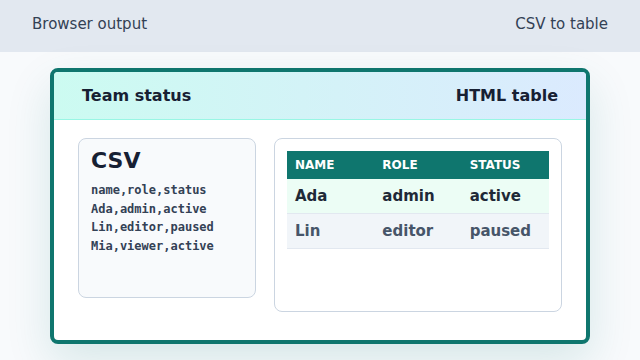
The paused status is stored as a data attribute and styled differently. Render Mia as the final data row.
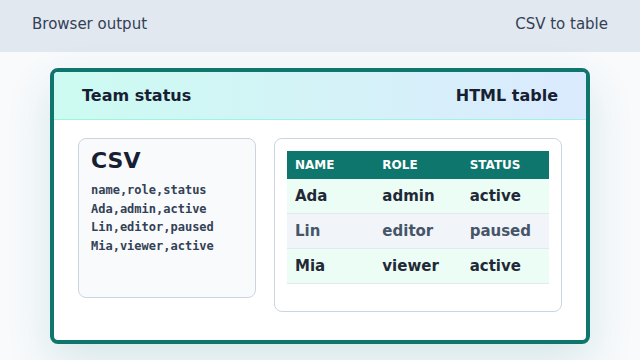
All three CSV records are now visible as table rows.
CSV
CSV stores rows as lines and fields as comma-separated text.
table row
An HTML table row groups related cells so the browser can render the data in columns.
data attribute
A data attribute stores extra state on an element. CSS can use it to style matching rows.