Diagnostics
Accessible Form Failure
Errors Become Assistive State
A signup form moves from invalid input to accessible error feedback, focus-visible styling, live status text, and a corrected final state.
Program
The browser output changes as JavaScript connects the invalid field to an error message, announces the problem, styles the focused field, then clears the error after a valid email is entered.
accessible_form_failure.js
Visuals: captured from real browser rendering
const form = document.querySelector('#signup-form');
const email = form.querySelector('#email');
const message = form.querySelector('#email-message');
const status = form.querySelector('[role="status"]');

email.value = 'ada.example.com';
email.setAttribute('aria-invalid', 'true');
email.setAttribute('aria-describedby', 'email-message');
message.textContent = 'Use an @ in the email address.';
status.textContent = 'Email needs attention before signup.';
email.classList.add('error', 'focus-visible');

email.value = 'ada@example.com';
email.setAttribute('aria-invalid', 'false');
message.textContent = 'Email looks good.';
status.textContent = 'Ready to submit.';
email.classList.remove('error', 'focus-visible');
email.classList.add('valid');
Enter an invalid email value.
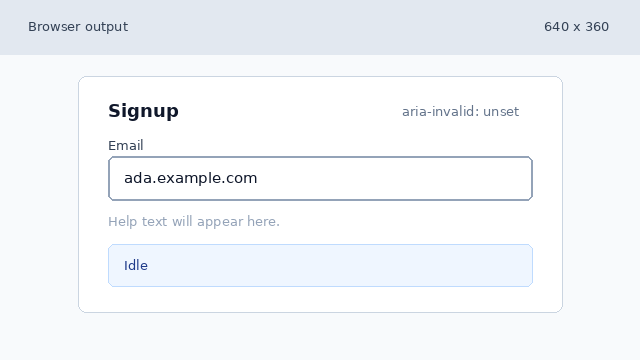
The field contains an invalid email string, but accessibility state has not been connected yet. Connect the invalid field to accessible error state.
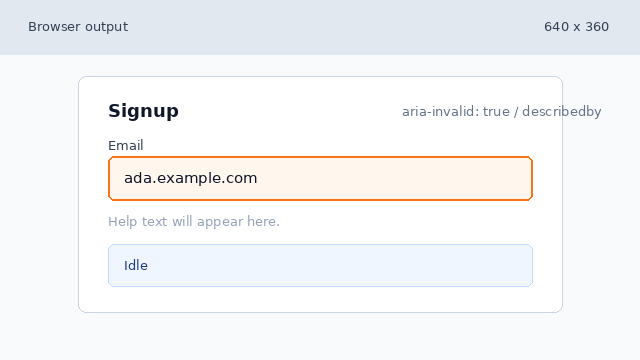
aria-invalid and aria-describedby expose the failure to assistive technology. Write error help and live status text.
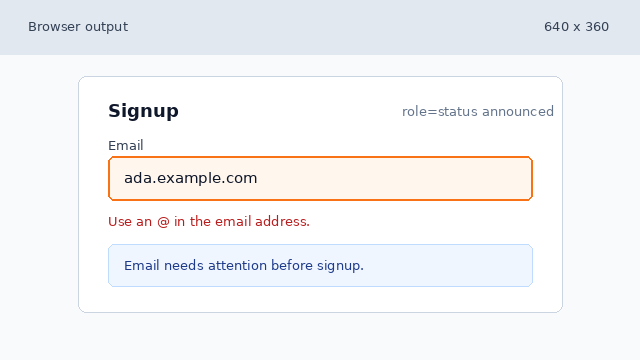
Visible help and the role status region communicate the same failure path. Apply focus-visible and error styling classes.
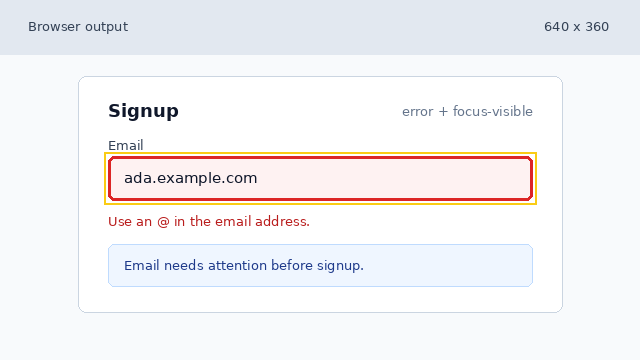
The focused invalid field is visually discoverable while preserving the accessible state. Correct the email and clear the failure state.
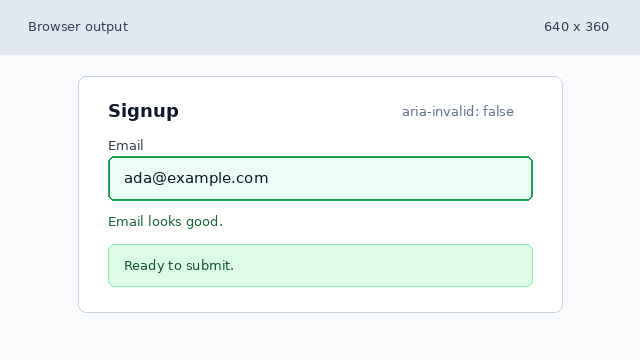
The corrected state clears the error classes and leaves a visible success path.
aria-invalid
`aria-invalid` tells assistive technology that a field currently has an invalid value.
aria-describedby
`aria-describedby` connects a control to explanatory text such as an error or hint.
live region
A live region, such as `role="status"`, announces status changes without moving focus.