Component Patterns
Template Clone Cards
A template element is cloned for each item so client code can render repeated cards without building HTML strings.
Program
template keeps inert markup in the document. JavaScript can clone its content when data arrives.
template_clone_cards.html
Visuals: captured from real browser rendering
<template id="card-template"><article><h2></h2><p></p></article></template>
<section id="cards"></section>
<script>
  const template = document.querySelector("#card-template");
  const cards = document.querySelector("#cards");
  const item = { title: "Latency", body: "42 ms" };
  const clone = template.content.cloneNode(true);
  clone.querySelector("h2").textContent = item.title;
  clone.querySelector("p").textContent = item.body;
  cards.append(clone);
</script>
Store the card markup.
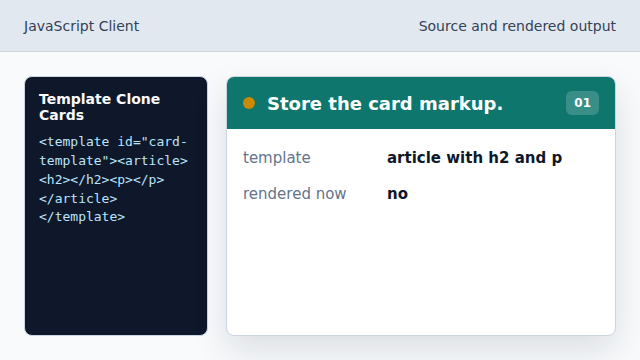
The template is inert until JavaScript clones it. Find the template element.
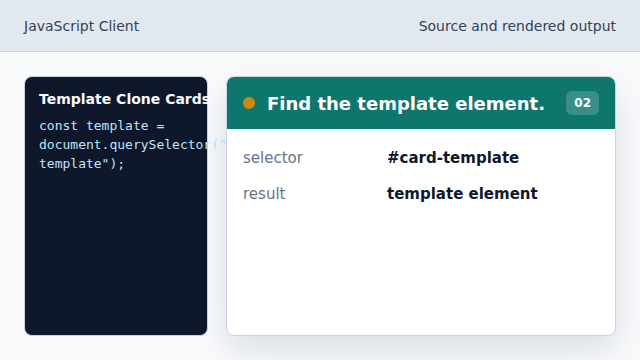
Client code keeps a reference to the reusable markup. Clone the full template subtree.
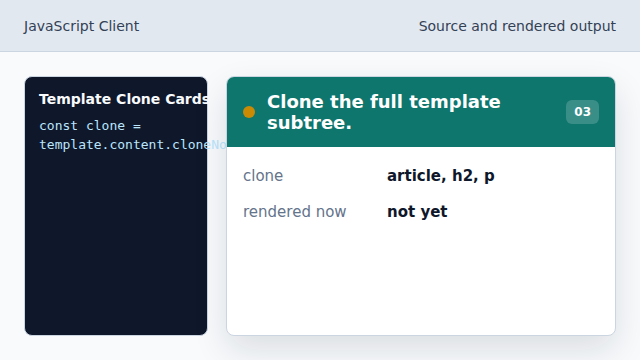
The true argument copies all nested elements. Fill the cloned heading.
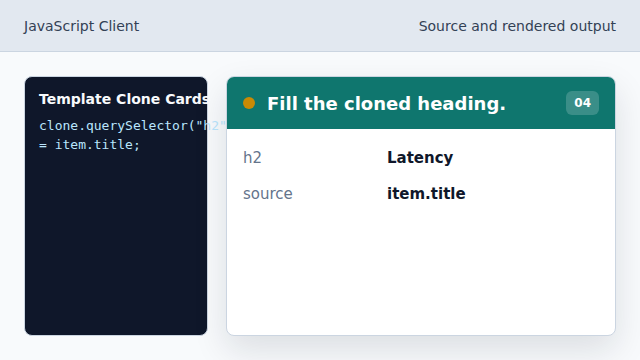
The heading receives data before insertion. Append the finished clone.
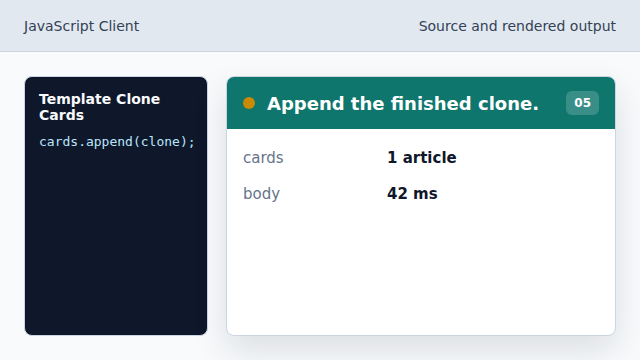
The cloned article becomes visible in the document.
template
template stores markup that is not rendered until cloned.
cloneNode
cloneNode copies a DOM subtree for insertion elsewhere.