Text and Lists
Text Emphasis
Inline Elements Add Meaning
A short status note gains semantic inline elements that change both meaning and rendered emphasis.
Program
Inline text elements work inside a paragraph. They do not create a new region; they add meaning to the words they wrap.
text_emphasis.html
Visuals: captured from real browser rendering
<p>Build <strong>safe</strong> pages with <em>clear</em> structure.</p>
<p><mark>Review alt text</mark> before launch.</p>
<small>Updated today</small>
Create the status paragraph.
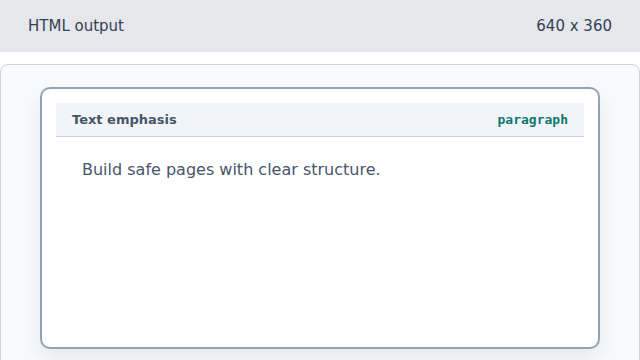
The paragraph creates a text run in the document body. Mark the important word as strong.
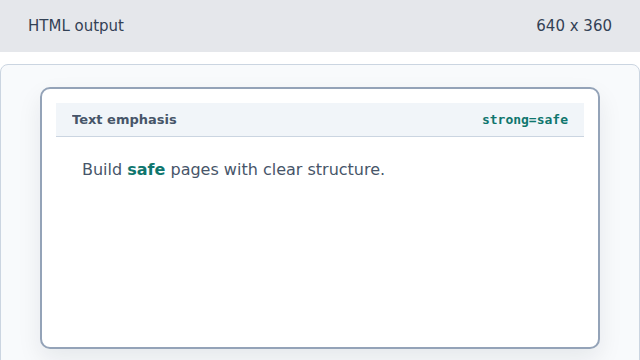
The strong element gives the word semantic importance. Emphasize the word clear.
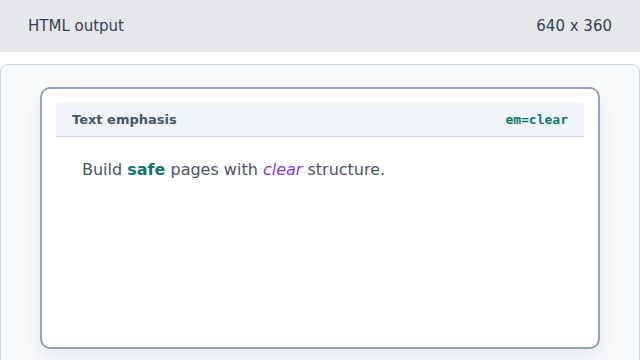
The em element changes the stress of the sentence. Highlight the review reminder.
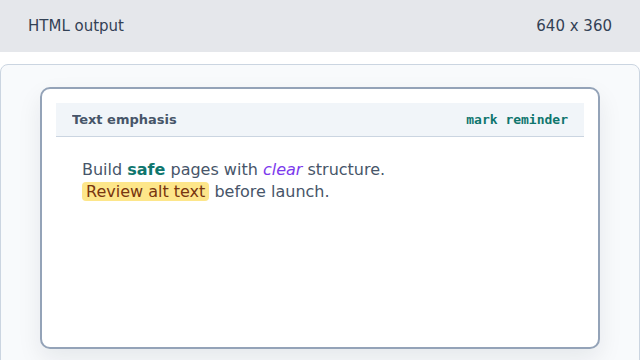
The mark element calls attention to text that matters now. Add the low-priority update note.
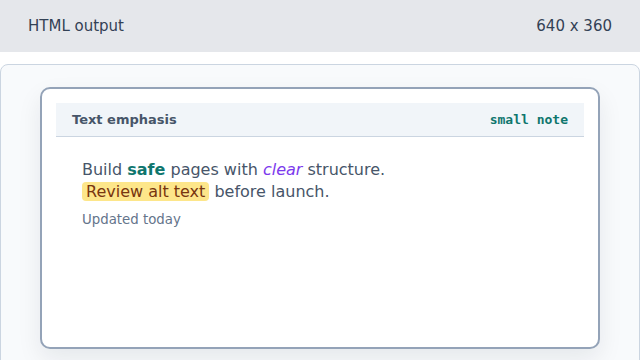
Small text carries side comments or fine print.
strong
Strong importance marks text that should stand out semantically, not only visually.
mark
Marked text highlights a relevant phrase in the current context.