Profile Edit Review Patterns
Username Availability
A static username notice shows handle maya-chen, message maya-chen is available, a status region, and no real availability check.
Program
Username availability UI should show the candidate handle and result text without pretending to query a service.
username_availability_notice.html
Visuals: captured from real browser rendering
<section class="username-notice" aria-labelledby="username-title">
  <h2 id="username-title">Username check</h2>
  <p><strong>Handle</strong> <code>maya-chen</code></p>
  <p class="status" role="status">maya-chen is available</p>
  <button type="button">Use this handle</button>
  <p class="note">Static availability notice only; no username lookup, fetch, storage, or account service runs.</p>
</section>
<style>
  .username-notice { display: grid; gap: 10px; max-width: 38rem; border: 1px solid #15803d; padding: 12px; background: #f0fdf4; }
  .username-notice p, .note { margin: 0; }
  .status { border: 1px solid #16a34a; background: #dcfce7; padding: 8px; font-weight: 700; }
  .username-notice button { justify-self: start; padding: 8px 12px; }
  .note { color: #475569; }
</style>
Label the username notice.
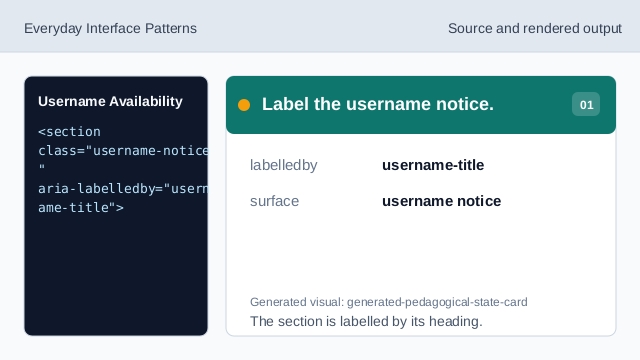
The section is labelled by its heading. Show the candidate handle.
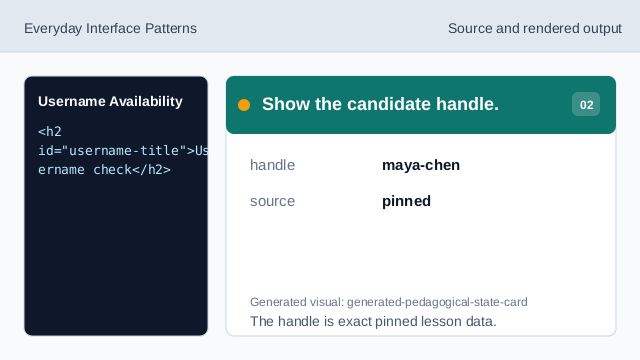
The handle is exact pinned lesson data. Use a status region for the result.
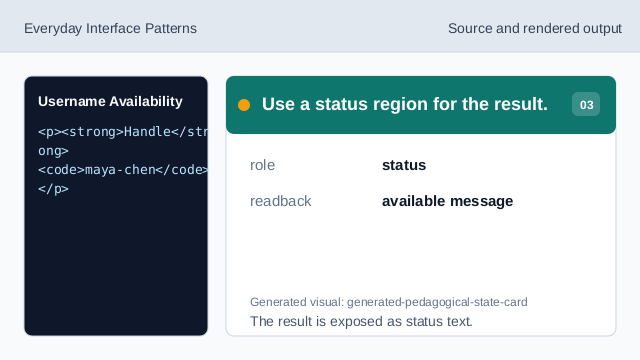
The result is exposed as status text. Show the available result.
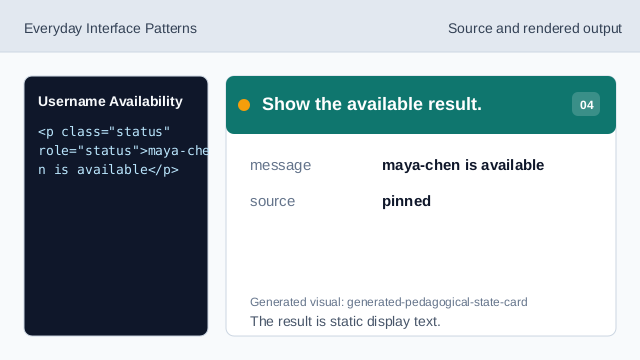
The result is static display text. Show the handle affordance.
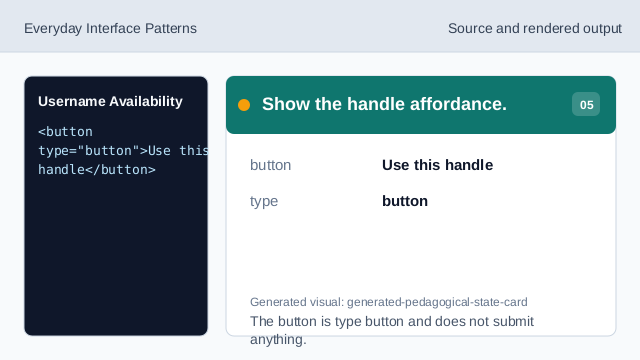
The button is type button and does not submit anything. Check username honesty.
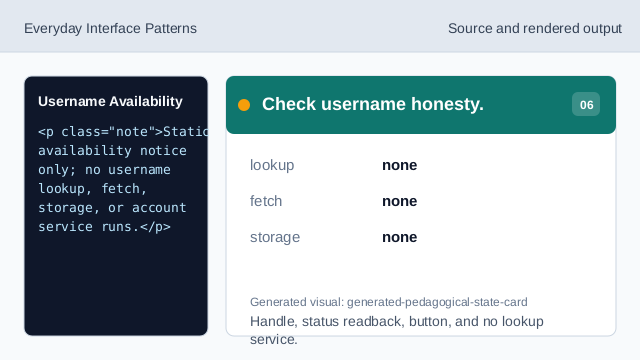
Handle, status readback, button, and no lookup service.
candidate handle
The candidate username is pinned text.
status readback
role status exposes the visible availability message.
no lookup
The lesson should not imply username lookup, fetch, storage, or account service behavior.