File Upload Review Patterns
Upload Summary
A static upload summary shows team-photo.png, 842 KB, PNG image, and Ready to upload status.
Program
Upload summaries should let users review the selected file details before any real file picker, file API, or upload request is involved.
upload_file_summary.html
Visuals: captured from real browser rendering
<section class="upload-summary" aria-labelledby="upload-summary-title">
  <h2 id="upload-summary-title">Upload file summary</h2>
  <dl>
    <div><dt>File</dt><dd>team-photo.png</dd></div>
    <div><dt>Size</dt><dd>842 KB</dd></div>
    <div><dt>Type</dt><dd>PNG image</dd></div>
    <div><dt>Status</dt><dd><span class="badge">Ready to upload</span></dd></div>
  </dl>
  <p class="note">Static upload summary only; no file picker, File API, upload request, storage, route, API, network, script, form submit, or live upload runs.</p>
</section>
<style>
  .upload-summary { display: grid; gap: 10px; max-width: 38rem; border: 1px solid #64748b; padding: 12px; }
  .upload-summary dl { display: grid; gap: 8px; margin: 0; }
  .upload-summary dl div { display: grid; grid-template-columns: 8rem 1fr; gap: 8px; }
  .upload-summary dt { color: #475569; }
  .upload-summary dd, .note { margin: 0; }
  .badge { border-radius: 999px; background: #dcfce7; padding: 2px 8px; }
  .note { color: #475569; }
</style>
Label the upload summary.
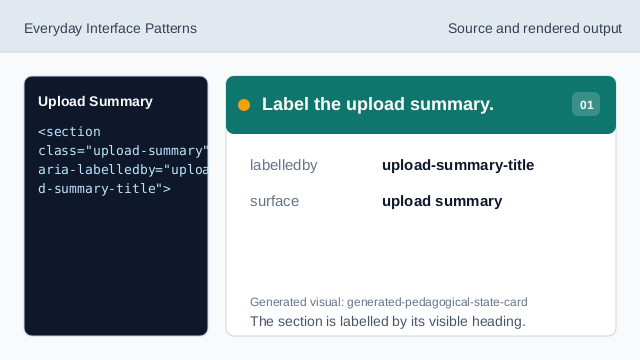
The section is labelled by its visible heading. Show the file row.
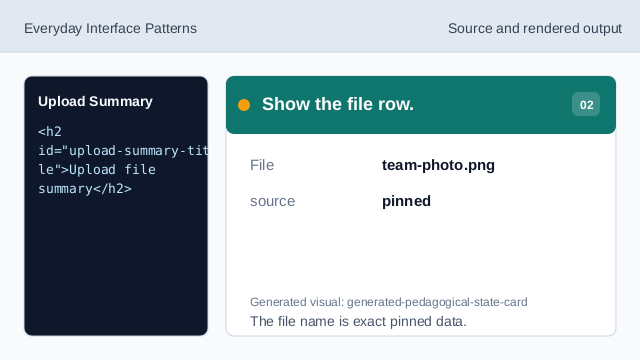
The file name is exact pinned data. Show the size row.
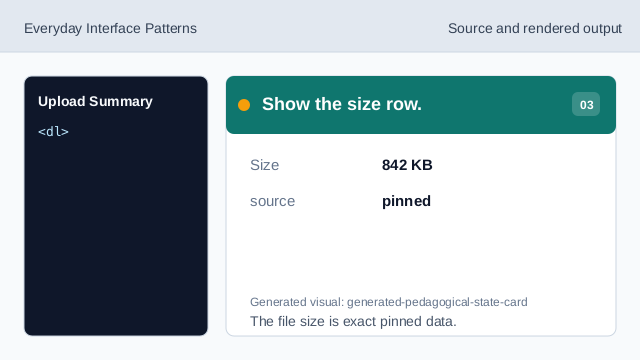
The file size is exact pinned data. Show the type row.
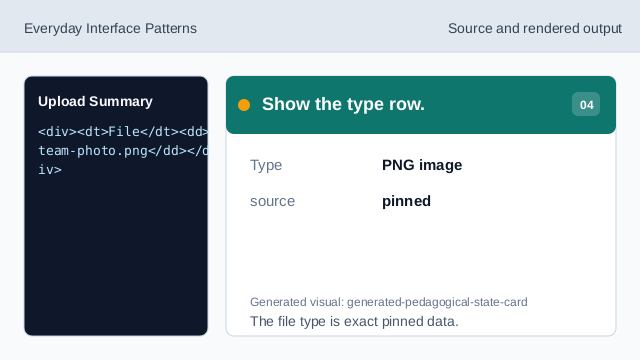
The file type is exact pinned data. Render the ready status.
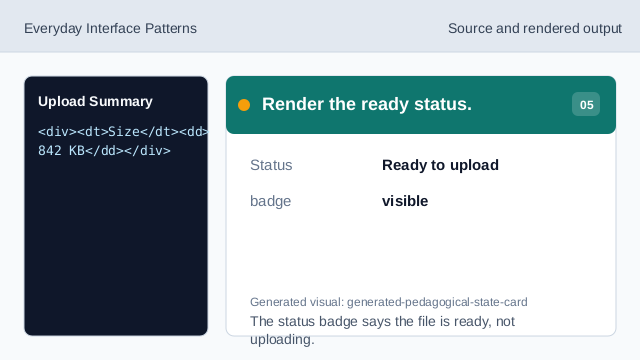
The status badge says the file is ready, not uploading. Check upload honesty.
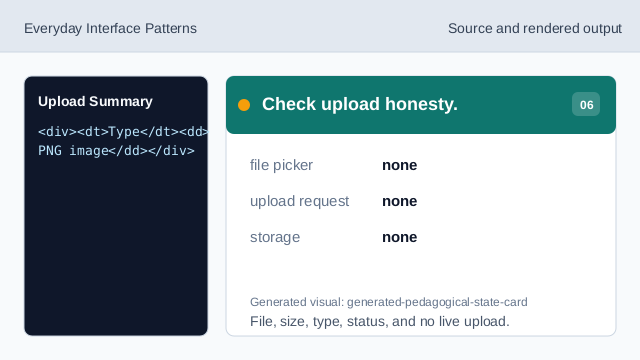
File, size, type, status, and no live upload.
static markup
The section heading names the upload summary surface.
file rows
File, Size, Type, and Status values are exact pinned data.
no live upload
The lesson should not imply file pickers, File APIs, upload requests, storage, routes, APIs, networks, scripts, form submits, or live uploads.