Task Detail Patterns
Task Summary Header
A static task detail header shows Draft launch checklist in Northstar Launch with Open status and no task API or status update.
Program
Task detail headers should make the task name, project, and current state readable without pretending to update the task.
task_summary_header.html
Visuals: captured from real browser rendering
<section class="task-header" aria-labelledby="task-title">
  <p class="eyebrow">Northstar Launch</p>
  <h2 id="task-title">Draft launch checklist</h2>
  <p><strong>Status</strong> <span class="badge">Open</span></p>
  <p class="note">Static task header only; no task API, status update, routing, or storage runs.</p>
</section>
<style>
  .task-header { display: grid; gap: 10px; max-width: 38rem; border: 1px solid #64748b; padding: 12px; }
  .task-header p, .note { margin: 0; }
  .eyebrow { color: #475569; font-weight: 700; }
  .badge { border-radius: 999px; background: #dbeafe; padding: 2px 8px; }
  .note { color: #475569; }
</style>
Label the task detail header.
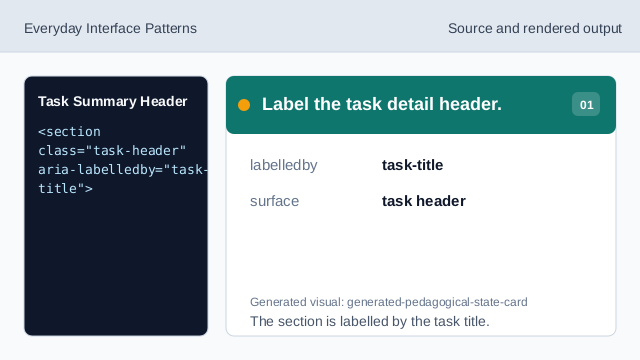
The section is labelled by the task title. Show the project context.
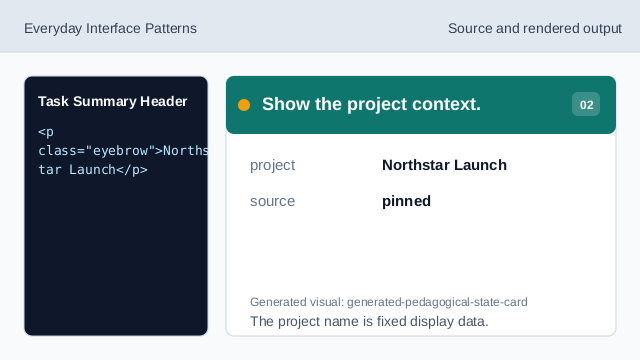
The project name is fixed display data. Show the task title.
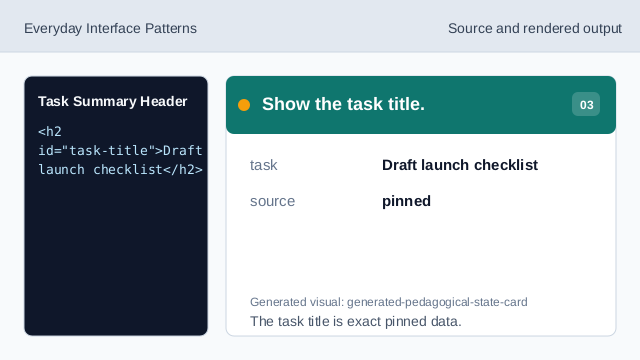
The task title is exact pinned data. Show the current status badge.
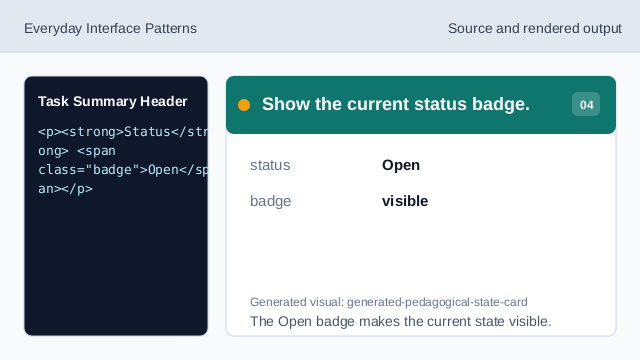
The Open badge makes the current state visible. Show the static-state note.
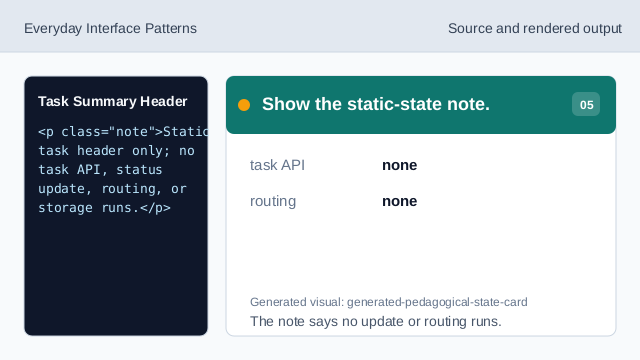
The note says no update or routing runs. Check task header honesty.
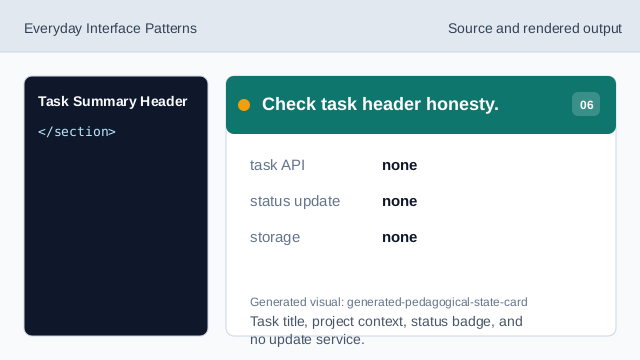
Task title, project context, status badge, and no update service.
task heading
The task title is the labelled heading.
project context
Northstar Launch is visible above the task name.
no task update
The lesson should not imply task APIs, status updates, routing, or storage.