Workspace Switcher Patterns
Switch Notice
A static switch confirmation notice shows Acorn Lab, no unsaved work, Dashboard destination, and Not switched status.
Program
Switch confirmations should read back the target, unsaved-work state, and destination before any real navigation or session change.
switch_confirmation_notice.html
Visuals: captured from real browser rendering
<section class="switch-notice" aria-labelledby="switch-notice-title">
  <h2 id="switch-notice-title">Switch confirmation</h2>
  <dl>
    <div><dt>Target</dt><dd>Acorn Lab</dd></div>
    <div><dt>Unsaved work</dt><dd>None</dd></div>
    <div><dt>Destination</dt><dd>Dashboard</dd></div>
    <div><dt>Status</dt><dd><span class="badge">Not switched</span></dd></div>
  </dl>
  <p class="note">Static switch confirmation only; no navigation, history route, session write, storage, workspace service, account service, API, network, timer, script, or live switch runs.</p>
</section>
<style>
  .switch-notice { display: grid; gap: 10px; max-width: 38rem; border: 1px solid #b45309; padding: 12px; background: #fffbeb; }
  .switch-notice dl { display: grid; gap: 8px; margin: 0; }
  .switch-notice dl div { display: grid; grid-template-columns: 8rem 1fr; gap: 8px; }
  .switch-notice dt { color: #475569; }
  .switch-notice dd, .note { margin: 0; }
  .badge { border-radius: 999px; background: #fef3c7; padding: 2px 8px; }
  .note { color: #475569; }
</style>
Label the switch confirmation.
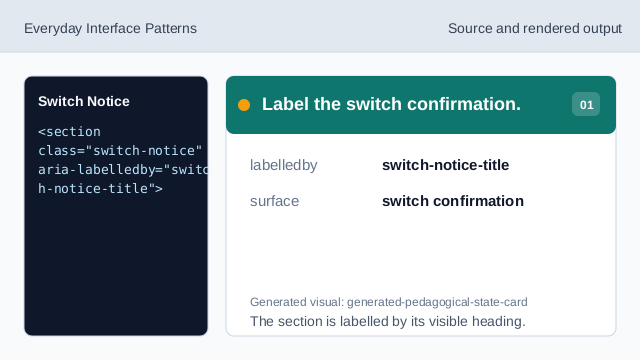
The section is labelled by its visible heading. Show the target workspace.
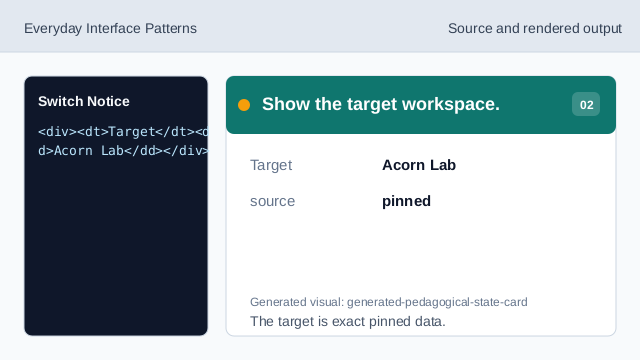
The target is exact pinned data. Show the unsaved-work state.
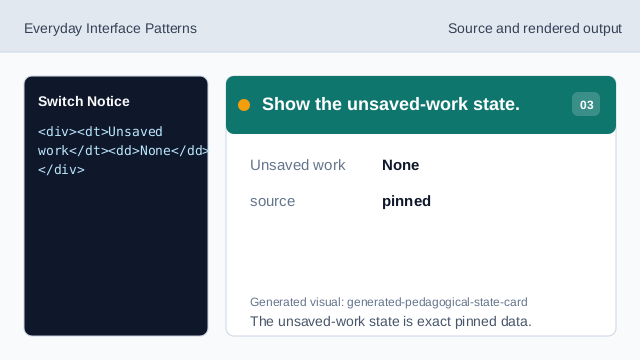
The unsaved-work state is exact pinned data. Show the destination.
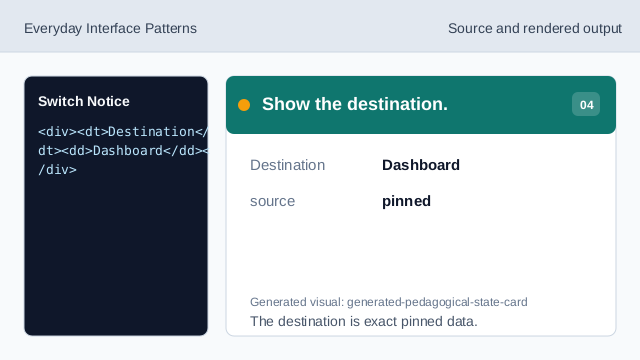
The destination is exact pinned data. Show the not-switched status.
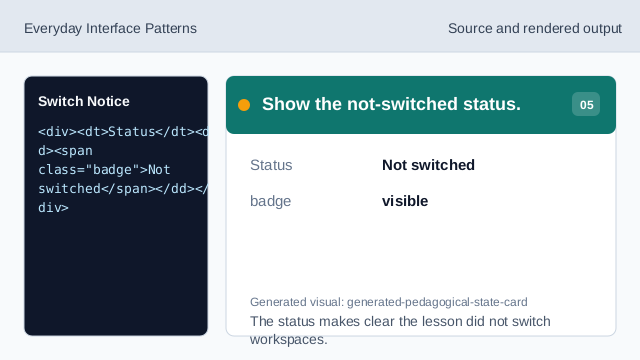
The status makes clear the lesson did not switch workspaces. Check switch notice honesty.
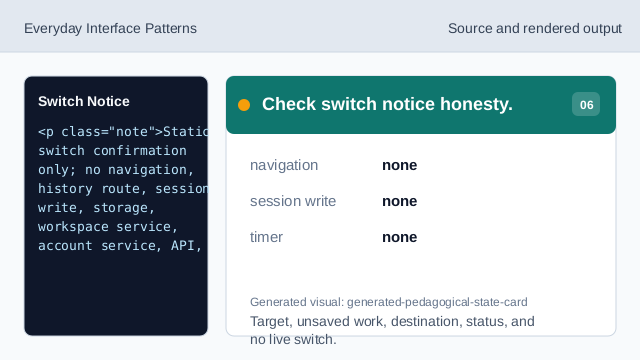
Target, unsaved work, destination, status, and no live switch.
confirmation readback
The section heading names the switch confirmation surface.
switch rows
Target, Unsaved work, Destination, and Status values are exact pinned data.
no navigation
The lesson should not imply navigation, history routes, session writes, storage, workspace services, account services, APIs, timers, scripts, or live switching.