Session State Patterns
Signed Out Confirmation
A signed-out confirmation shows a Sign in again action and states that no authentication flow opens.
Program
Signed-out states should confirm what happened and offer a clear next action. This lesson does not open authentication.
signed_out_confirmation.html
Visuals: captured from real browser rendering
<section class="signed-out" data-session-state="signed-out">
  <h2>Signed out</h2>
  <p role="status">You are signed out of this static example.</p>
  <button type="button" aria-describedby="signin-note">Sign in again</button>
  <p id="signin-note">No authentication flow opens in this lesson.</p>
</section>
<style>
  .signed-out { display: grid; gap: 10px; max-width: 30rem; border: 1px solid #64748b; padding: 12px; }
  .signed-out button { justify-self: start; padding: 8px 12px; }
  #signin-note { margin: 0; color: #475569; }
</style>
Pin the signed-out state.
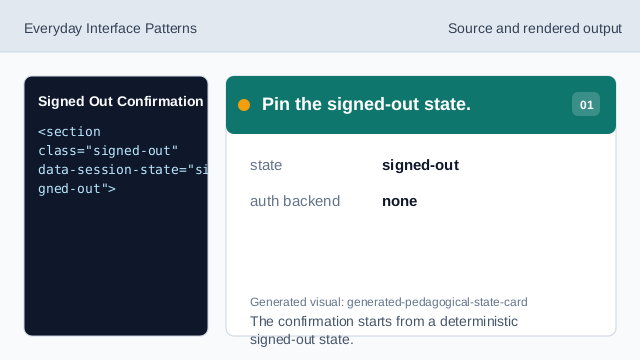
The confirmation starts from a deterministic signed-out state. Confirm the signed-out state.
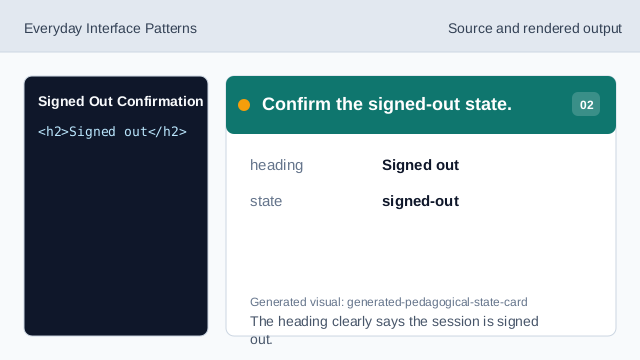
The heading clearly says the session is signed out. Announce the confirmation.
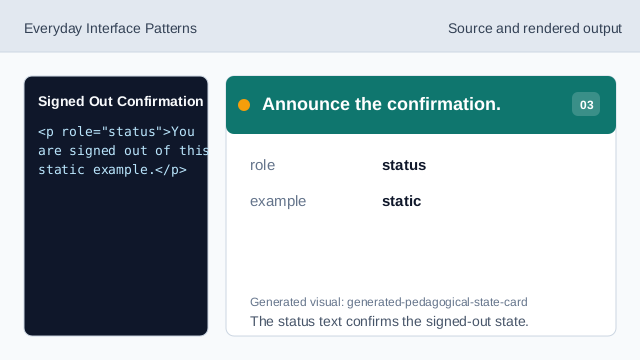
The status text confirms the signed-out state. Show the sign-in action.
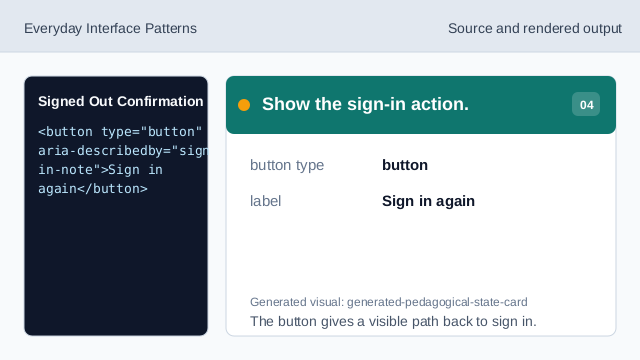
The button gives a visible path back to sign in. State what does not open.
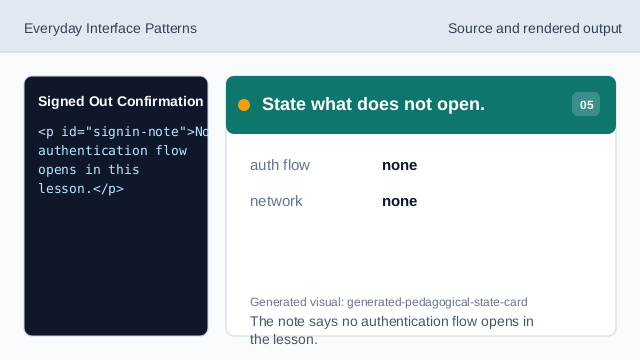
The note says no authentication flow opens in the lesson. Check the signed-out confirmation.
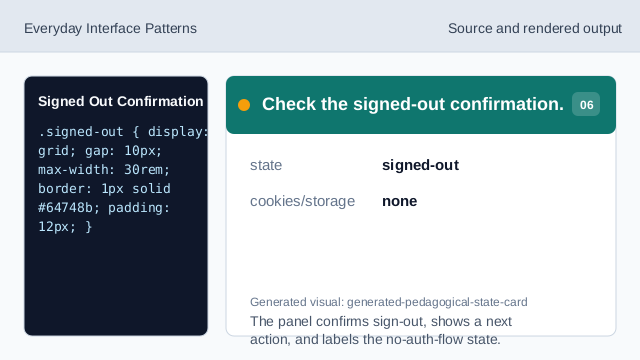
The panel confirms sign-out, shows a next action, and labels the no-auth-flow state.
signed-out state
The UI should clearly confirm that the session is signed out.
sign-in action
A visible action can show the path back to sign in.
no auth flow
The lesson should not imply an authentication flow opened.