Delivery Tracking Patterns
Shipment Timeline
A static delivery timeline shows three pinned steps, marks Out for delivery as current, and avoids carrier API or live tracking behavior.
Program
Delivery timelines should make the current step clear while staying honest about whether live tracking is running.
shipment_status_timeline.html
Visuals: captured from real browser rendering
<section class="shipment-timeline" aria-labelledby="shipment-title">
  <h2 id="shipment-title">Shipment status</h2>
  <ol>
    <li>Packed</li>
    <li>Shipped</li>
    <li aria-current="step">Out for delivery</li>
  </ol>
  <p class="note">Static delivery timeline only; no carrier API or live tracking runs.</p>
</section>
<style>
  .shipment-timeline { display: grid; gap: 10px; max-width: 38rem; border: 1px solid #64748b; padding: 12px; }
  .shipment-timeline ol { display: grid; gap: 8px; margin: 0; padding-left: 1.25rem; }
  .shipment-timeline li[aria-current="step"] { font-weight: 700; color: #0f766e; }
  .note { color: #475569; margin: 0; }
</style>
Label the shipment timeline.
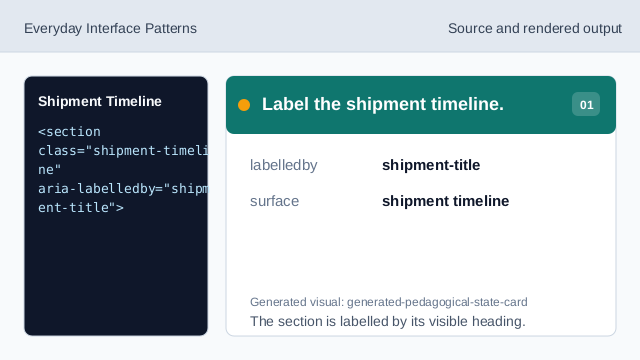
The section is labelled by its visible heading. Show the timeline heading.
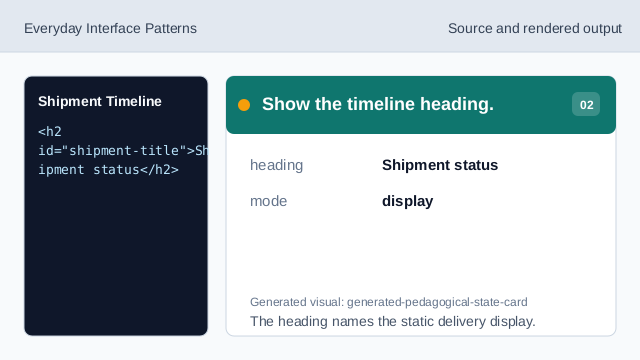
The heading names the static delivery display. Use an ordered list for steps.
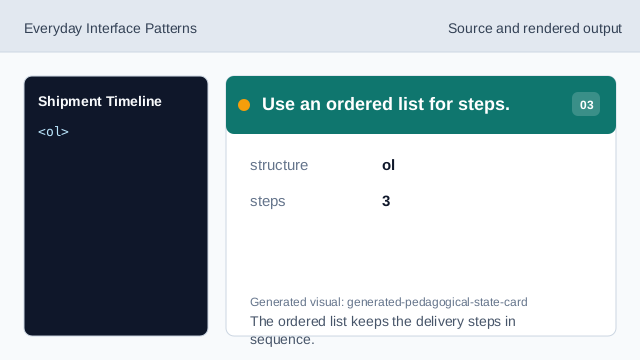
The ordered list keeps the delivery steps in sequence. Show the packed step.
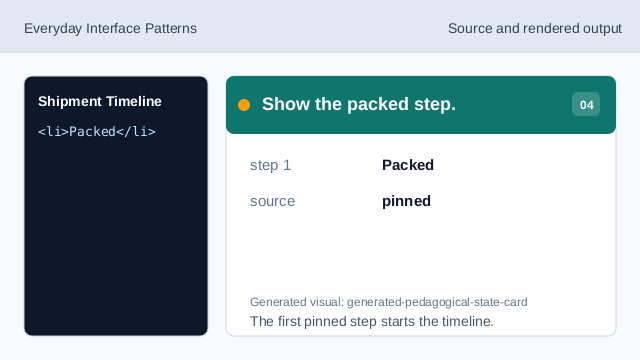
The first pinned step starts the timeline. Show the shipped step.
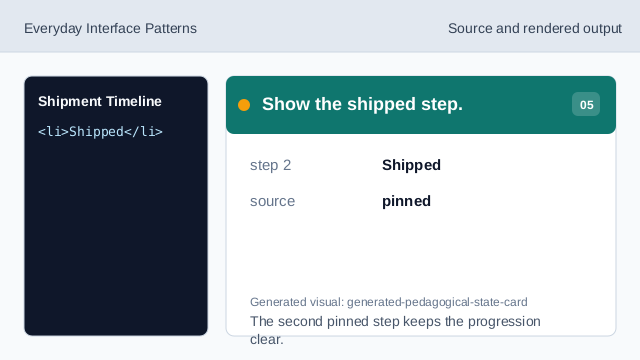
The second pinned step keeps the progression clear. Mark the current delivery step.
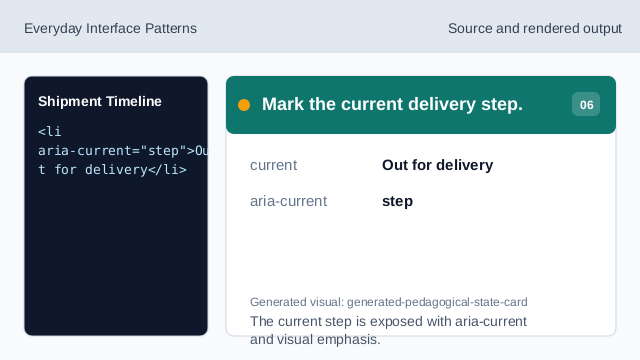
The current step is exposed with aria-current and visual emphasis. Check timeline honesty.
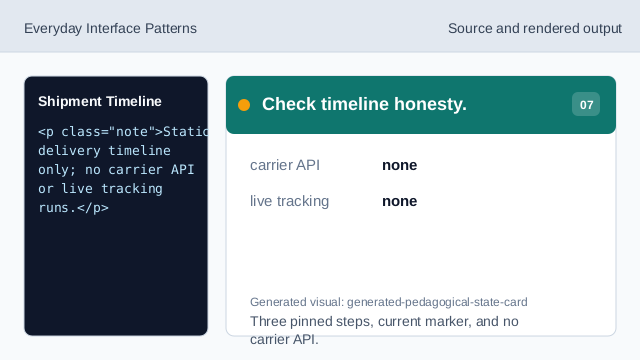
Three pinned steps, current marker, and no carrier API.
timeline steps
The three delivery steps are pinned display data.
current step
aria-current marks the current timeline step.
no live tracking
The lesson should not imply a carrier API or live tracking.