Seat Management Patterns
Seat Usage
A static seat usage summary shows Team plan, 6 of 8 seats used, 2 available seats, and Room for invites.
Program
Seat summaries should show current usage plainly without implying a billing API, quota lookup, invite service, or user update.
seat_usage_summary.html
Visuals: captured from real browser rendering
<section class="seat-summary" aria-labelledby="seat-summary-title">
  <h2 id="seat-summary-title">Seat usage summary</h2>
  <dl>
    <div><dt>Plan</dt><dd>Team</dd></div>
    <div><dt>Seats used</dt><dd>6 of 8</dd></div>
    <div><dt>Available</dt><dd>2 seats</dd></div>
    <div><dt>Status</dt><dd><span class="badge">Room for invites</span></dd></div>
  </dl>
  <p class="note">Static seat summary only; no route, save, invite, bill, charge, change seats, update users, or call a seat service runs.</p>
</section>
<style>
  .seat-summary { display: grid; gap: 10px; max-width: 38rem; border: 1px solid #64748b; padding: 12px; }
  .seat-summary dl { display: grid; gap: 8px; margin: 0; }
  .seat-summary dl div { display: grid; grid-template-columns: 8rem 1fr; gap: 8px; }
  .seat-summary dt { color: #475569; }
  .seat-summary dd, .note { margin: 0; }
  .badge { border-radius: 999px; background: #dcfce7; padding: 2px 8px; }
  .note { color: #475569; }
</style>
Label the seat usage summary.
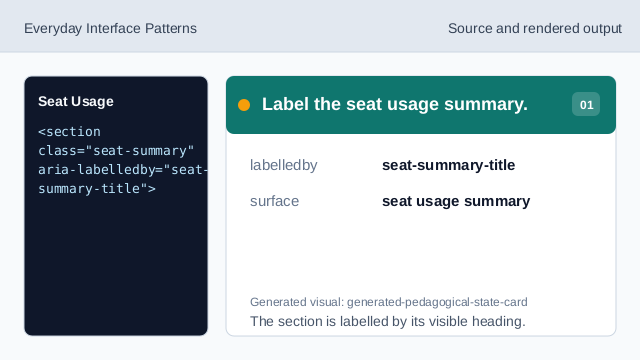
The section is labelled by its visible heading. Show the plan row.
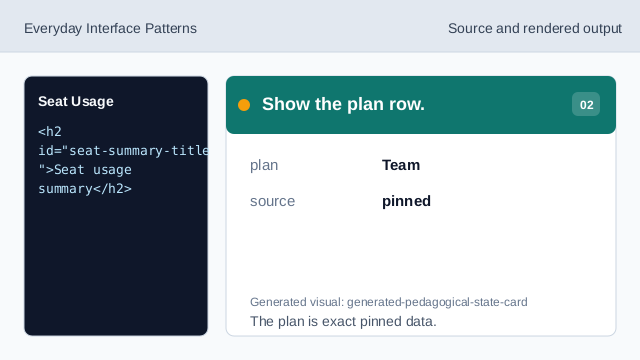
The plan is exact pinned data. Show the used seats readback.
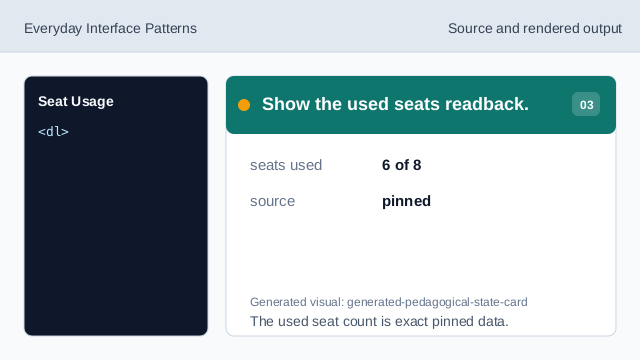
The used seat count is exact pinned data. Show the available seats readback.
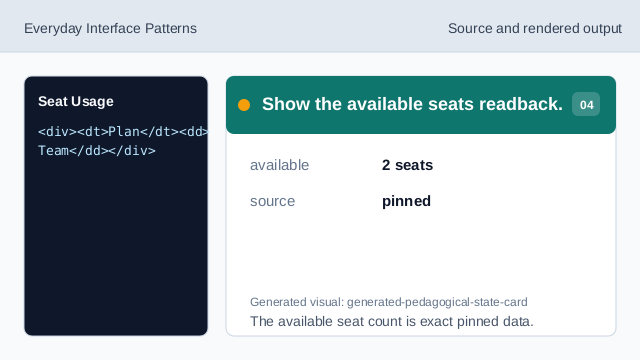
The available seat count is exact pinned data. Show the status readback.
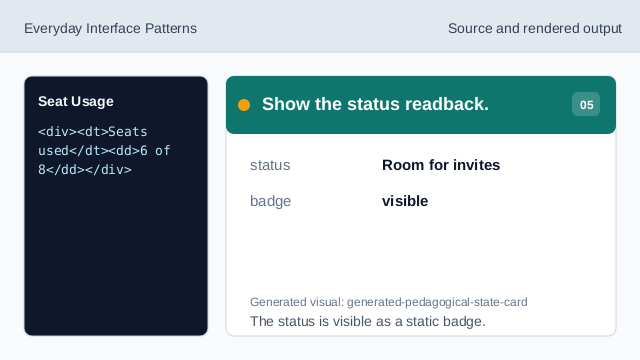
The status is visible as a static badge. Check seat summary honesty.
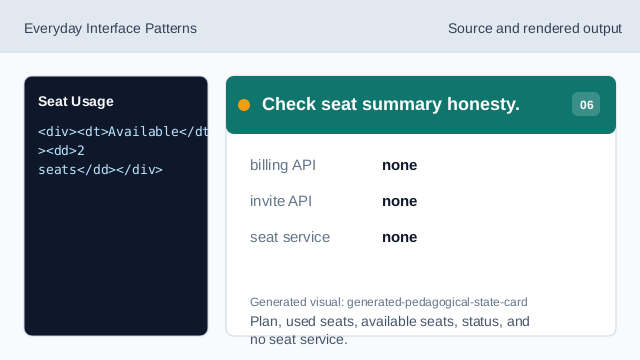
Plan, used seats, available seats, status, and no seat service.
labelled summary
The section heading names the seat usage surface.
usage readback
Plan, seats used, available seats, and status are exact pinned data.
no seat service
The lesson should not imply billing APIs, subscription APIs, user APIs, invite APIs, or seat/quota APIs.