Policy Acknowledgement Patterns
Required Blocker
A static required acknowledgement blocker shows Export data step, Accept updated terms requirement, Continue disabled button state, and Not submitted status.
Program
Required acknowledgement blockers should show why a step is blocked without submitting forms or mutating sessions.
required_acknowledgement_blocker.html
Visuals: captured from real browser rendering
<section class="ack-blocker" aria-labelledby="ack-blocker-title"><h2 id="ack-blocker-title">Required acknowledgement blocker</h2><dl>
  <div><dt>Step</dt><dd>Export data</dd></div>
  <div><dt>Requirement</dt><dd>Accept updated terms</dd></div><div><dt>Button</dt><dd>Continue disabled</dd></div>
  <div><dt>Status</dt><dd><span class="badge">Not submitted</span></dd></div></dl>
  <p class="check">Learner check: the blocker reason is visible before any export starts.</p>
  <p class="note">Static acknowledgement blocker only; no policy service, consent service, legal acceptance mutation, account lookup, session mutation, export/download service, storage, route, API, network, script, event listener, form submit, input, checkbox, analytics, timer, or live acknowledgement runs.</p></section>
<style>
  .ack-blocker { display: grid; gap: 10px; max-width: 38rem; border: 1px solid #b45309; padding: 12px; background: #fffbeb; }
  .ack-blocker dl { display: grid; gap: 8px; margin: 0; }
  .ack-blocker dl div { display: grid; grid-template-columns: 8rem 1fr; gap: 8px; }
  .ack-blocker dt { color: #475569; }
  .ack-blocker dd, .check, .note { margin: 0; }
  .badge { border-radius: 999px; background: #fde68a; padding: 2px 8px; }
  .note { color: #475569; }
</style>
Label the acknowledgement blocker.
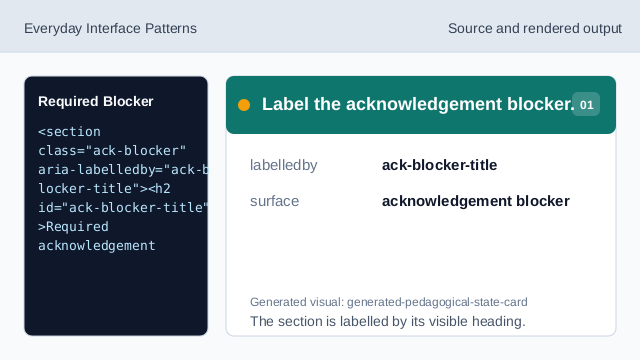
The section is labelled by its visible heading. Show blocked step row.
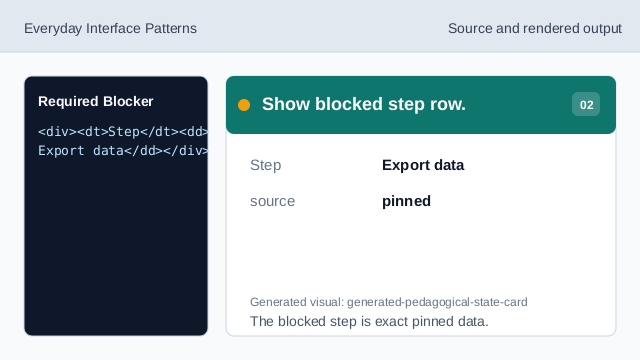
The blocked step is exact pinned data. Show requirement and button rows.
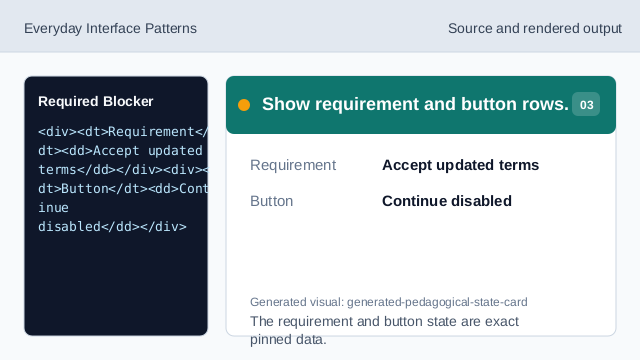
The requirement and button state are exact pinned data. Render not-submitted status.
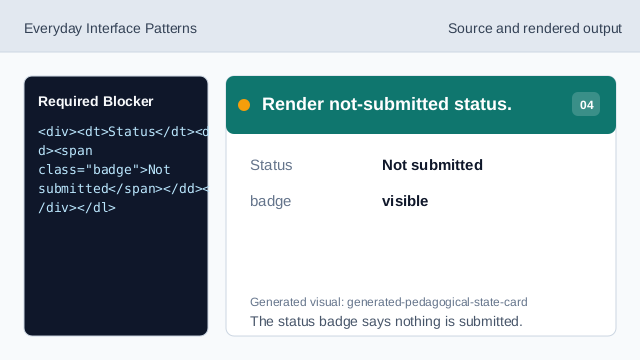
The status badge says nothing is submitted. Check blocker readback.
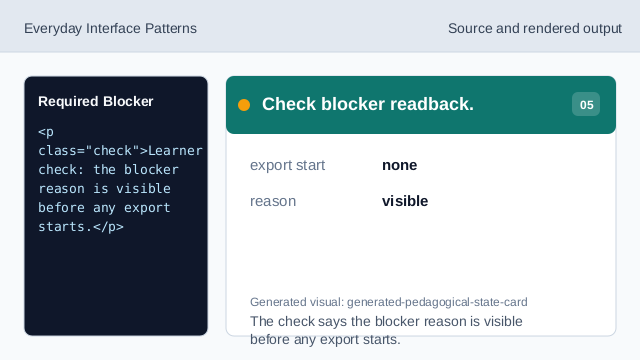
The check says the blocker reason is visible before any export starts. Check blocker honesty.
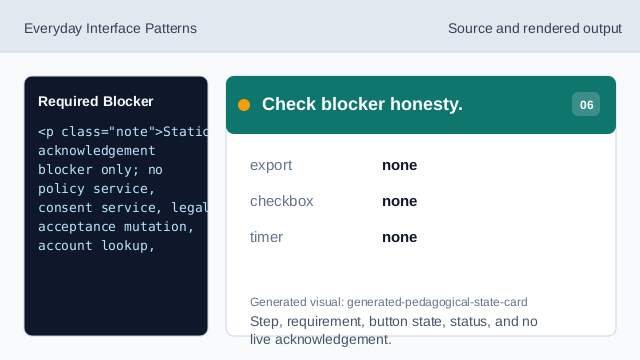
Step, requirement, button state, status, and no live acknowledgement.
step flow
step(1) labels the source, step(2) shows the blocked step, step(3) shows requirement and button rows, step(4) shows not-submitted status, step(5) checks the blocker readback, and step(6) checks the honesty note.
blocker readback
The section heading names the required acknowledgement blocker surface.
blocker rows
Step, Requirement, Button, and Status values are exact pinned data.
no live export or acknowledgement
The lesson should not imply policy services, consent services, legal acceptance mutations, account lookups, session mutations, export/download services, storage, routes, APIs, networks, scripts, event listeners, form submits, inputs, checkboxes, analytics, timers, or live acknowledgements.